Each kit is a single workbook you buy once and keep. Formulas only, no macros, no sign-up. They open in Excel (2010 or later), Google Sheets and Apple Numbers, and every formula is checked by recalculating the whole workbook before release. The free calculators on this site answer one question at a time; the kits keep the answers together and update them as you add rows.
Freelancer Finance Kit $12
One spreadsheet for invoices, due dates, late fees, rates and cash flow
What is inside
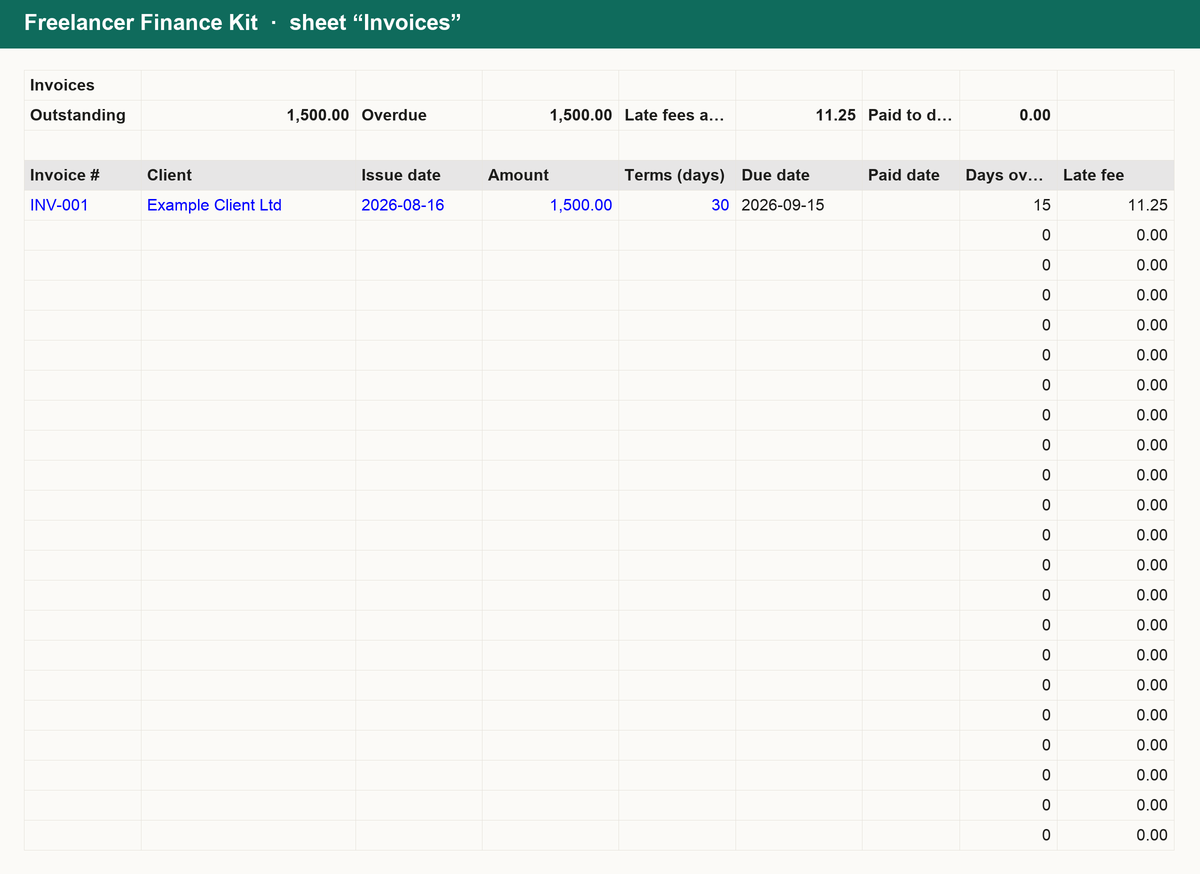
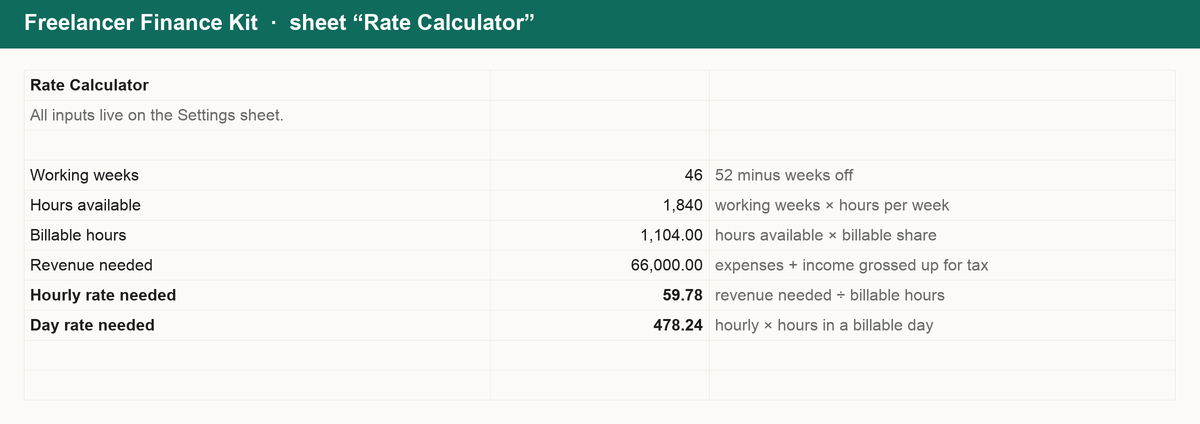
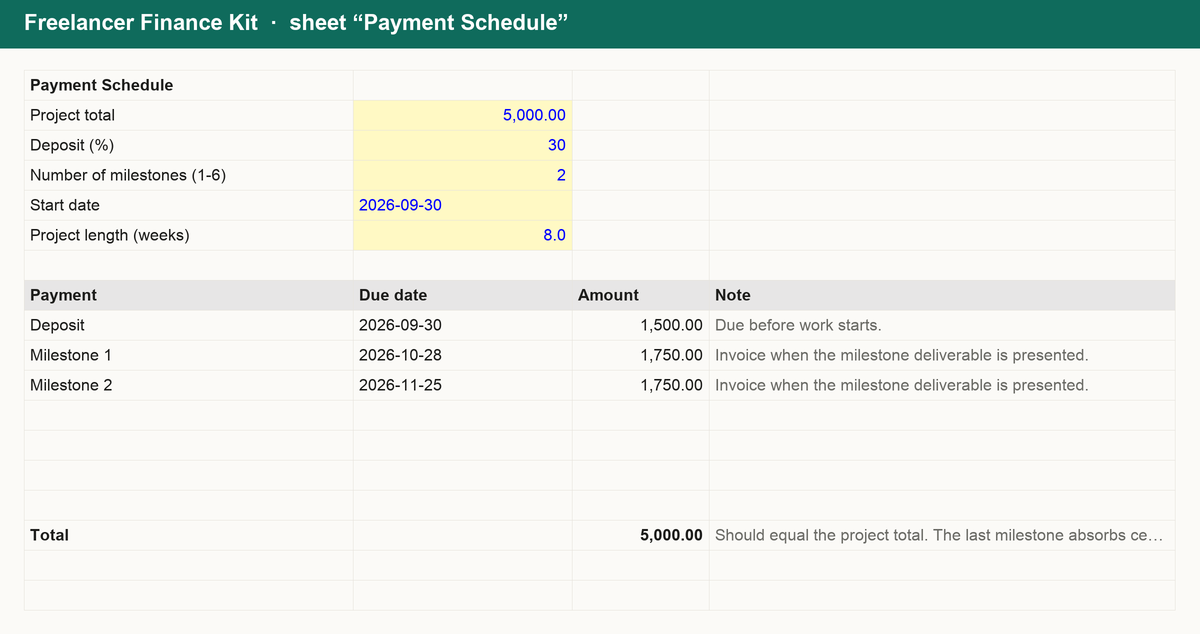
Stop guessing when invoices are due or what a late payment costs you. The Freelancer Finance Kit is a single workbook that does the arithmetic for you:
- Invoices: enter the date and terms, get the due date, days overdue and late fee automatically, with totals for outstanding and overdue.
- Rate calculator: turn a target income, expenses and time off into the hourly and day rate you need.
- Payment schedule: split any project into a deposit and milestones with dates.
- Expenses: log costs by category and see monthly totals.
- Summary: invoiced, paid, outstanding and expenses by month and quarter.
Works in Excel, Google Sheets and Numbers. No macros, no sign-up, yours forever.
Get it for $12
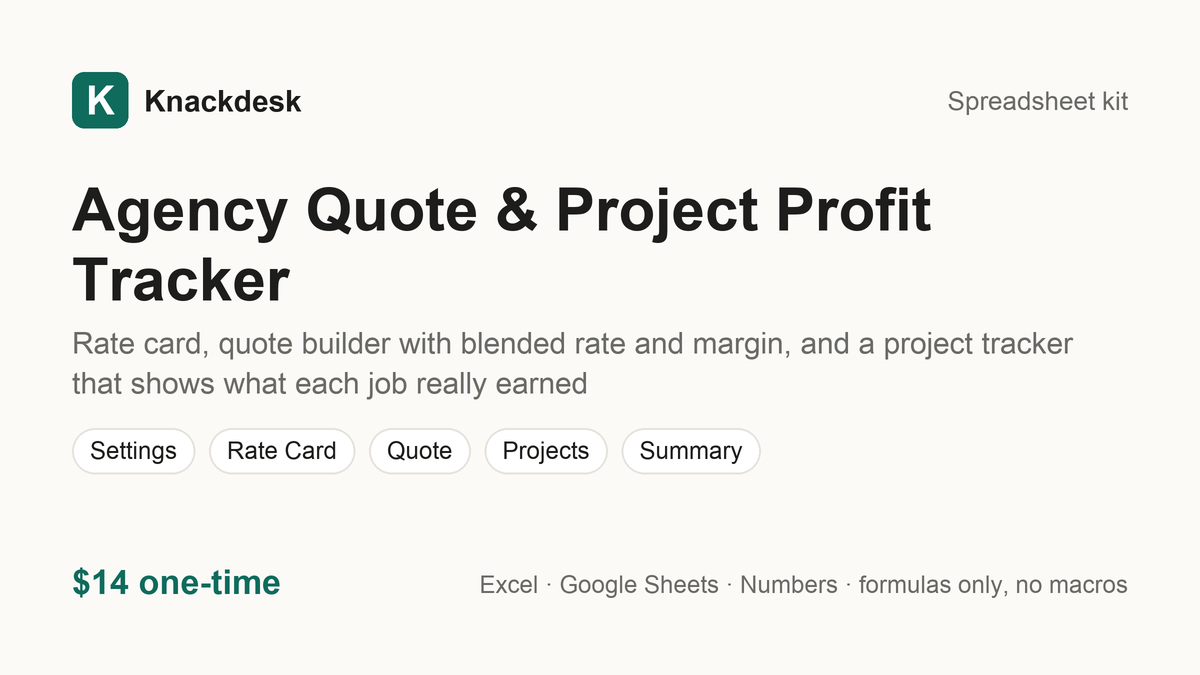
Agency Quote & Project Profit Tracker $14
Rate card, quote builder with blended rate and margin, and a project tracker that shows what each job really earned
What is inside
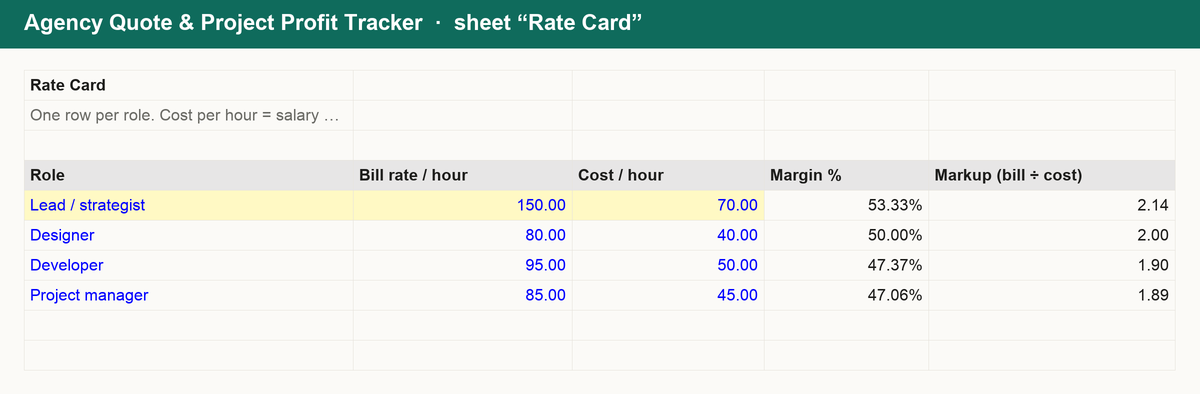
Quote with confidence and find out which projects actually made money. The Agency Quote & Project Profit Tracker is a single workbook:
- Rate card: bill rate and internal cost per role, with the margin and markup each role earns.
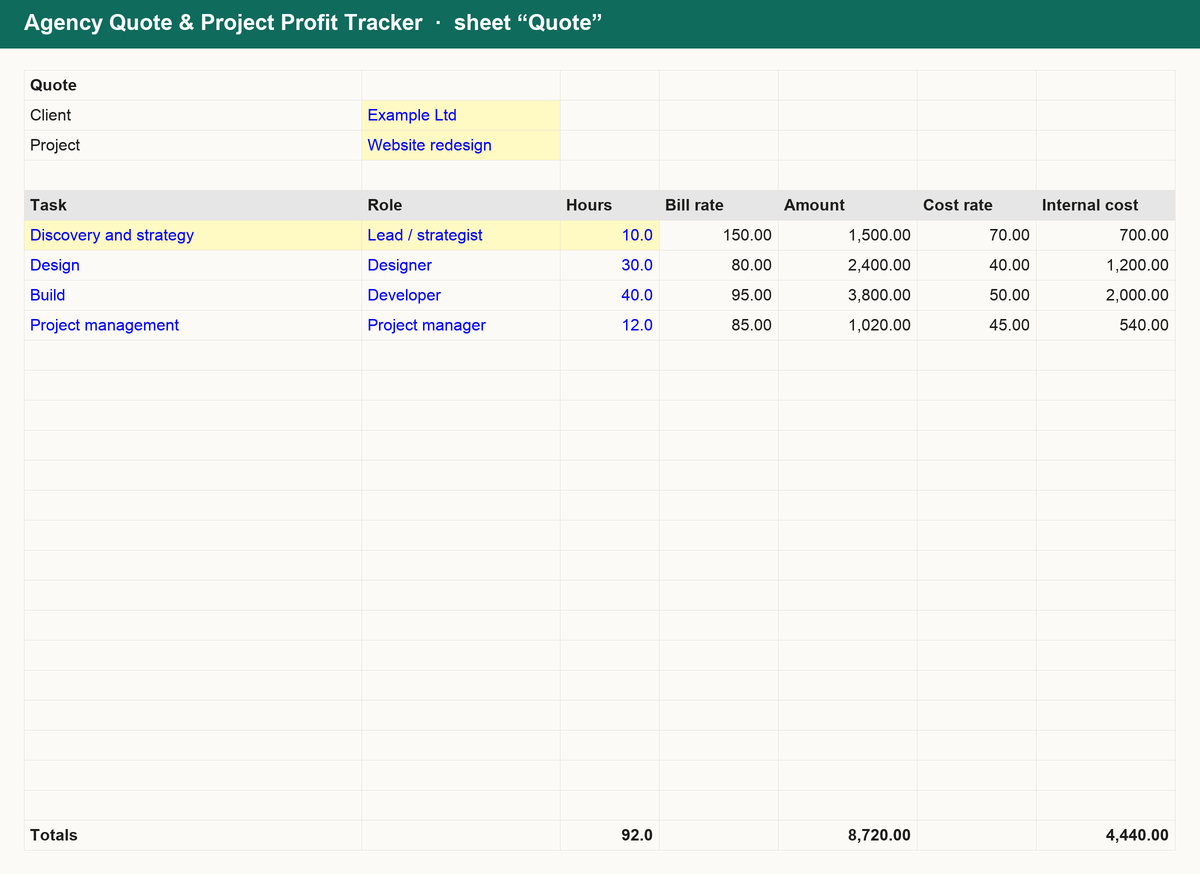
- Quote builder: list tasks with a role and hours; bill amounts, internal cost, expenses, contingency and discount roll up into the quote total, blended rate, expected profit, margin and working days.
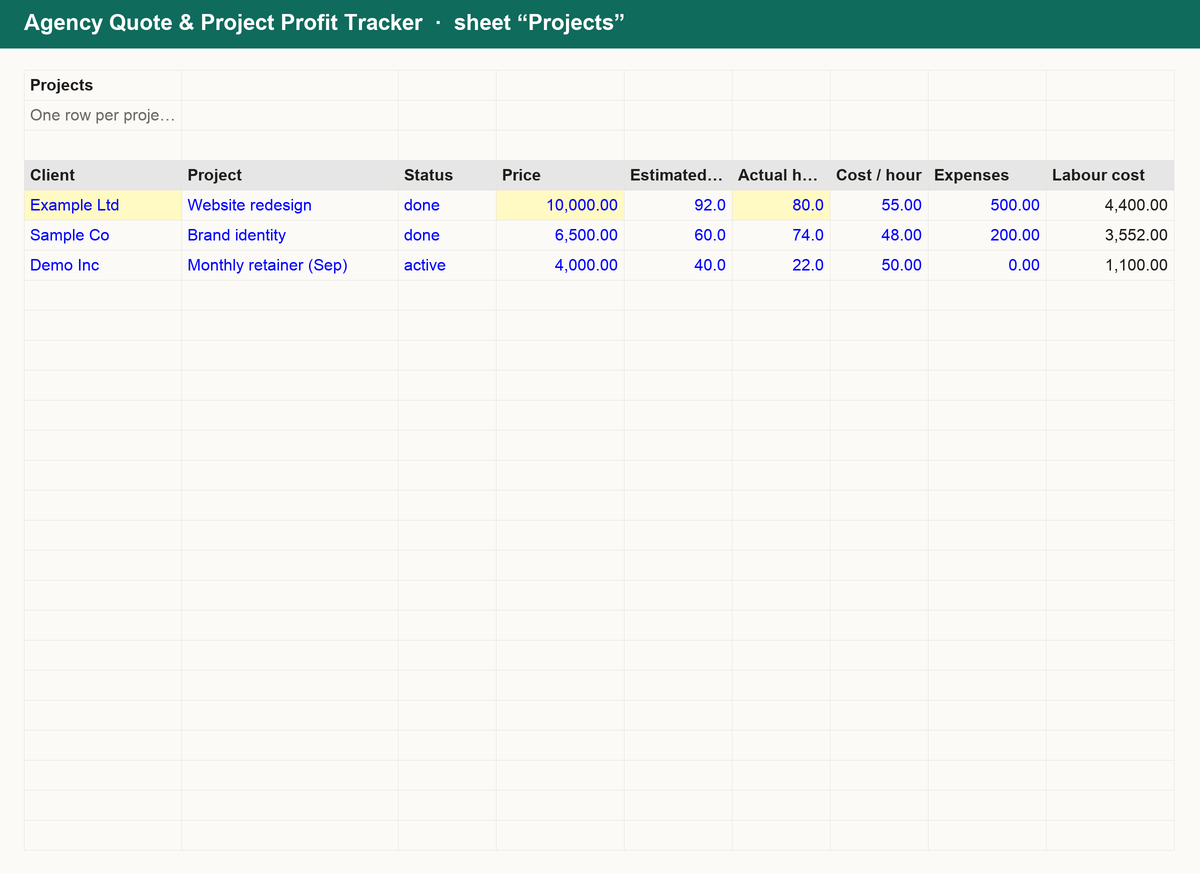
- Project tracker: one row per project with price, estimated and actual hours, cost, expenses, invoiced and paid; profit, margin, effective hourly rate, hours overrun and outstanding balance are calculated.
- Summary: revenue, cost, profit, average margin, hours billed, average effective rate, outstanding invoices and how many projects overran.
Works in Excel, Google Sheets and Numbers. No macros, no sign-up, yours forever.
Get it for $14
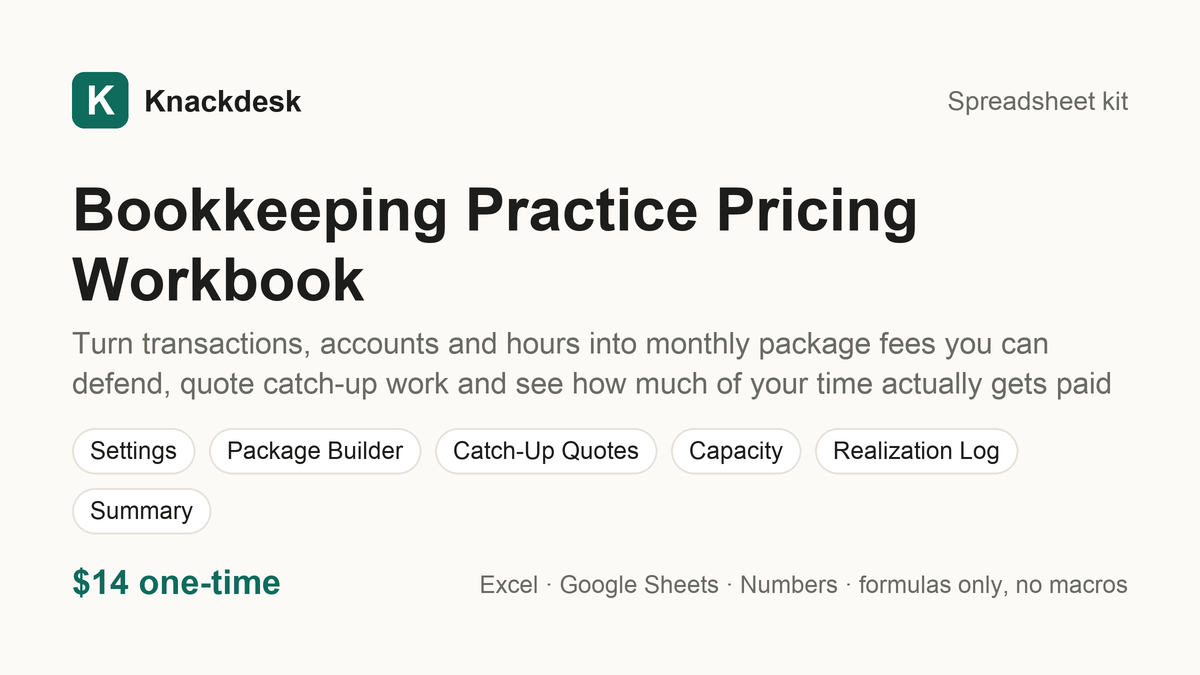
Bookkeeping Practice Pricing Workbook $14
Turn transactions, accounts and hours into monthly package fees you can defend, quote catch-up work and see how much of your time actually gets paid
What is inside
Know what every client file has to earn. The Bookkeeping Practice Pricing Workbook turns your overhead, income goal and hours into monthly fees you can defend:
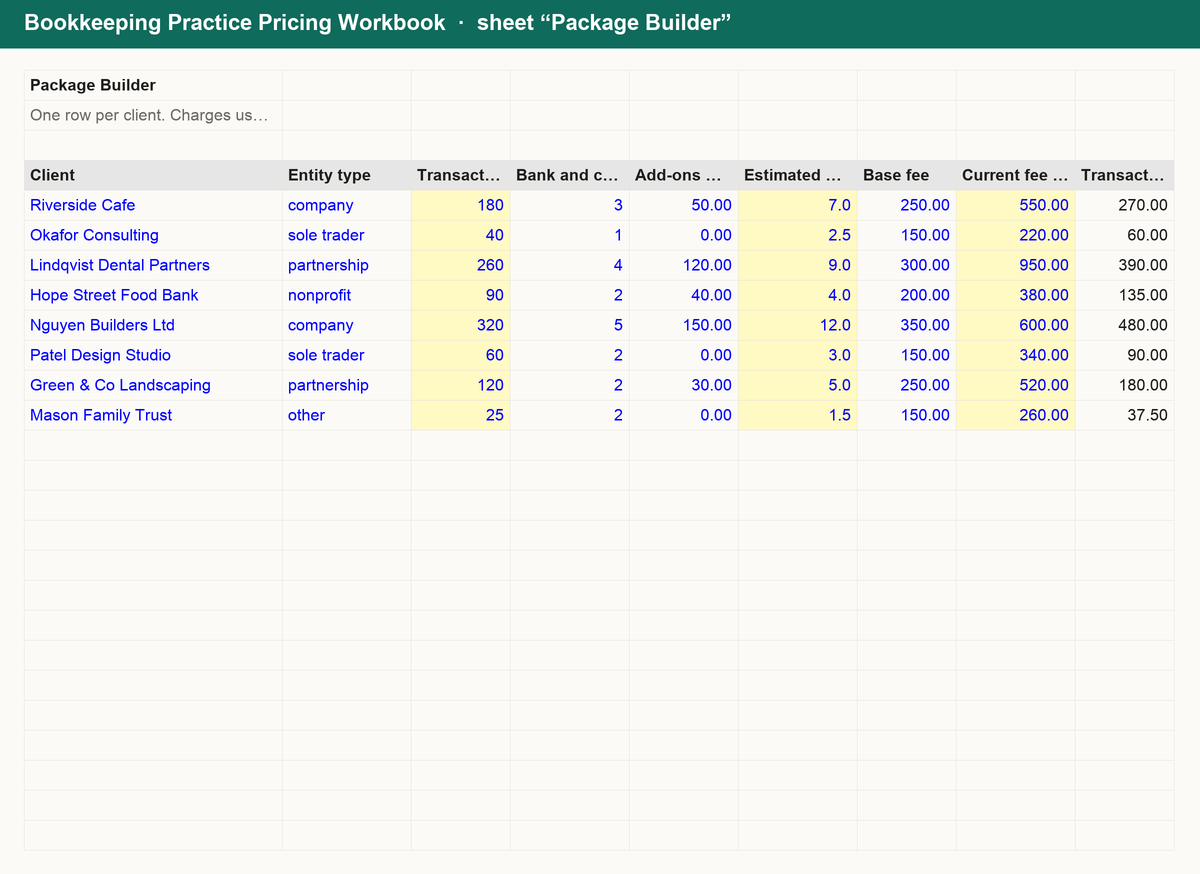
- Package builder: a cost-recovery hourly rate from your own overhead and income goal, then each client's package fee from transactions, accounts and add-ons, an hourly-equivalent fee with a scope buffer, the recommended fee and the gap to what you charge today.
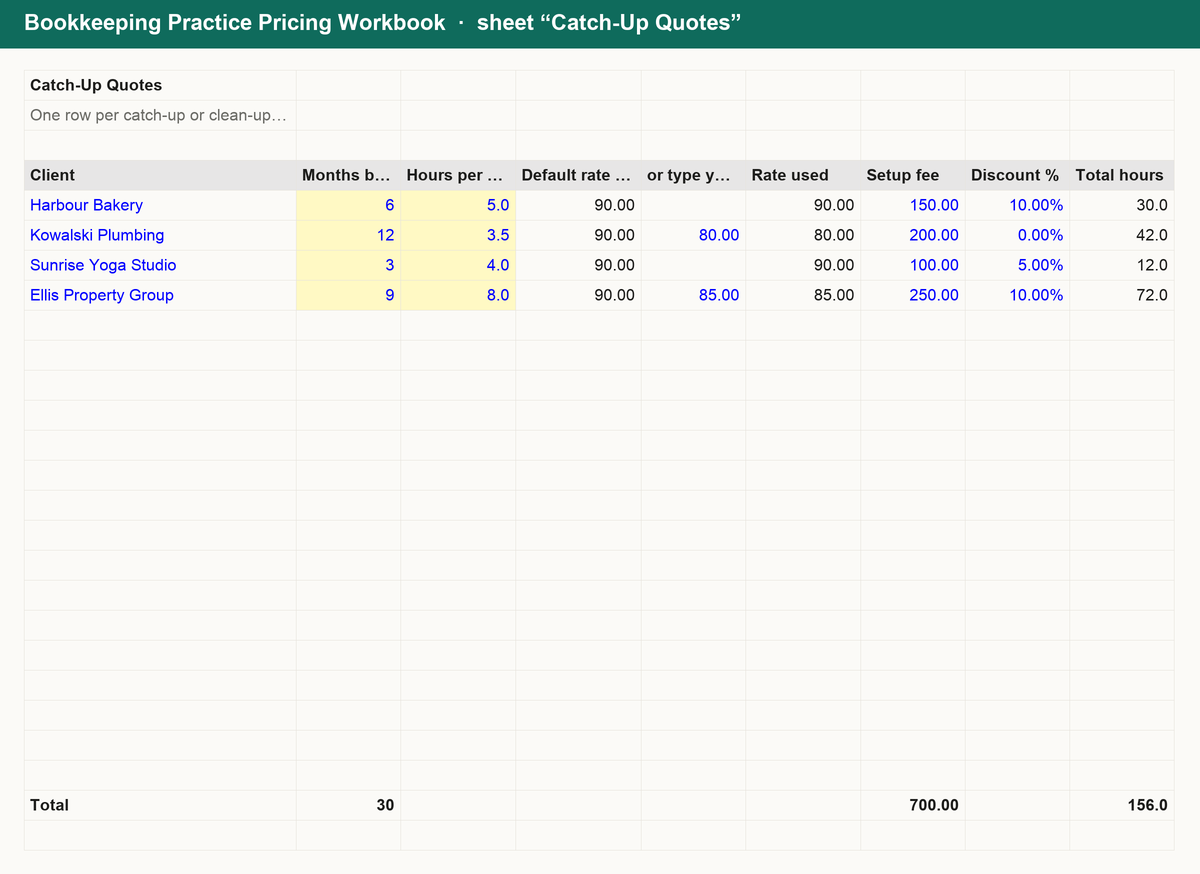
- Catch-up quotes: months behind × hours per month at your rate or your own, plus setup fee and discount, with the quote total and the per-month figure.
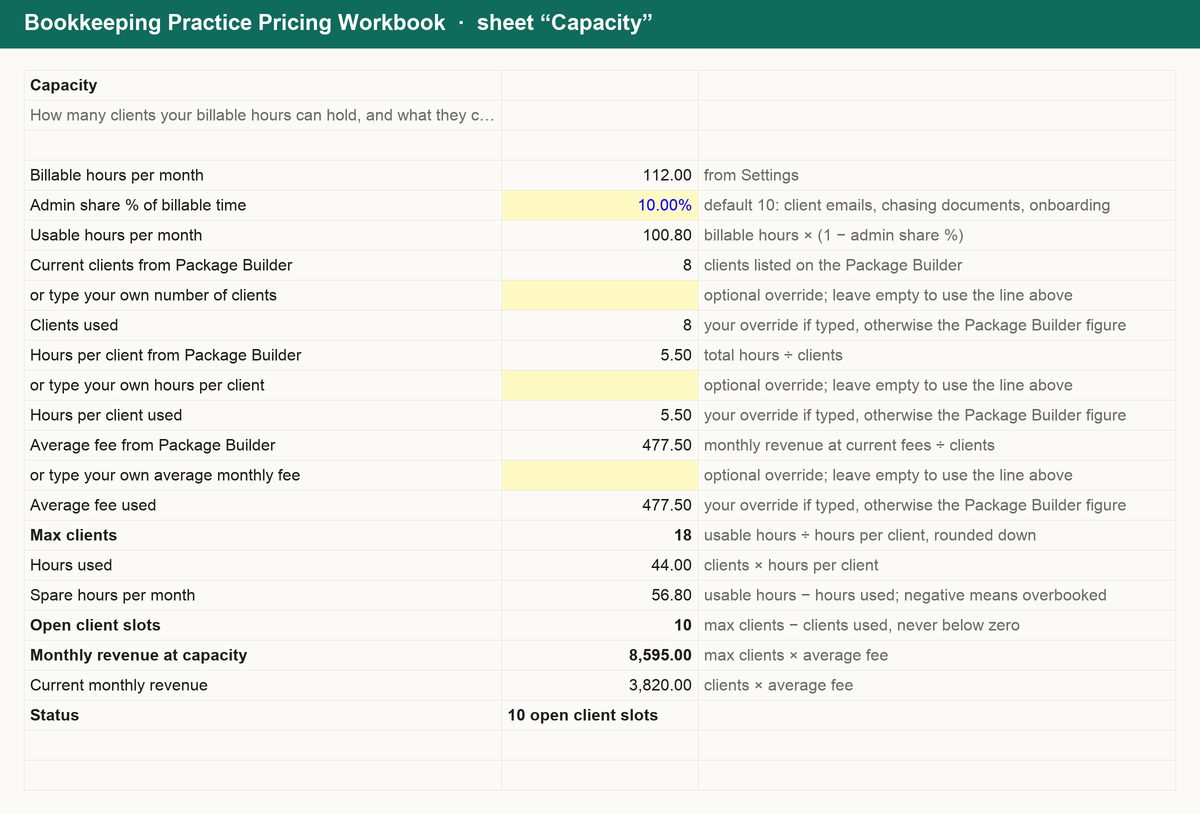
- Capacity: usable hours after admin time, how many clients they hold, spare hours, open client slots and revenue at capacity.
- Realization log and summary: billing, collection and overall realization each month with write-offs and uncollected, plus clients below recommended, the revenue uplift and your highest and lowest effective rate clients.
Works in Excel, Google Sheets and Numbers. No macros, no sign-up, yours forever.
Get it for $14
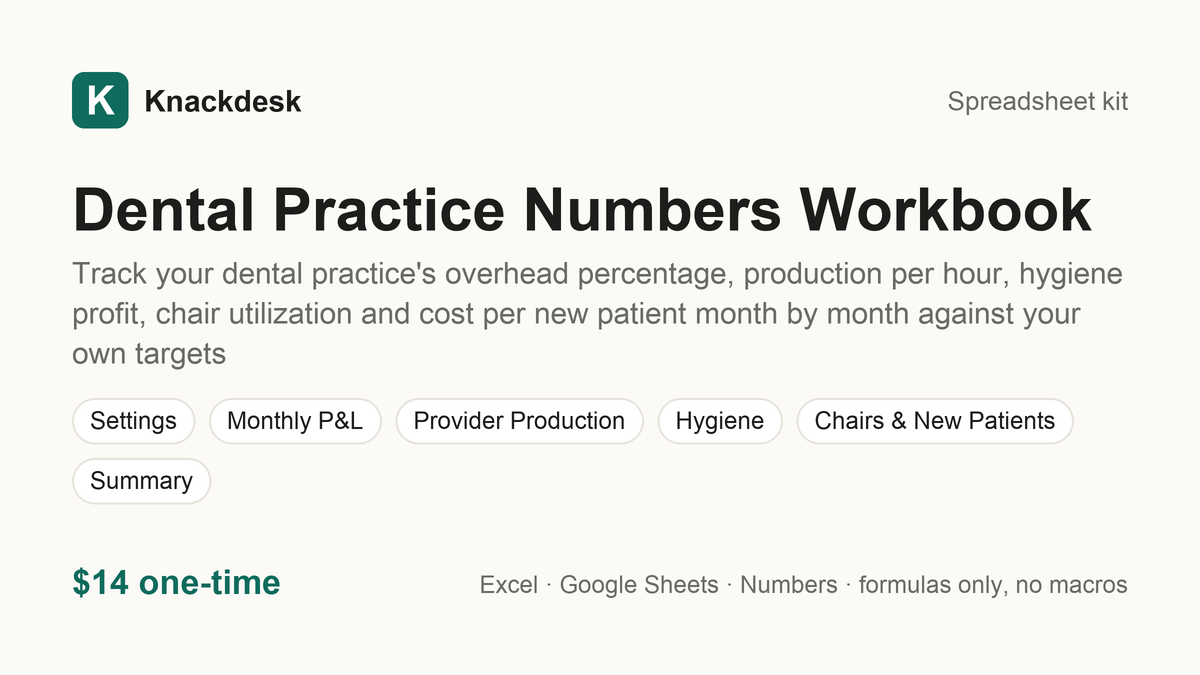
Dental Practice Numbers Workbook $14
Track your dental practice's overhead percentage, production per hour, hygiene profit, chair utilization and cost per new patient month by month against your own targets
What is inside
Know what your practice really earns, chair by chair and hour by hour. The Dental Practice Numbers Workbook turns your monthly figures into the numbers that run a practice:
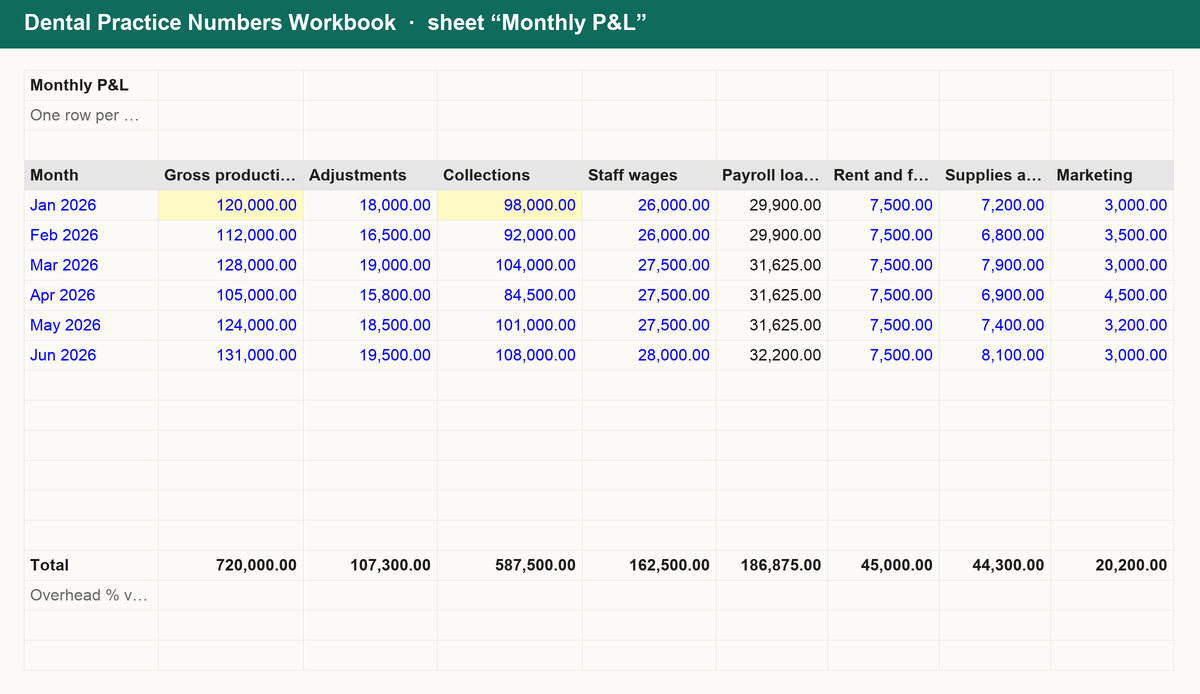
- Monthly P&L and overhead %: gross production, adjustments and collections give net production and collection rate; wages loaded with payroll taxes plus rent, supplies and lab, marketing and other overhead give overhead % of collections, with owner pay kept separate so you see profit before and after it against your own target.
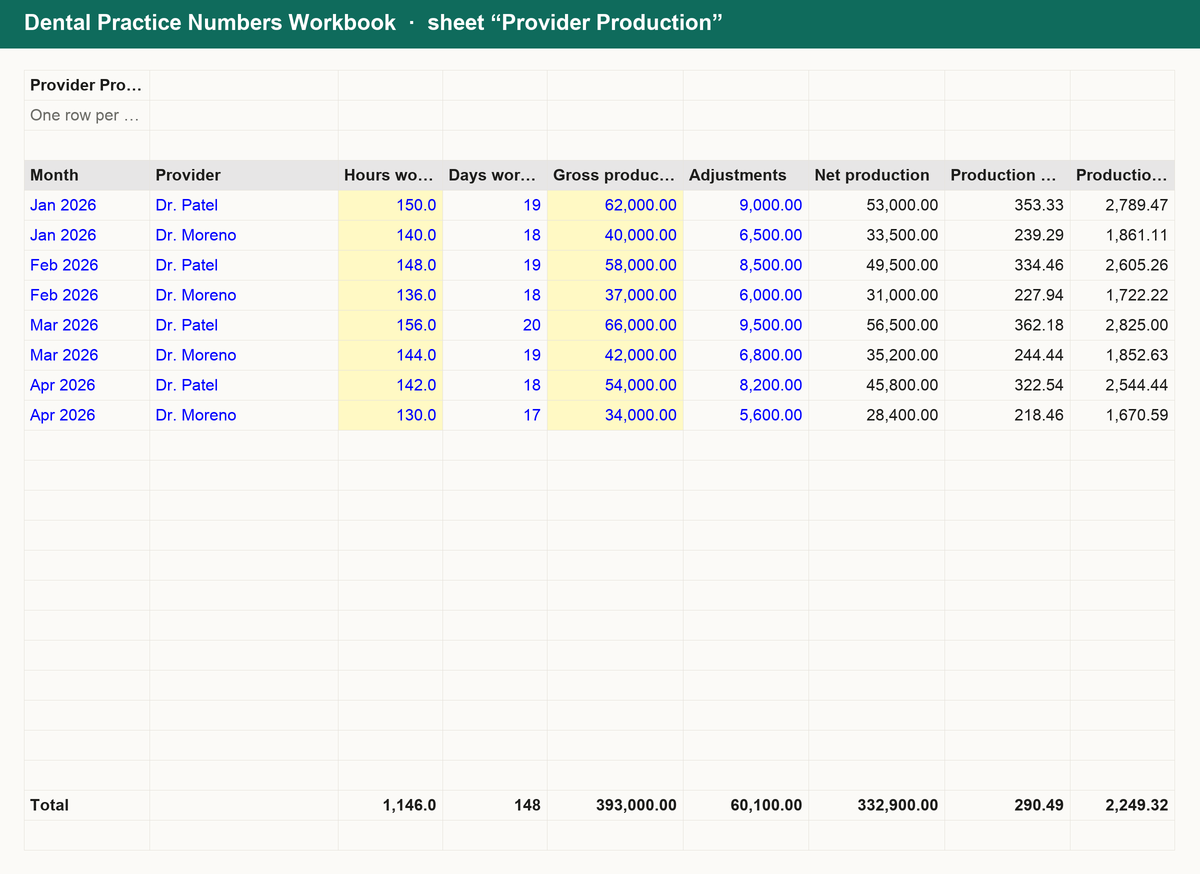
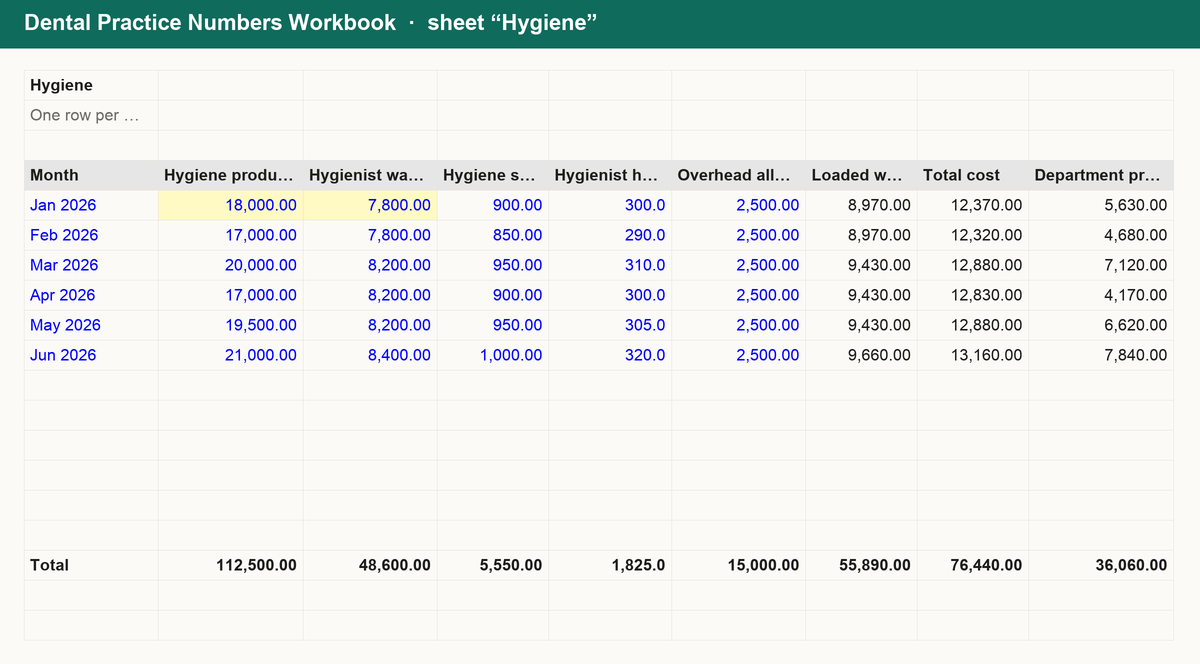
- Provider production and hygiene: each dentist's net production, production per hour and per day, overhead per provider hour and profit per hour; the hygiene department's loaded wages, total cost, profit, margin % and production and cost per hour against your target margin.
- Chairs and new patients: scheduled against available chair hours gives utilization %, idle hours and the production those empty hours leave on the table; marketing spend and new patients give cost per new patient, lifetime value, value-to-cost ratio and break-even new patients.
- Summary: year-to-date collections, overhead % against target, profit before and after owner pay, best and worst month, production per provider hour, hygiene margin, chair utilization, cost per new patient and the months overhead ran above target.
Works in Excel, Google Sheets and Numbers. No macros, no sign-up, yours forever.
Get it for $14
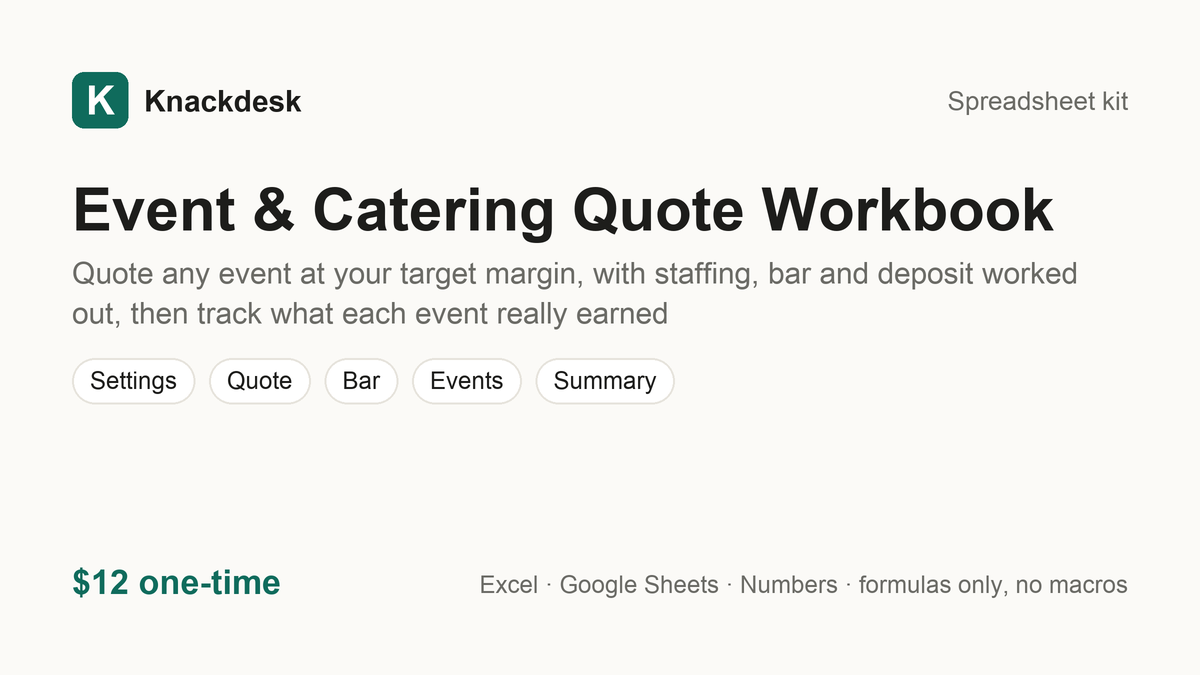
Event & Catering Quote Workbook $12
Quote any event at your target margin, with staffing, bar and deposit worked out, then track what each event really earned
What is inside
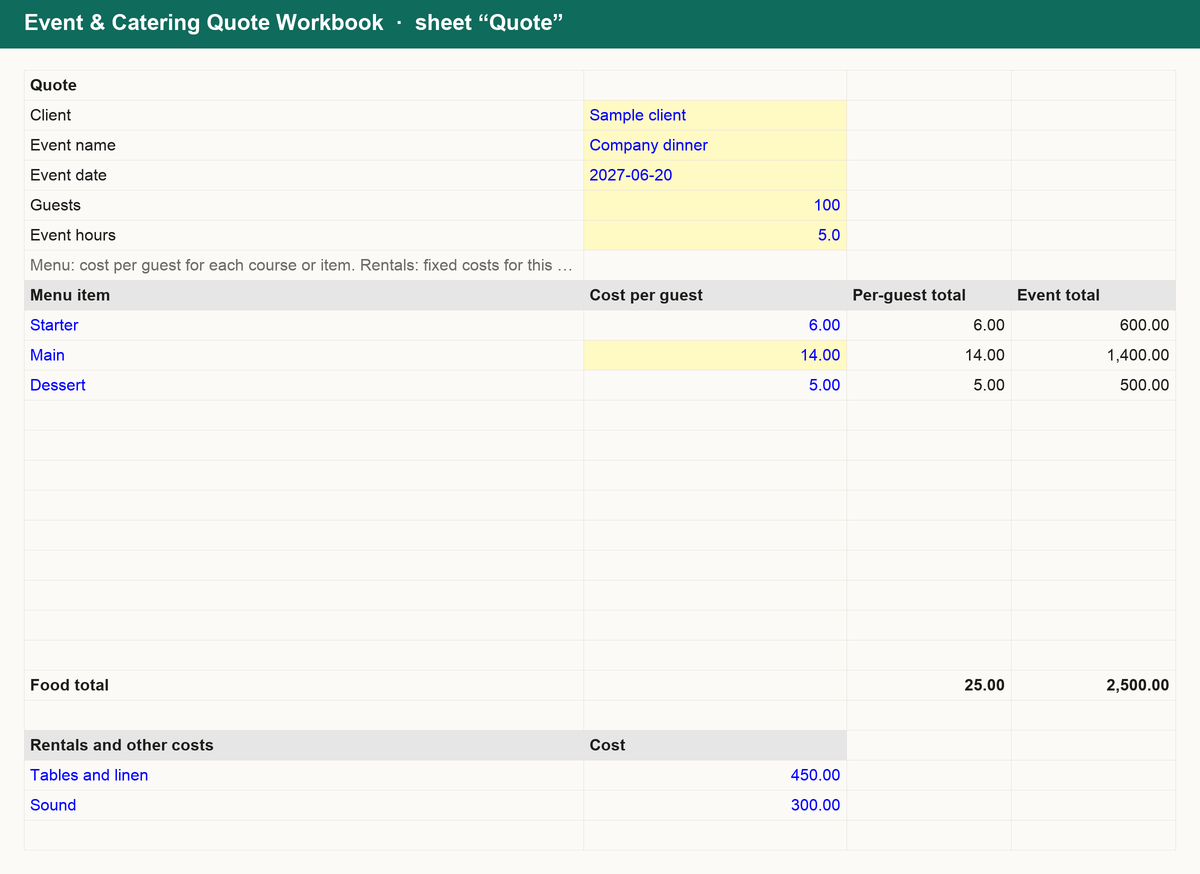
Stop guessing event prices. The Event & Catering Quote Workbook turns guests, hours and your menu into a price that hits your margin:
- Quote: menu cost per guest, rentals and other costs, servers and bartenders from your staffing ratios, then total cost, price at your target margin, price per guest, deposit and balance due.
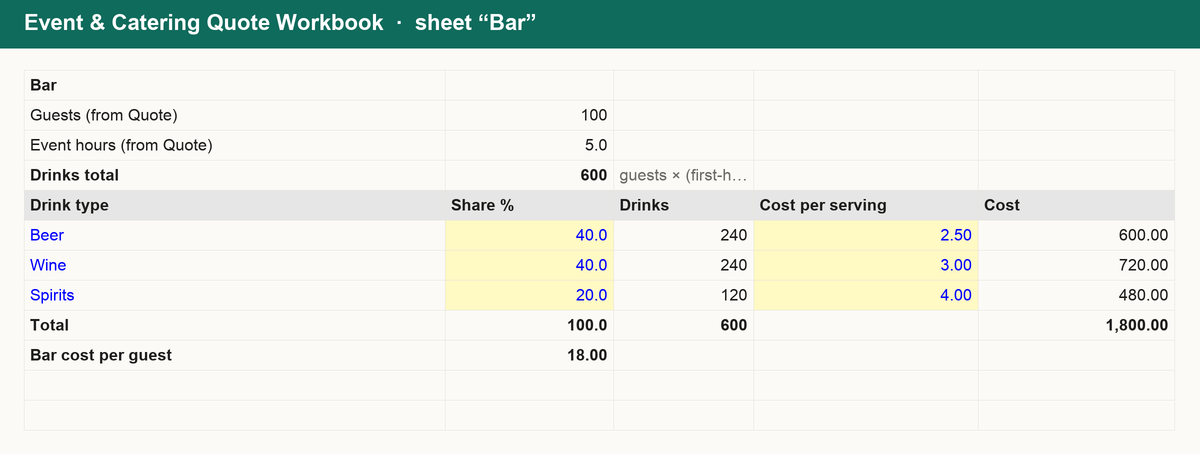
- Bar: a drinks estimate from guests and hours, split by beer, wine and spirits with your cost per serving, with a check that the shares add up.
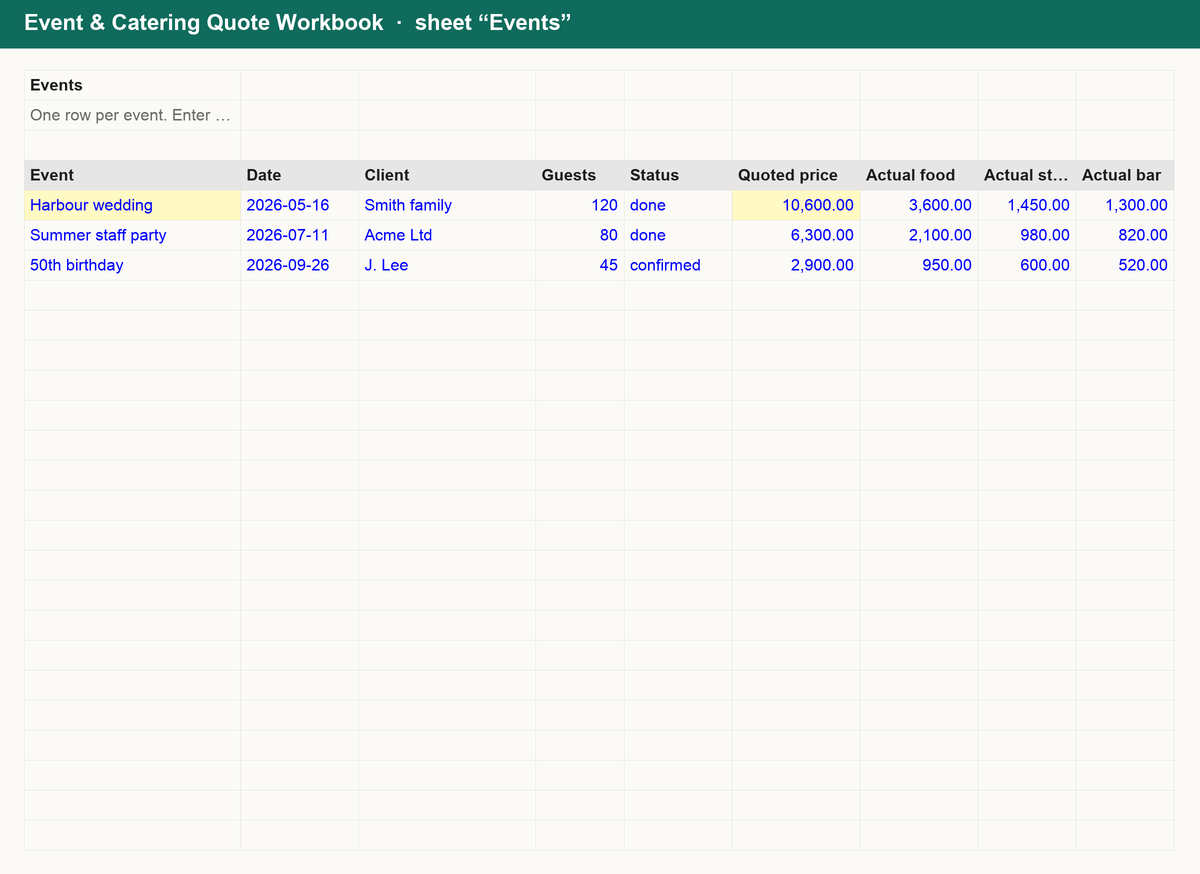
- Events: log every event's quoted price against actual food, staffing, bar and rental costs to see profit, margin and what is still outstanding.
- Summary: quoted total, profit, margin, average price per guest and how many events fell below your target margin.
Works in Excel, Google Sheets and Numbers. No macros, no sign-up, yours forever.
Get it for $12
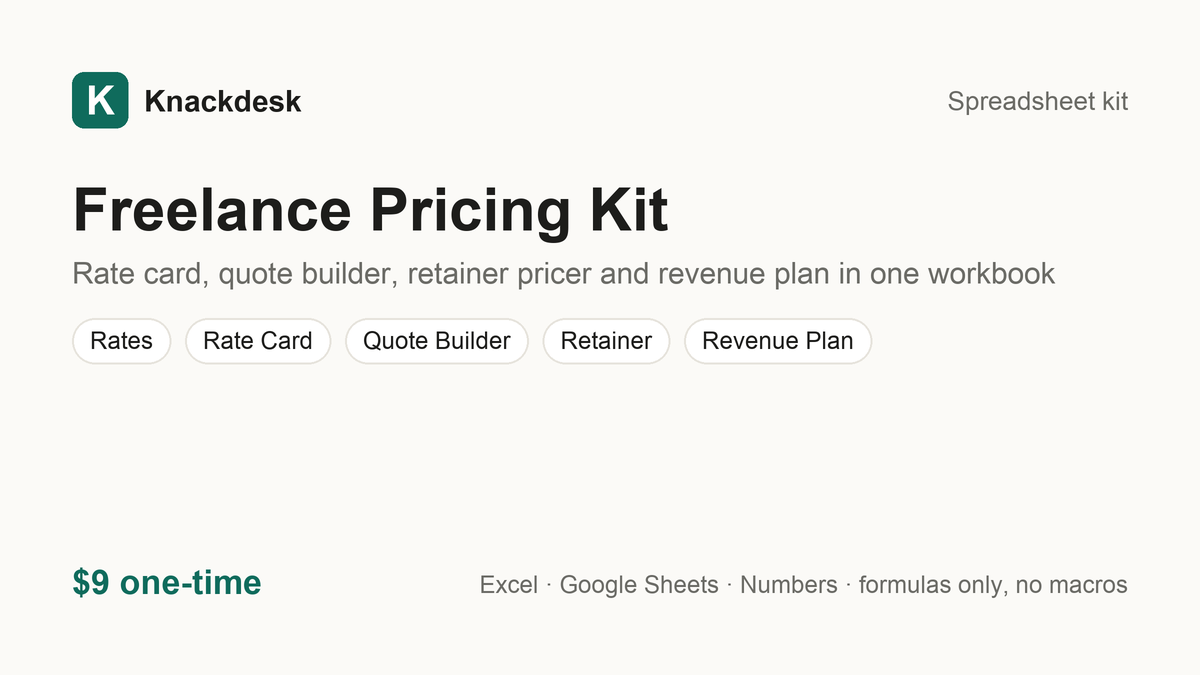
Freelance Pricing Kit $9
Rate card, quote builder, retainer pricer and revenue plan in one workbook
What is inside
Price every job the same way, in seconds. The Freelance Pricing Kit is a single workbook:
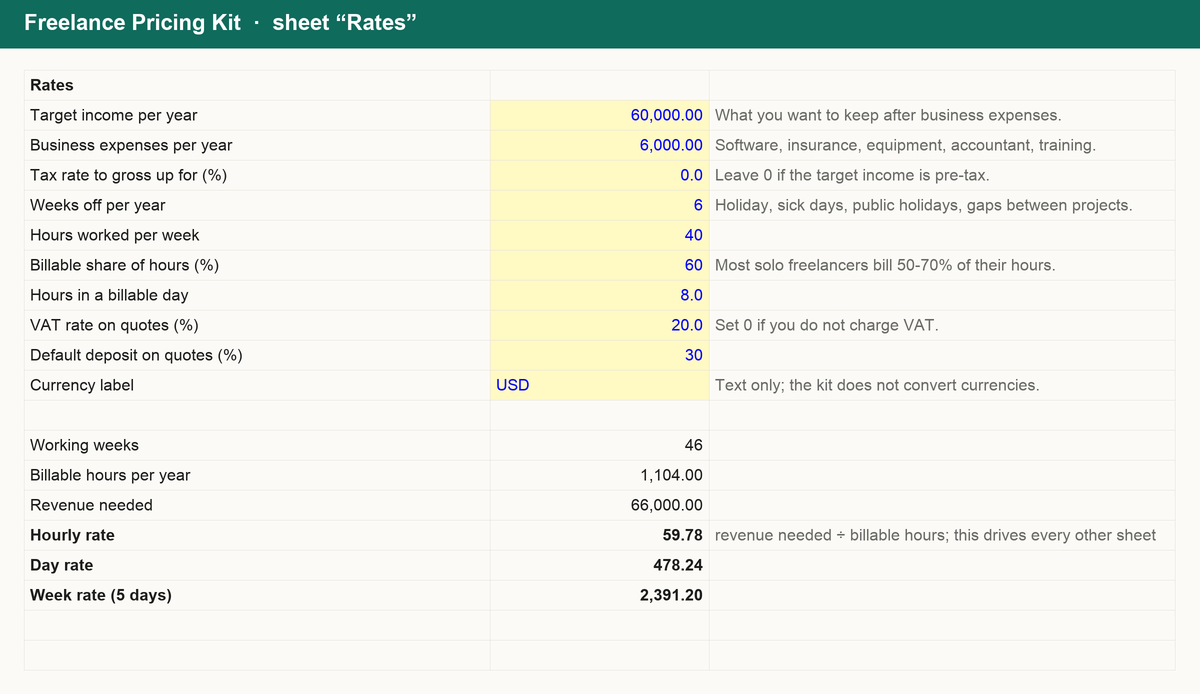
- Rates: enter your target income, costs and billable hours once; your hourly, day and week rates follow.
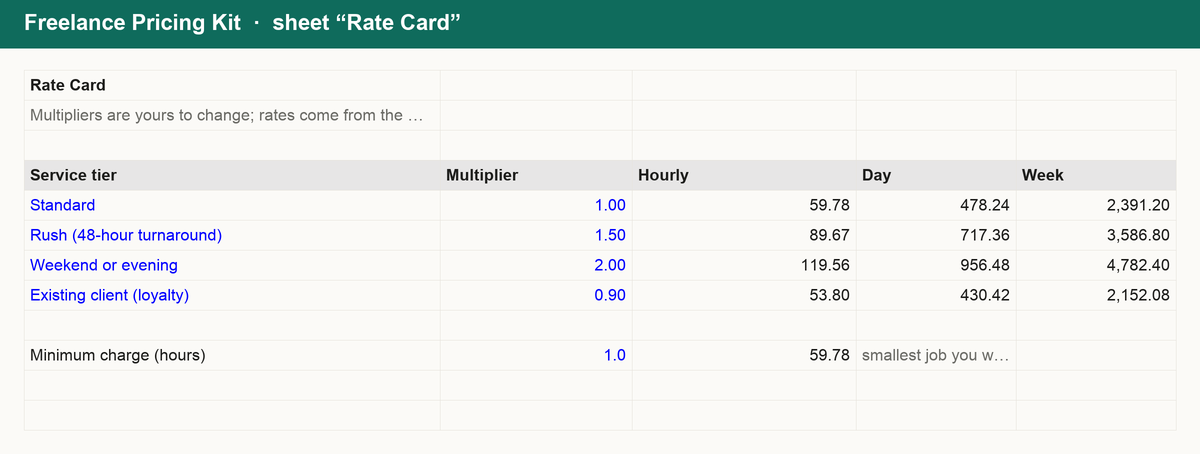
- Rate card: standard, rush and weekend multipliers, ready to paste into a proposal.
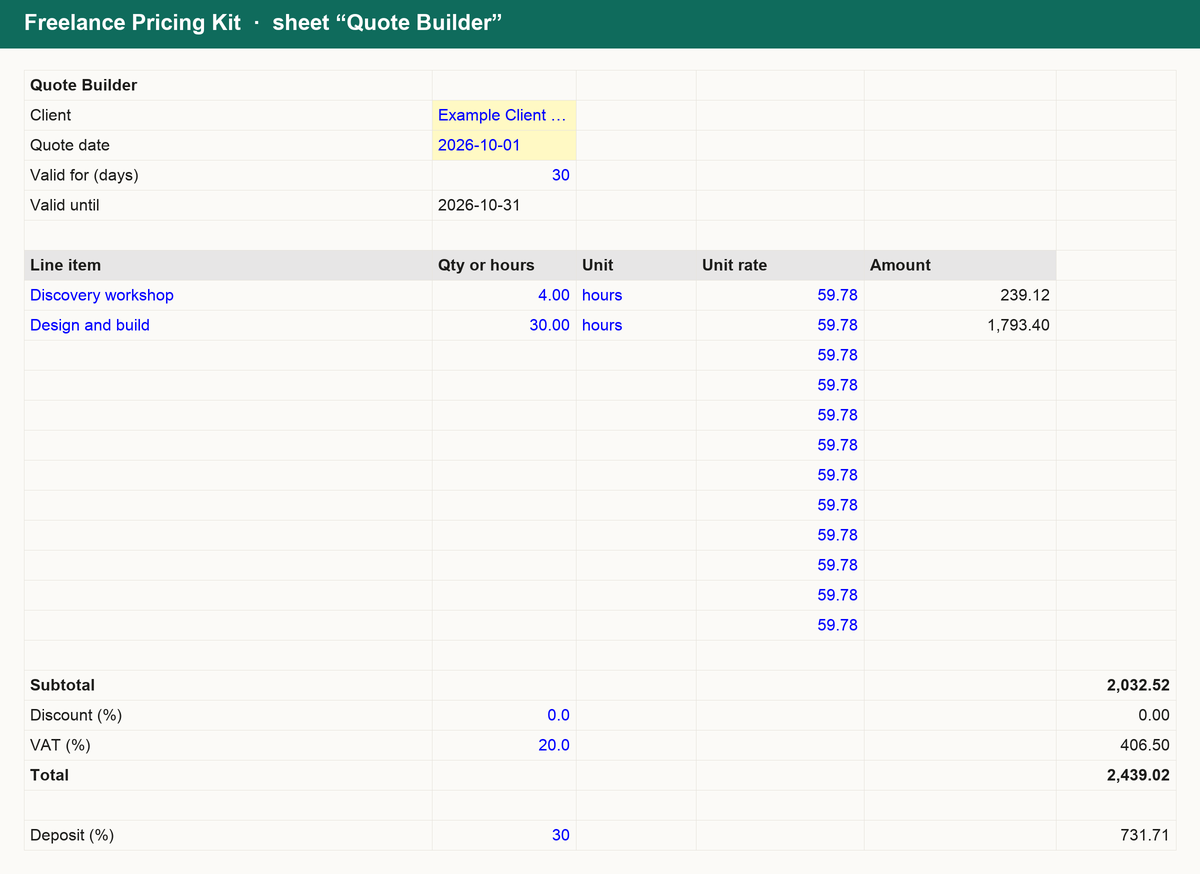
- Quote builder: itemised lines, discount, VAT, deposit and milestone split with dates.
- Retainer: monthly fee, effective hourly rate and term total for any hour block and commitment discount.
- Revenue plan: annual goal to projects, clients and proposals per month.
Works in Excel, Google Sheets and Numbers. No macros, no sign-up, yours forever.
Get it for $9
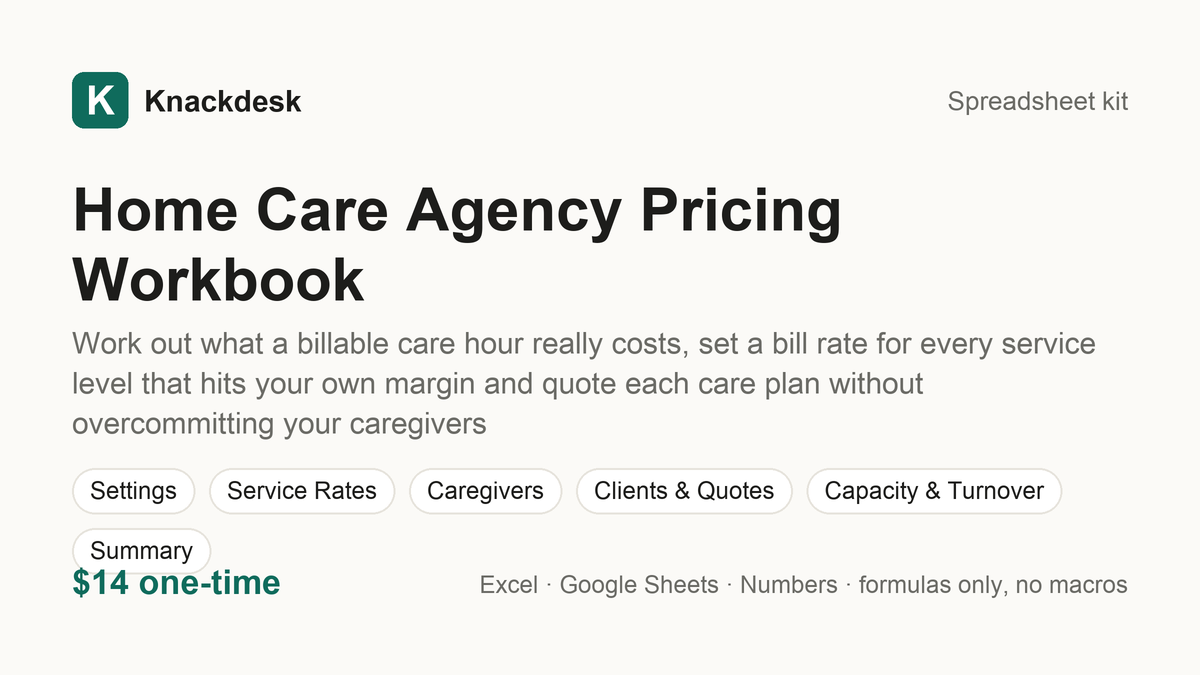
Home Care Agency Pricing Workbook $14
Work out what a billable care hour really costs, set a bill rate for every service level that hits your own margin and quote each care plan without overcommitting your caregivers
What is inside
Know what every care hour costs and what every client has to pay. The Home Care Agency Pricing Workbook turns your caregivers, overhead, service levels and clients into rates you can defend:
- Cost per billable hour: caregiver pay, on-costs, paid travel and training time and six lines of monthly overhead become a cost per billable hour and a default bill rate at your own target margin.
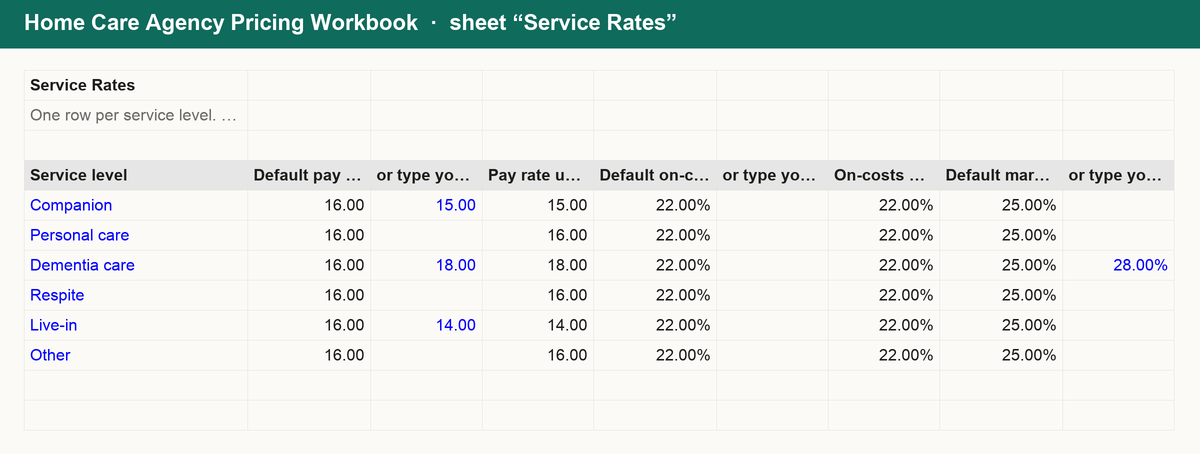
- Service rates: pay rate, on-costs % and margin % for companion, personal care, dementia care, respite, live-in and your own levels give the bill rate each one needs, the margin per hour and the gap to what you charge today, with under-priced levels counted.
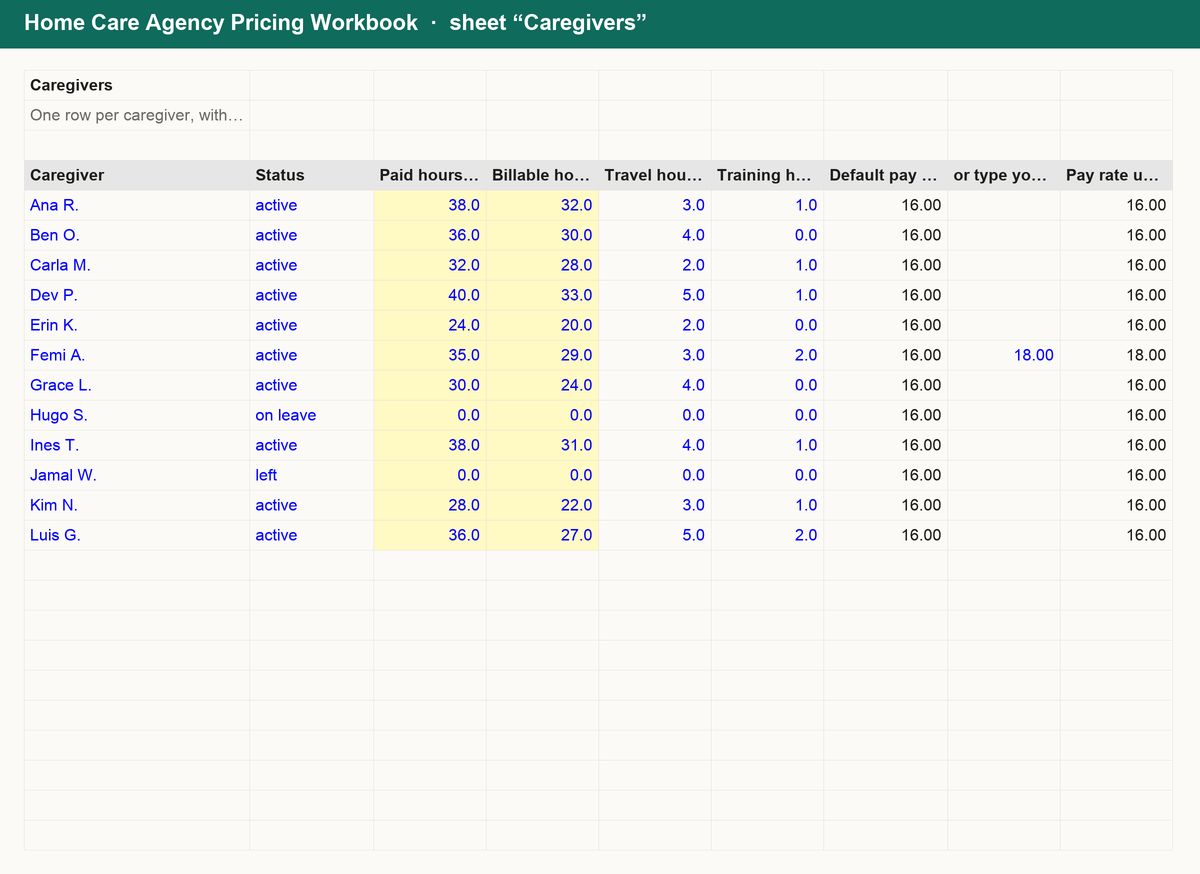
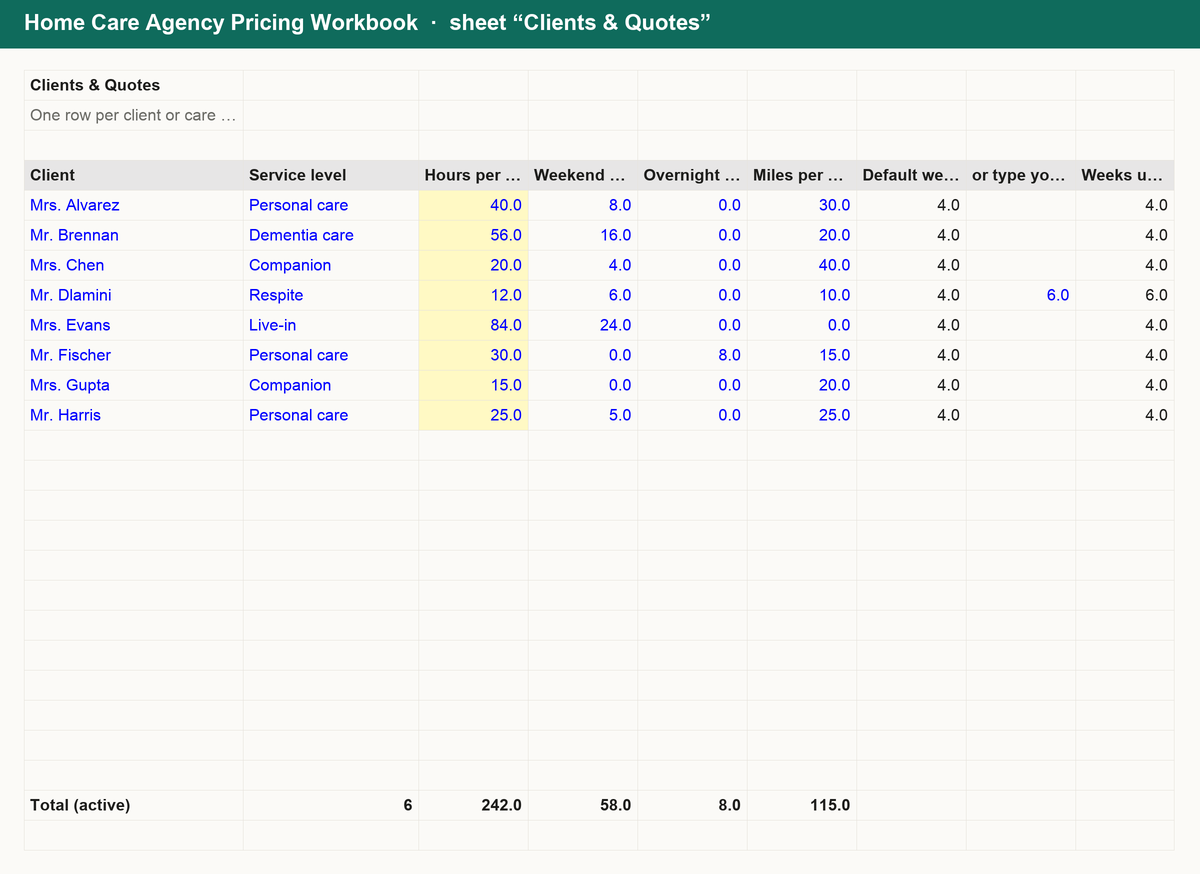
- Caregivers and care plan quotes: paid, billable, travel and training hours give each caregiver's utilization against your own target; each client's hours, weekend and overnight hours and mileage give a weekly and period quote and the effective hourly rate.
- Capacity and turnover: billable capacity at your target utilization against hours committed to active clients, spare hours and revenue ceiling; plus leavers, hires, recruiting, onboarding and unfilled hours month by month with turnover % and turnover cost.
Works in Excel, Google Sheets and Numbers. No macros, no sign-up, yours forever.
Get it for $14
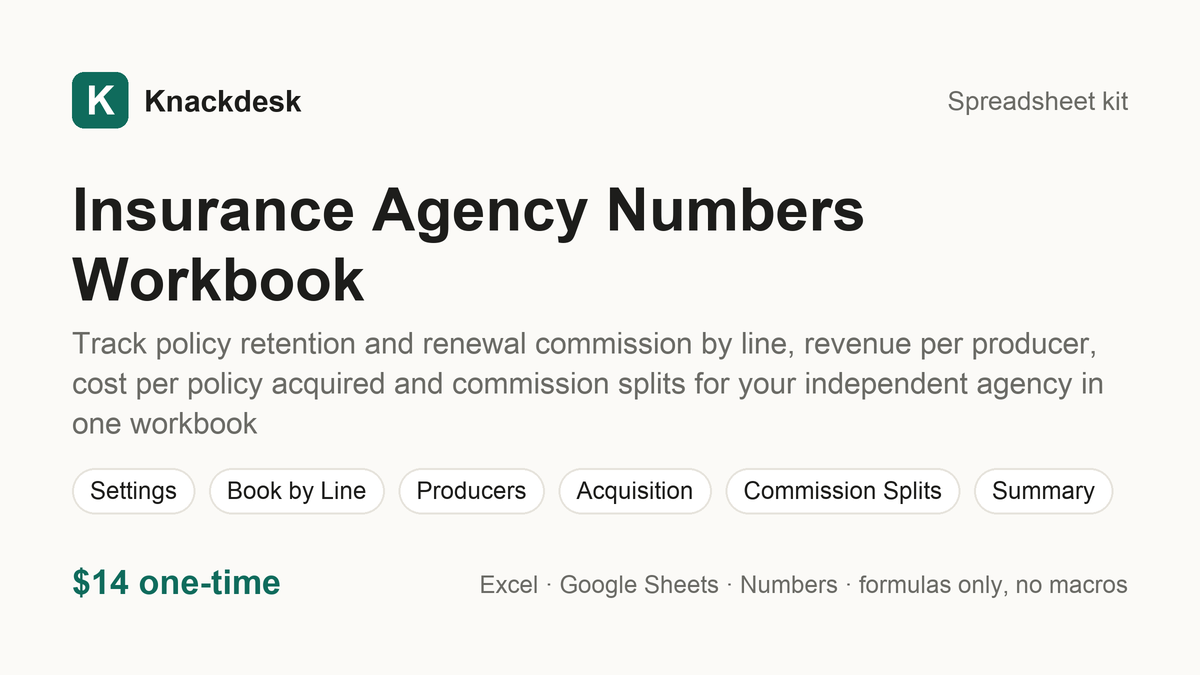
Insurance Agency Numbers Workbook $14
Track policy retention and renewal commission by line, revenue per producer, cost per policy acquired and commission splits for your independent agency in one workbook
What is inside
Know what your book keeps, what each producer brings in and what a new policy is worth. The Insurance Agency Numbers Workbook turns your lines, producers, months and splits into numbers you can act on:
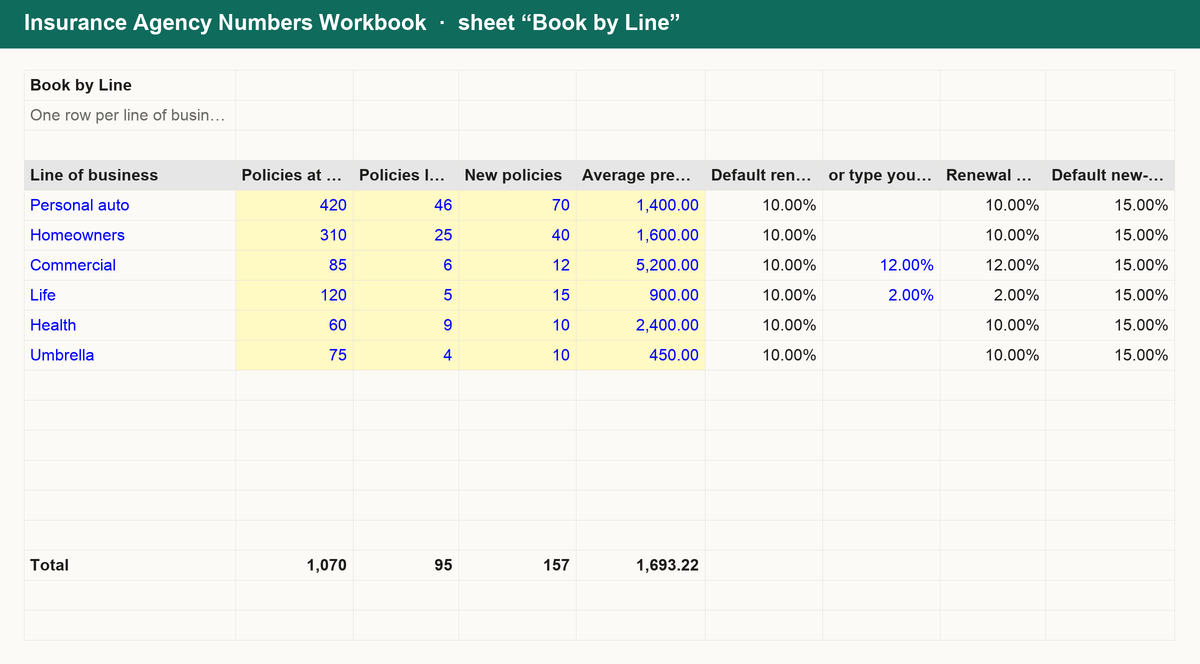
- Book by Line: policies at the start of the year, lapses, new business and average premium for each line give retention %, lapse %, net growth, the renewal commission on the retained book and the commission lost to lapses, with every line checked against your own target retention.
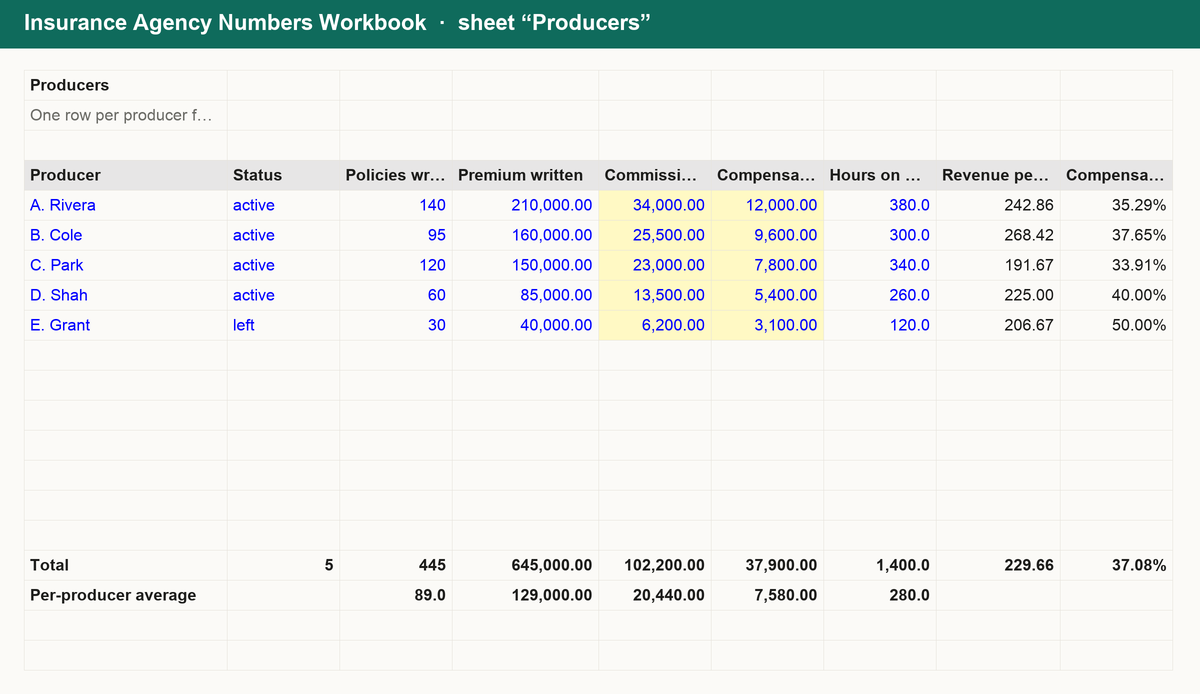
- Producers: policies, premium, commission revenue credited and compensation paid give revenue per policy and each producer's compensation ratio against your own target, with revenue per producer and per employee on the Summary.
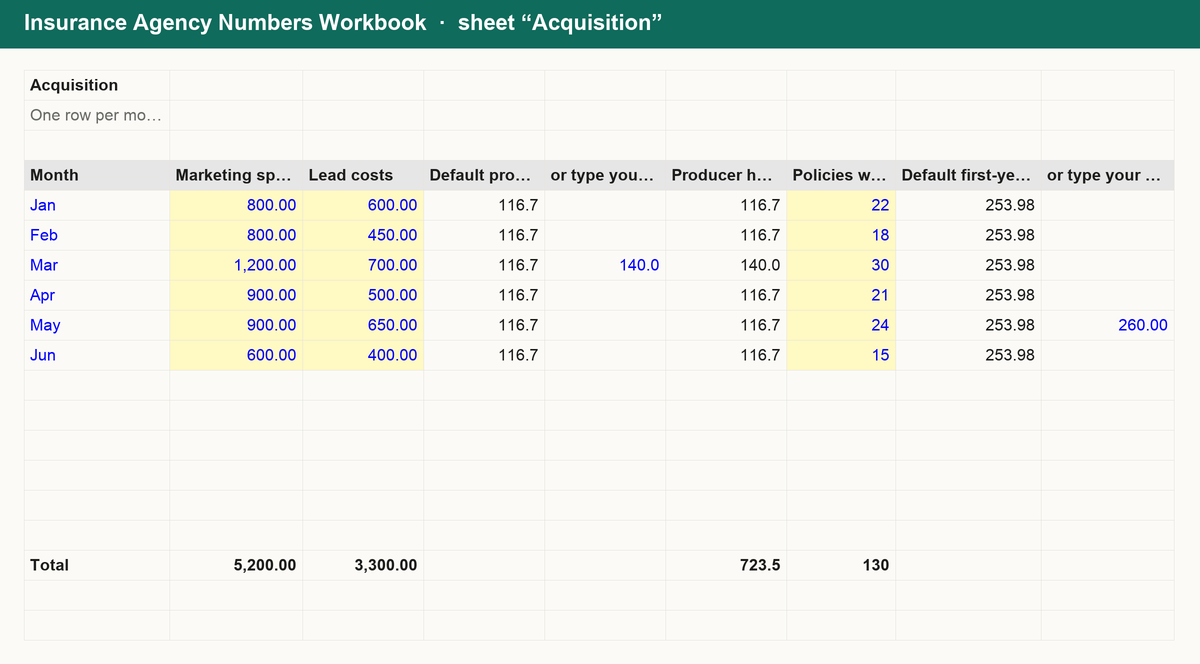
- Acquisition: each month's marketing spend, lead costs and producer time give the cost per policy acquired, set against the lifetime commission a policy earns at your book's retention, with a value-to-cost ratio and payback policies.
- Commission Splits: premium, carrier commission %, agent split % and a per-policy agency fee give gross commission, agent net, the agent's effective % of premium and agency net, totalled per producer.
Works in Excel, Google Sheets and Numbers. No macros, no sign-up, yours forever.
Get it for $14
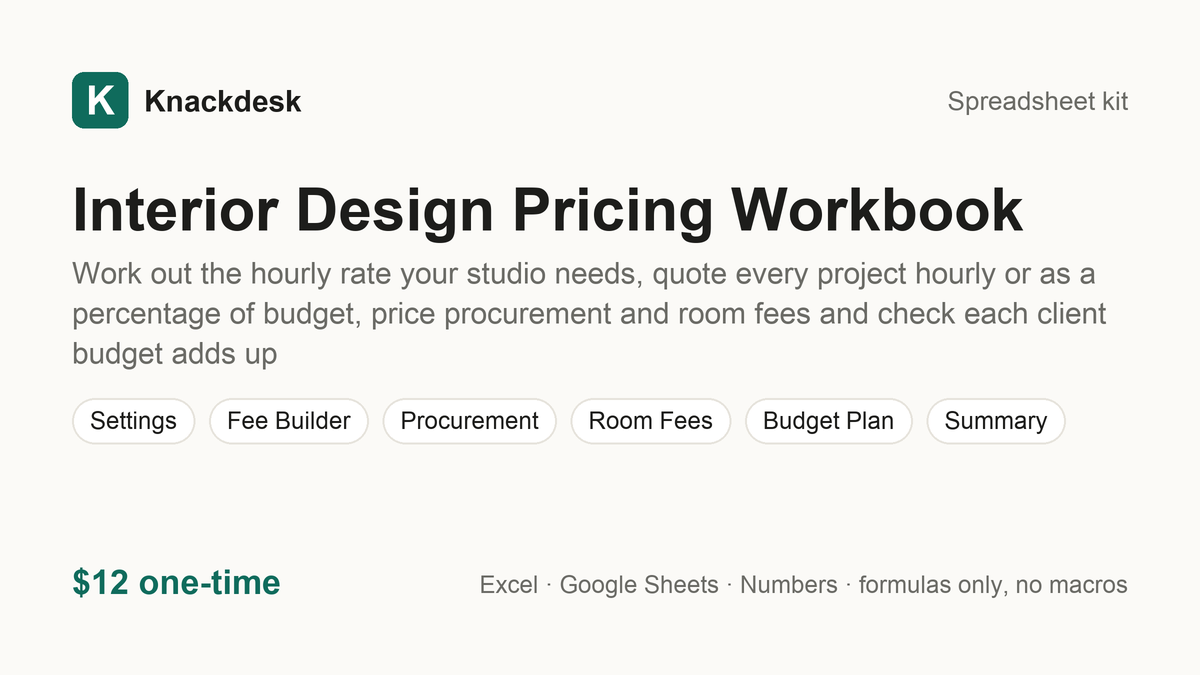
Interior Design Pricing Workbook $12
Work out the hourly rate your studio needs, quote every project hourly or as a percentage of budget, price procurement and room fees and check each client budget adds up
What is inside
Know the rate your studio needs and what every project should cost the client. The Interior Design Pricing Workbook turns your income goal, overhead, projects, rooms and purchases into fees you can defend:
- Hourly rate you need: your income goal, six lines of annual overhead and the hours you can actually bill become the hourly rate you need, with room to type your own rate and price every sheet at it.
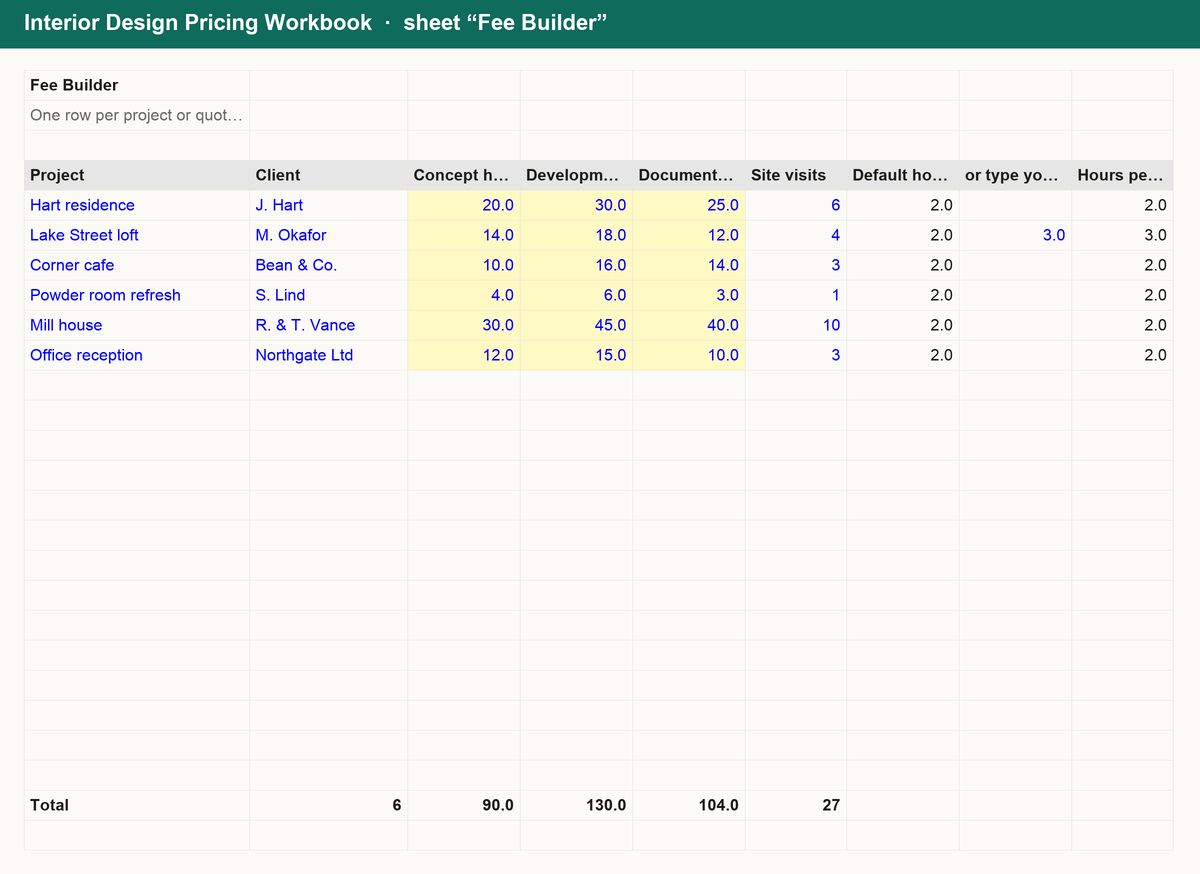
- Fee Builder: concept, development and documentation hours, site visits and contingency give each project's design fee, compared side by side with a percentage fee on the client's budget: which pays more, its implied hourly rate and a flag for quotes below your minimum.
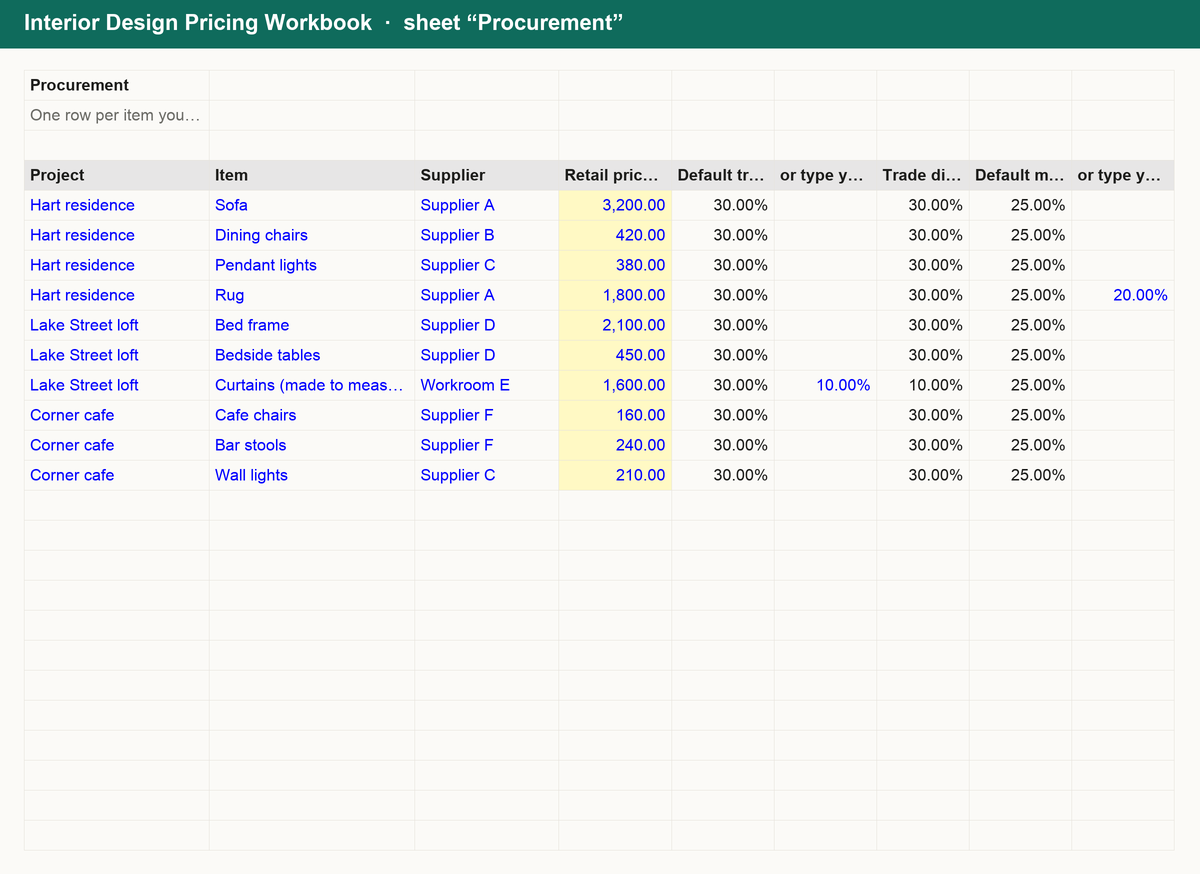
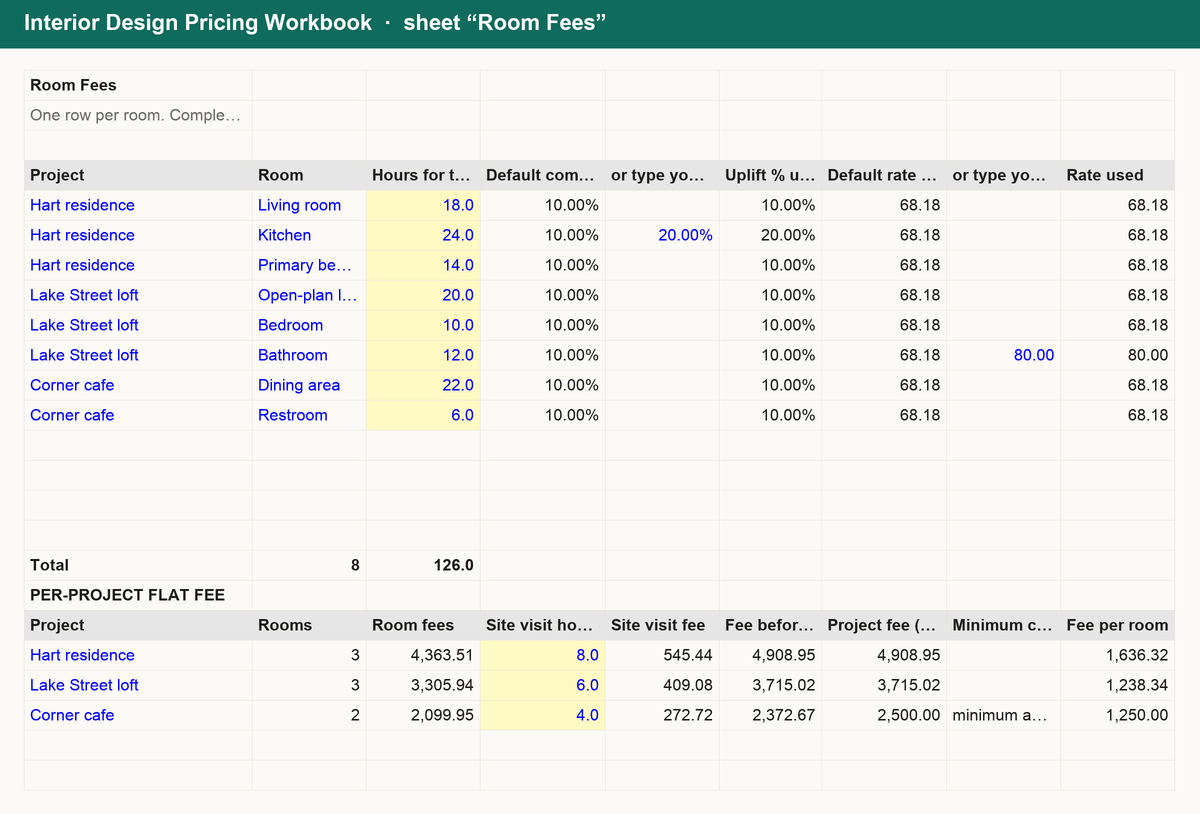
- Procurement and room fees: retail price, trade discount, markup and freight give your cost, the client price, gross profit, margin % and the client's saving against retail; per-room hours with a complexity uplift give flat room fees, totalled per project with your minimum fee applied.
- Budget Plan: split each client's total budget into design fee, furniture, construction and contingency and see what is left, with over-allocated budgets flagged and counted on the Summary.
Works in Excel, Google Sheets and Numbers. No macros, no sign-up, yours forever.
Get it for $12
Landlord Rent & Expense Tracker $12
Rent log, late payments, expenses and yield for every property in one workbook
What is inside
Know exactly who has paid, who is late and what each property really earns. The Landlord Rent & Expense Tracker is a single workbook:
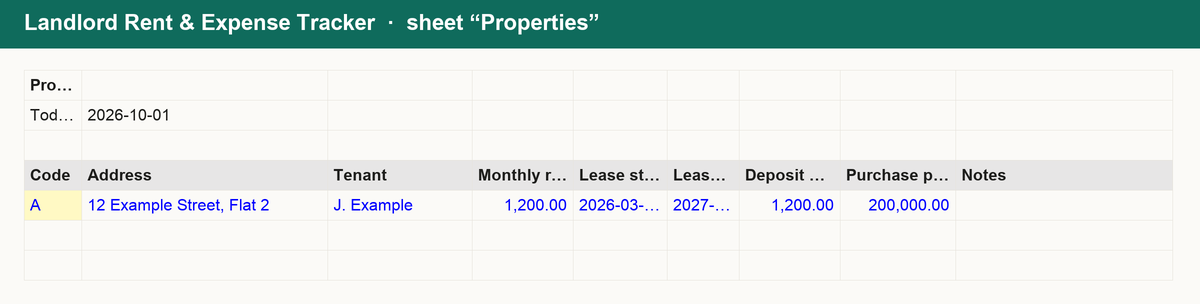
- Properties: address, tenant, rent, lease dates, deposit held and purchase price, up to 10 units.
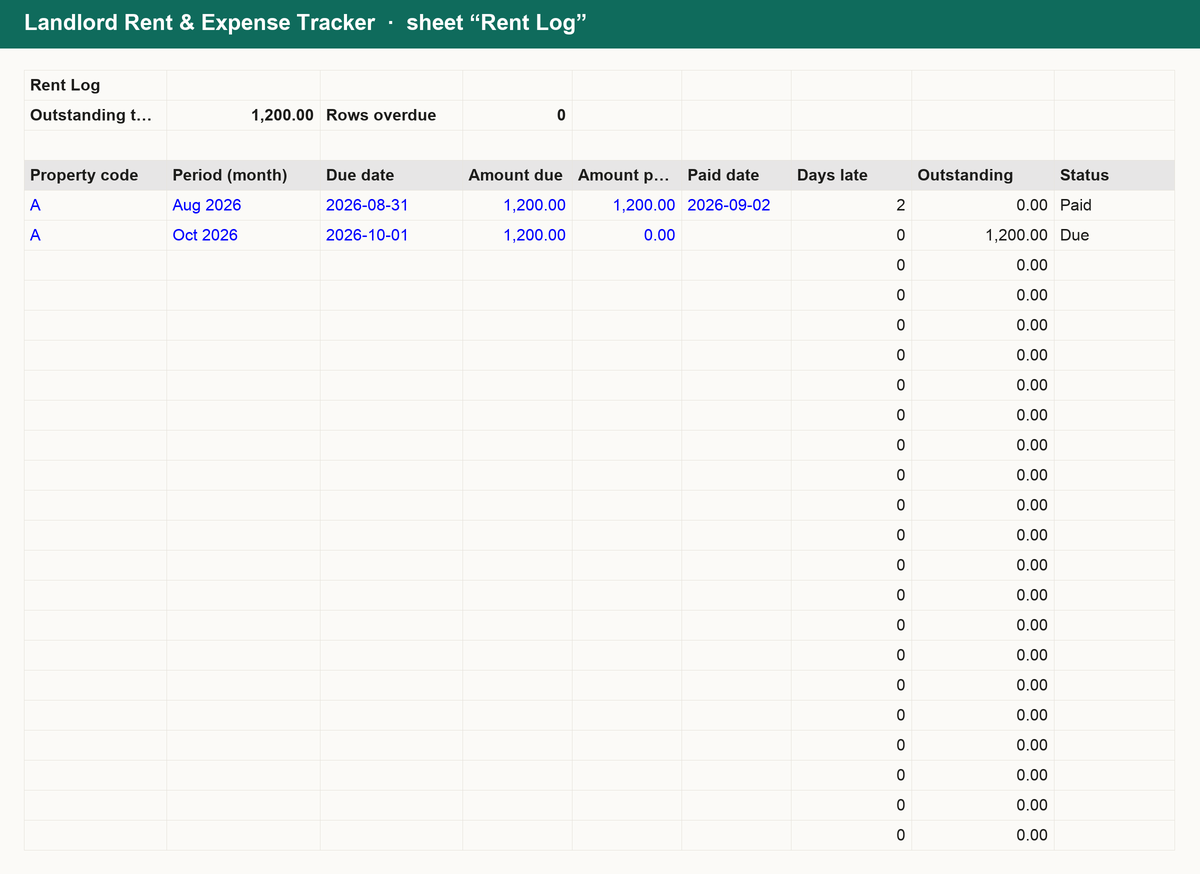
- Rent log: one row per month per property; days late and outstanding balance calculated automatically.
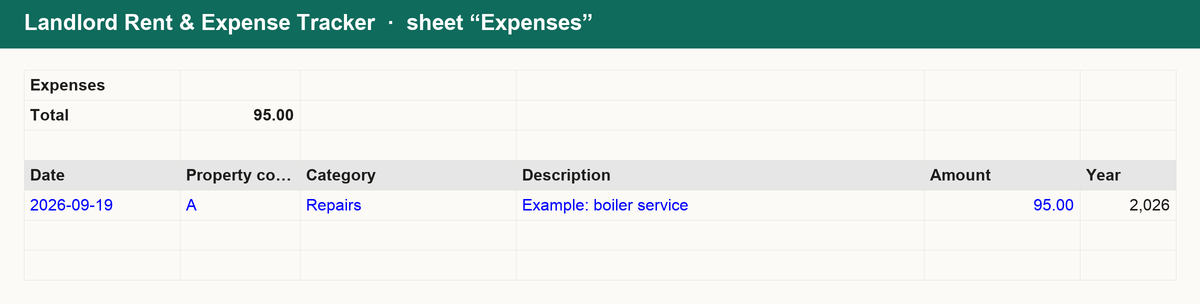
- Expenses: log repairs, insurance, fees and more by property and category.
- Summary: rent collected, expenses, net income and gross and net yield per property and for the portfolio.
Works in Excel, Google Sheets and Numbers. No macros, no sign-up, yours forever.
Get it for $12
Law Firm Pricing Workbook $14
Work out what every timekeeper hour really costs, price flat-fee matters at your own target margin and see where budgets, write-offs and lock-up are eating your fees
What is inside
Know what every hour and every matter has to earn. The Law Firm Pricing Workbook turns your people, overhead and matters into fees you can defend:
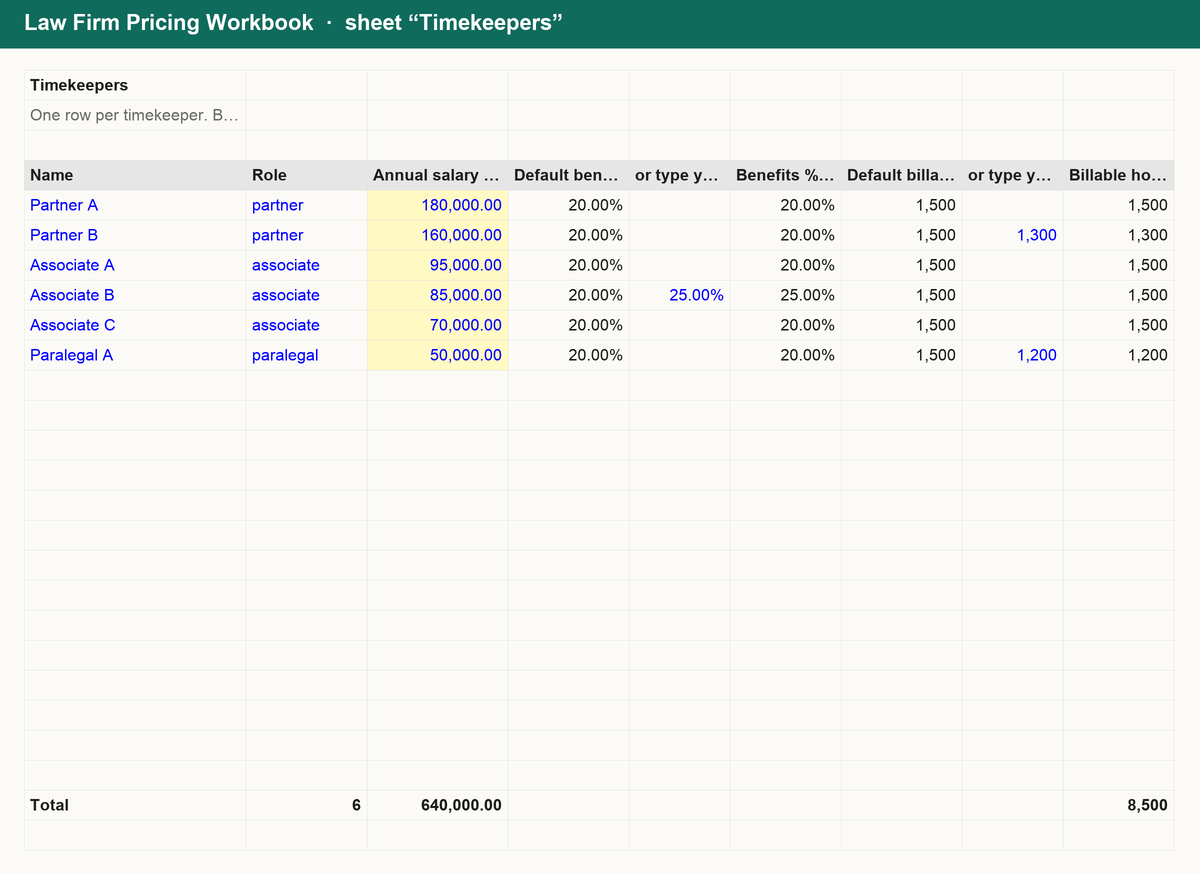
- Timekeeper cost rates: salary or draw, benefits and payroll taxes, billable hours and an equal share of firm overhead become the true cost of each timekeeper's hour, with margin per hour, margin % against the bill rate and the break-even hours a year.
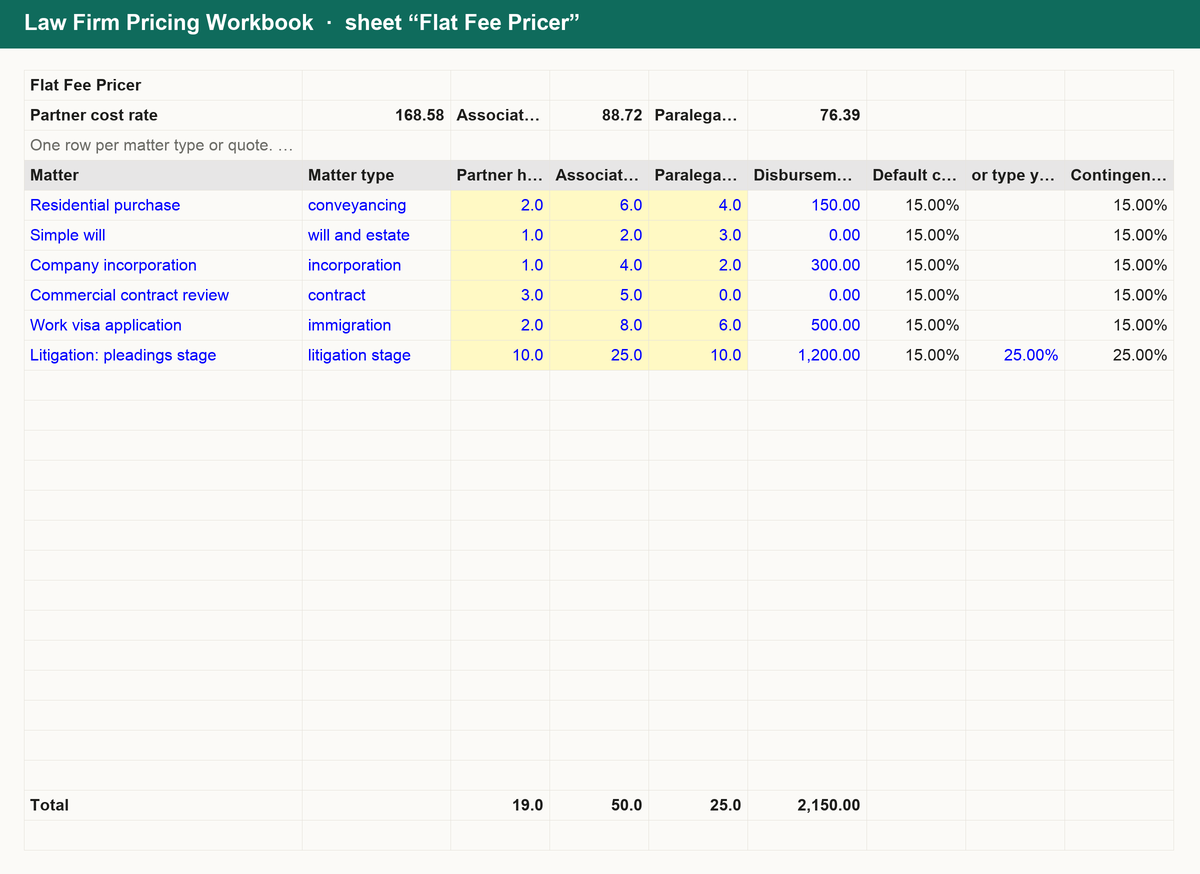
- Flat fee pricer: partner, associate and paralegal hours at the average cost rate per role, a scope contingency and disbursements give the flat fee at your own target margin, its effective hourly rate and the gap to what you charge today.
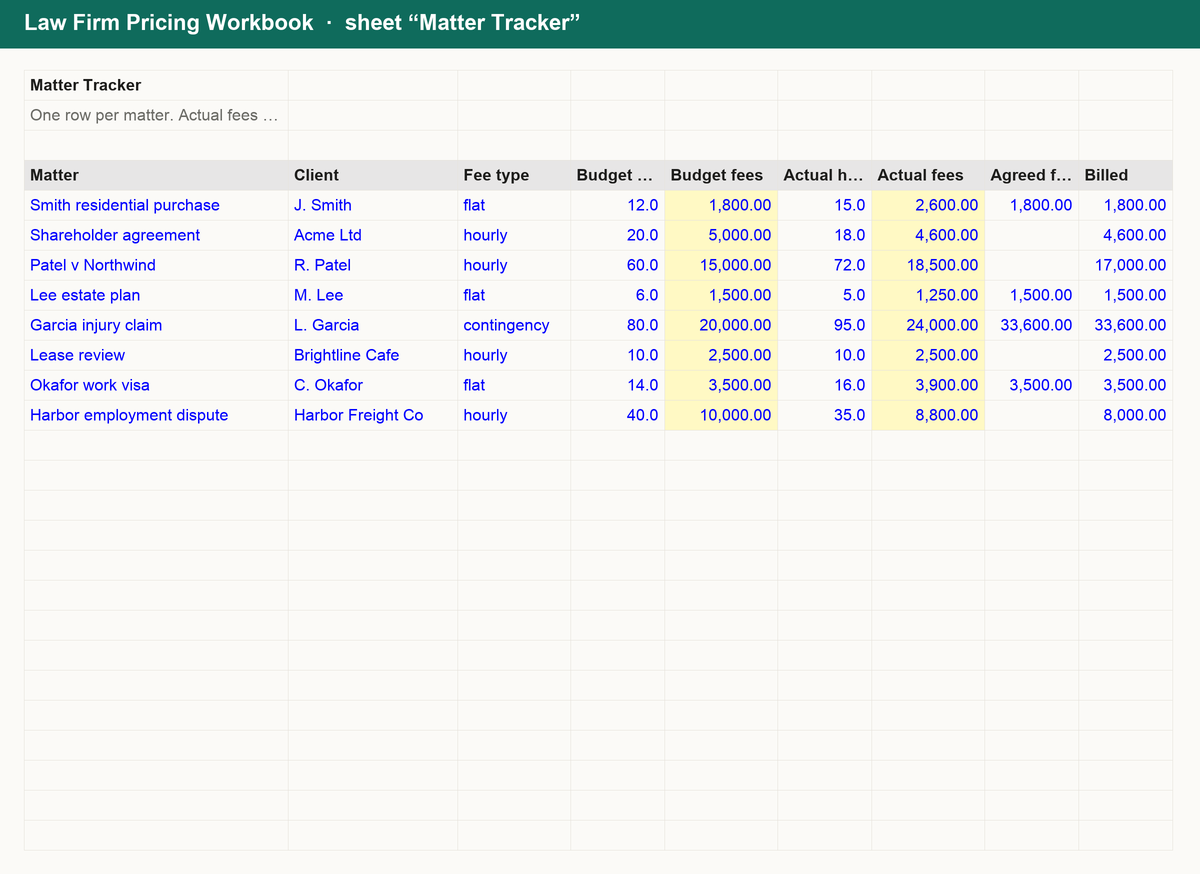
- Matter tracker: budget against actual hours and fees for hourly, flat and contingency matters, with variance %, realized rate, write-offs, recovery % and an over or under budget flag on every matter.
- Lock-up, contingency and summary: WIP days, debtor days, lock-up days and locked-up cash month by month; contingency fees split into gross fee, referral fee, net fee to the firm and net to the client; plus under-priced flat fees, matters over budget and the uplift at the computed fee.
Works in Excel, Google Sheets and Numbers. No macros, no sign-up, yours forever.
Get it for $14
Loan & Lease Comparison Workbook $12
Compare up to four loan offers by APR and total cost, run a full payoff schedule with extra payments, and check lease vs buy and DSCR
What is inside
Decide on finance with every offer on one page. The Loan & Lease Comparison Workbook is a single workbook:
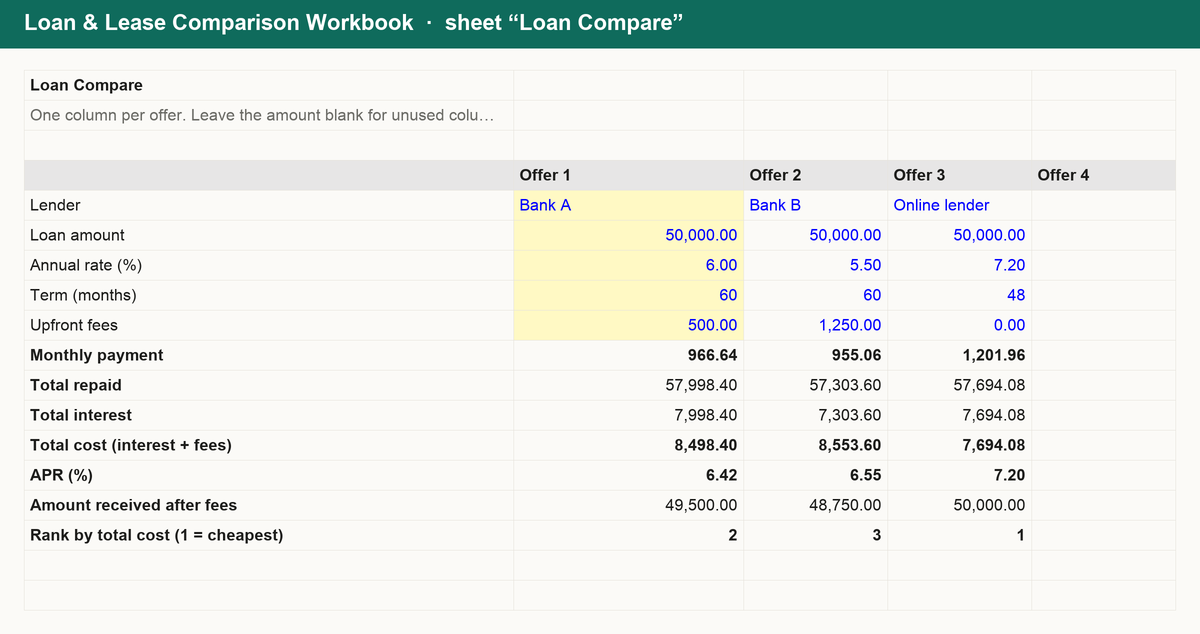
- Loan compare: up to four offers with amount, rate, term and fees; monthly payment, total interest, total cost and true APR are calculated and the cheapest offer is ranked.
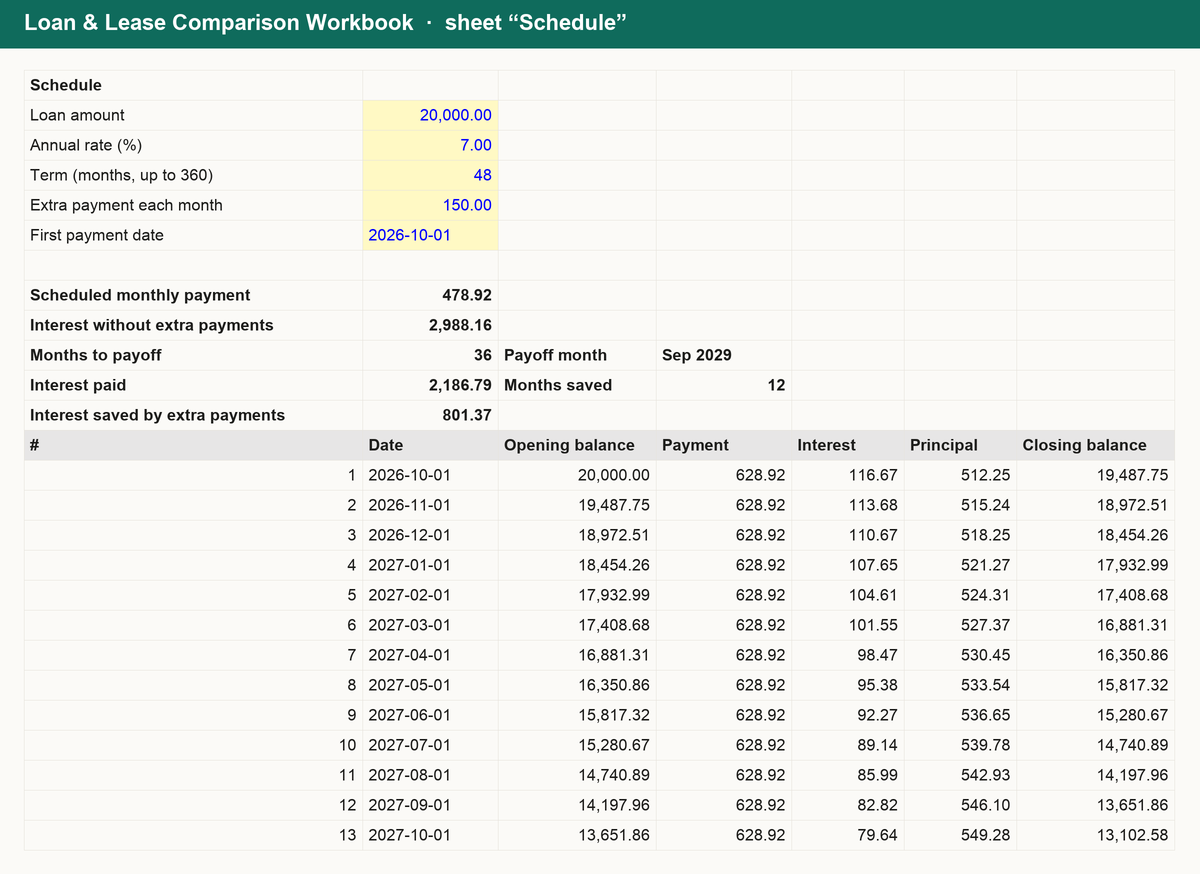
- Schedule: a month-by-month amortisation table for up to 30 years with an optional extra payment, showing interest, principal and balance each month, the payoff date and the interest saved.
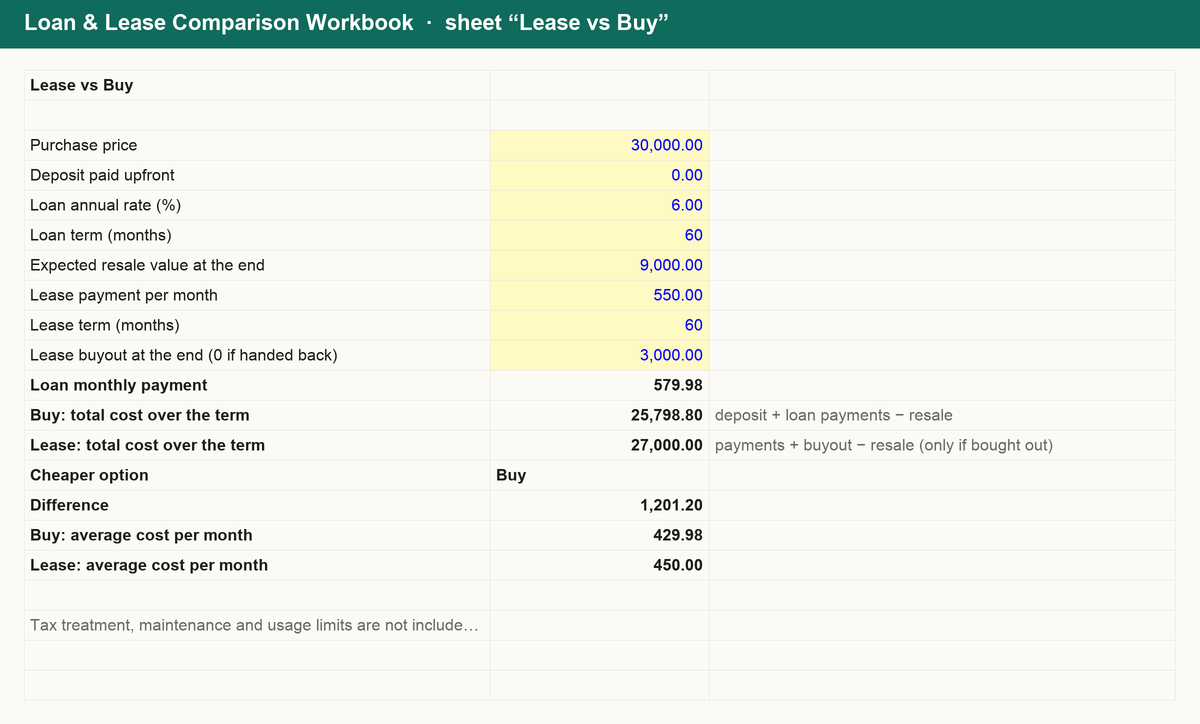
- Lease vs buy: total cost of leasing against buying on finance over the same period, with resale value and buyout handled correctly.
- DSCR: debt service coverage ratio today and after a proposed loan, with the largest payment a lender's target allows.
Works in Excel, Google Sheets and Numbers. No macros, no sign-up, yours forever.
Get it for $12
MSP Contract Pricing Workbook $14
See what every managed services contract really costs you in labour and tools, price per user at your own target margin and spot the clients losing you money
What is inside
Know what every support contract has to earn. The MSP Contract Pricing Workbook turns your technicians, overhead and tool stack into contract prices you can defend:
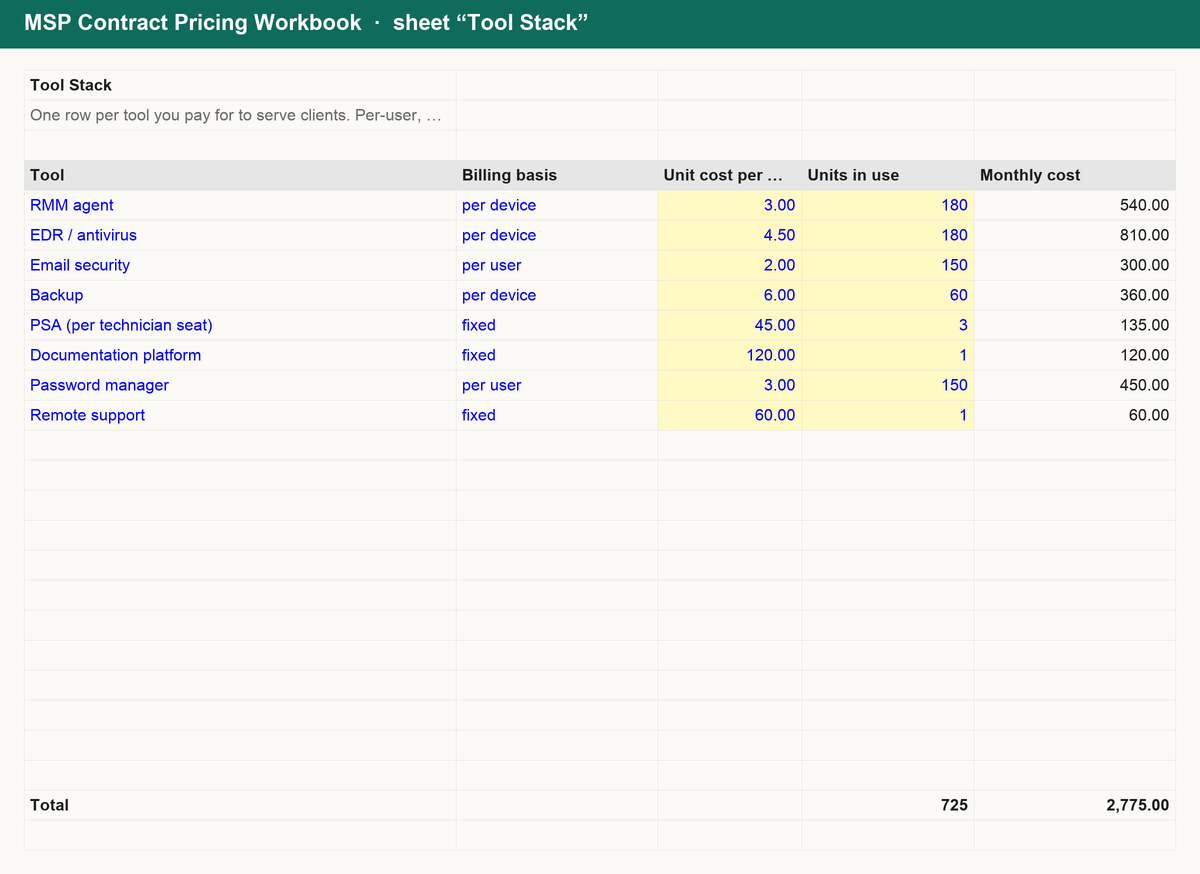
- Loaded hourly cost and tool stack: salaries, payroll taxes and benefits, productive hours and overhead become the true cost of a technician hour; per-user and per-device tools are shared across contracts by users and devices, fixed tools kept apart.
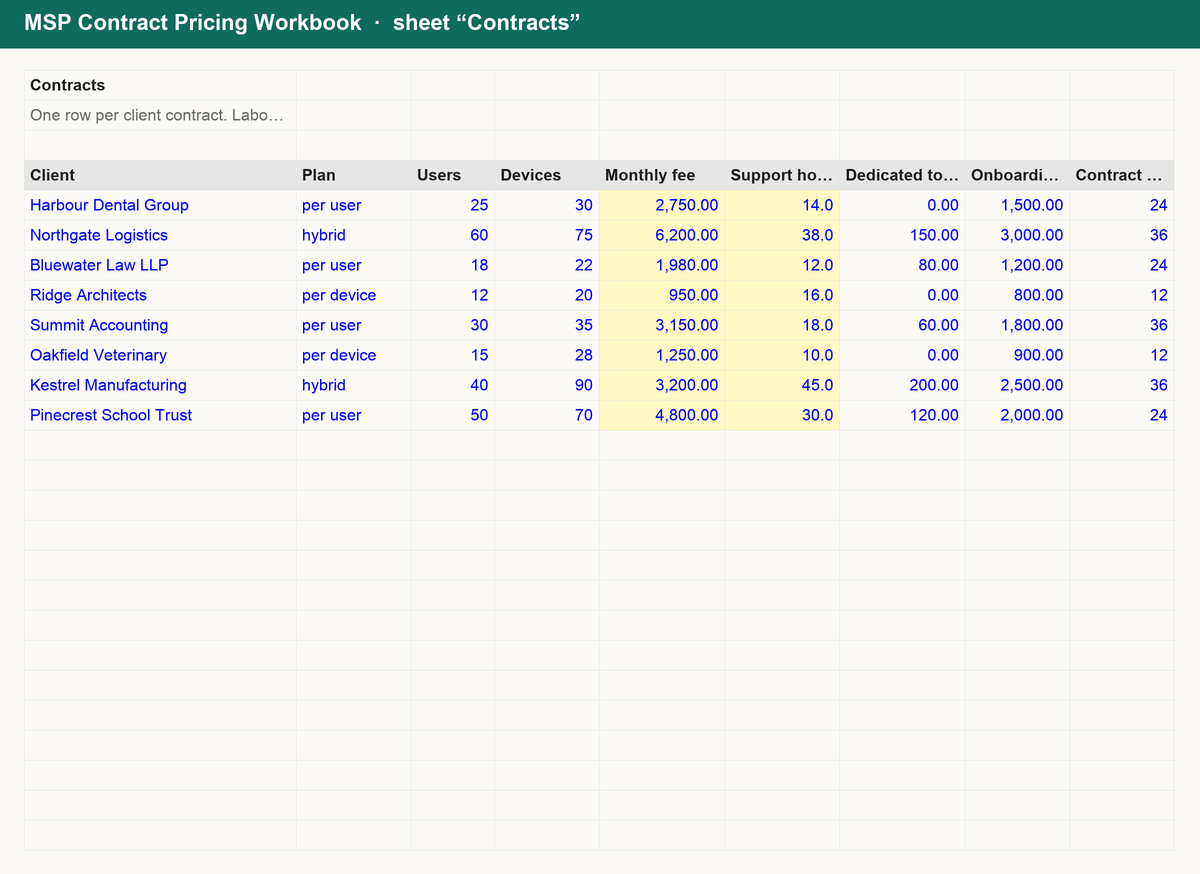
- Contract margins: each client's shared and dedicated tool cost, labour, total cost, gross profit and margin %, cost and fee per user, the price per user at your target margin and the support hours a contract can absorb before it loses money.
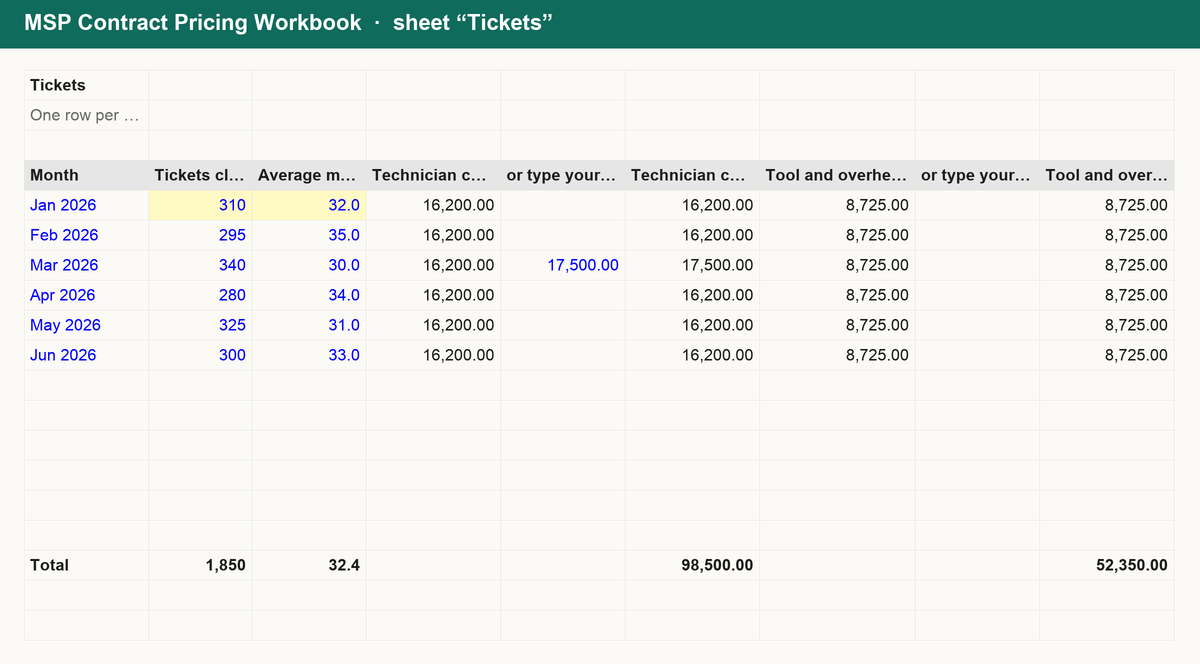
- Cost per ticket: tickets closed and average minutes each month against technician, tool and overhead cost, with labour cost per ticket, tickets per technician and the share of productive hours spent on tickets.
- Blocks, onboarding and summary: block hours quotes with the effective rate on hours actually used, onboarding fees from hours, setup costs and margin with their share of the contract, plus contracts below target and your most and least profitable clients.
Works in Excel, Google Sheets and Numbers. No macros, no sign-up, yours forever.
Get it for $14
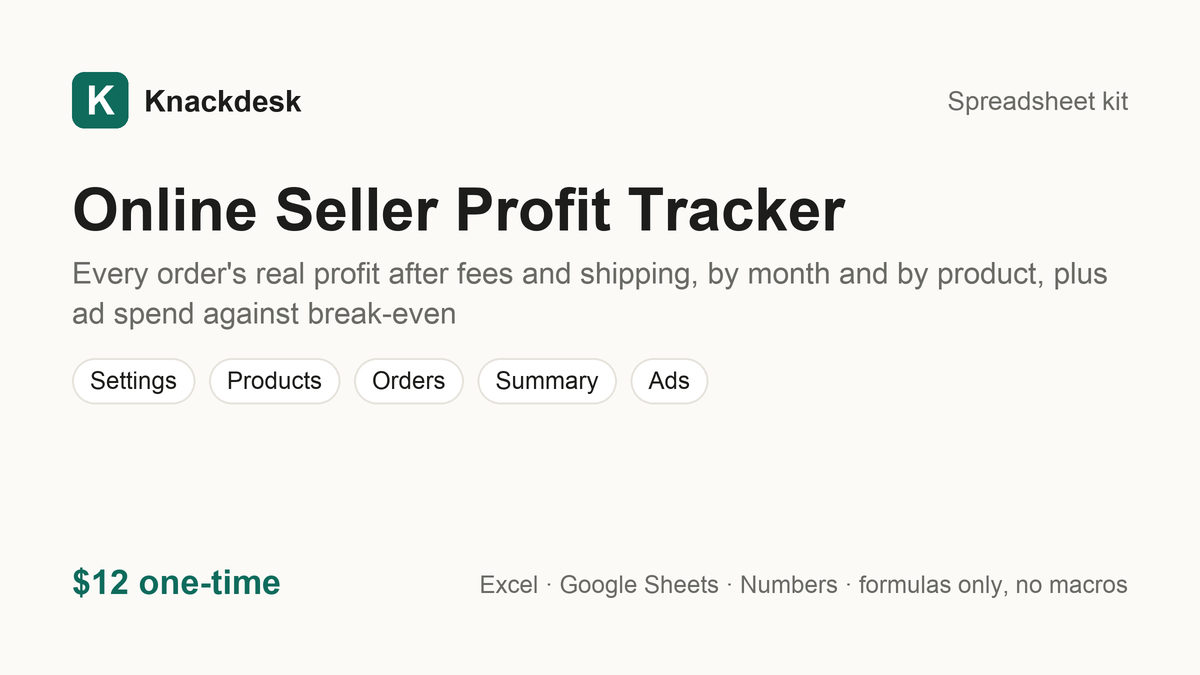
Online Seller Profit Tracker $12
Every order's real profit after fees and shipping, by month and by product, plus ad spend against break-even
What is inside
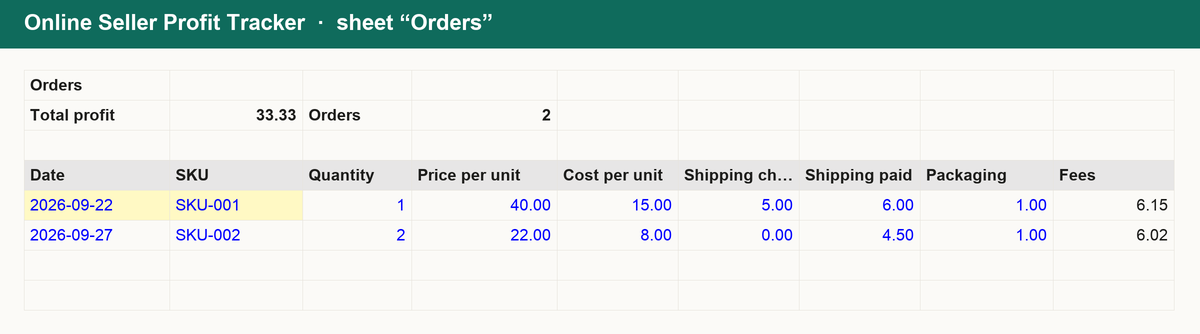
Know what each order really made, not what the dashboard says it sold. The Online Seller Profit Tracker is a single workbook:
- Settings: platform fee, payment fee and fixed fee, default packaging cost, entered once.
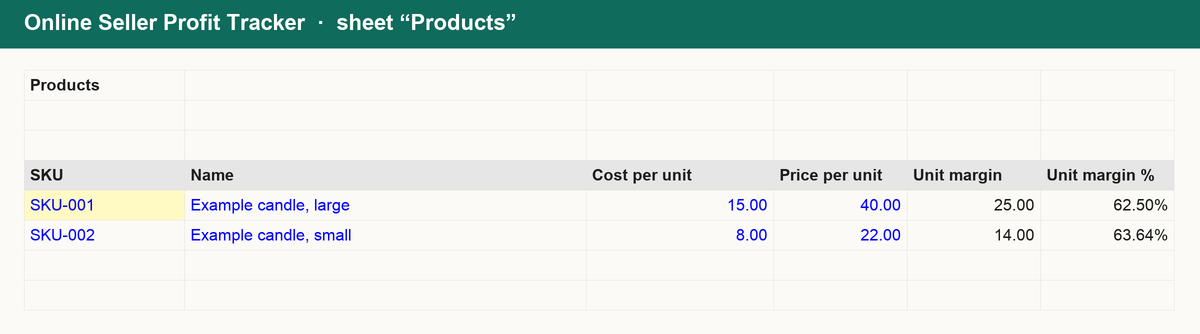
- Products: SKU, name, cost and price; orders look up cost and price automatically.
- Orders: one row per order with quantity, shipping charged and shipping paid; fees, revenue, profit and margin are calculated.
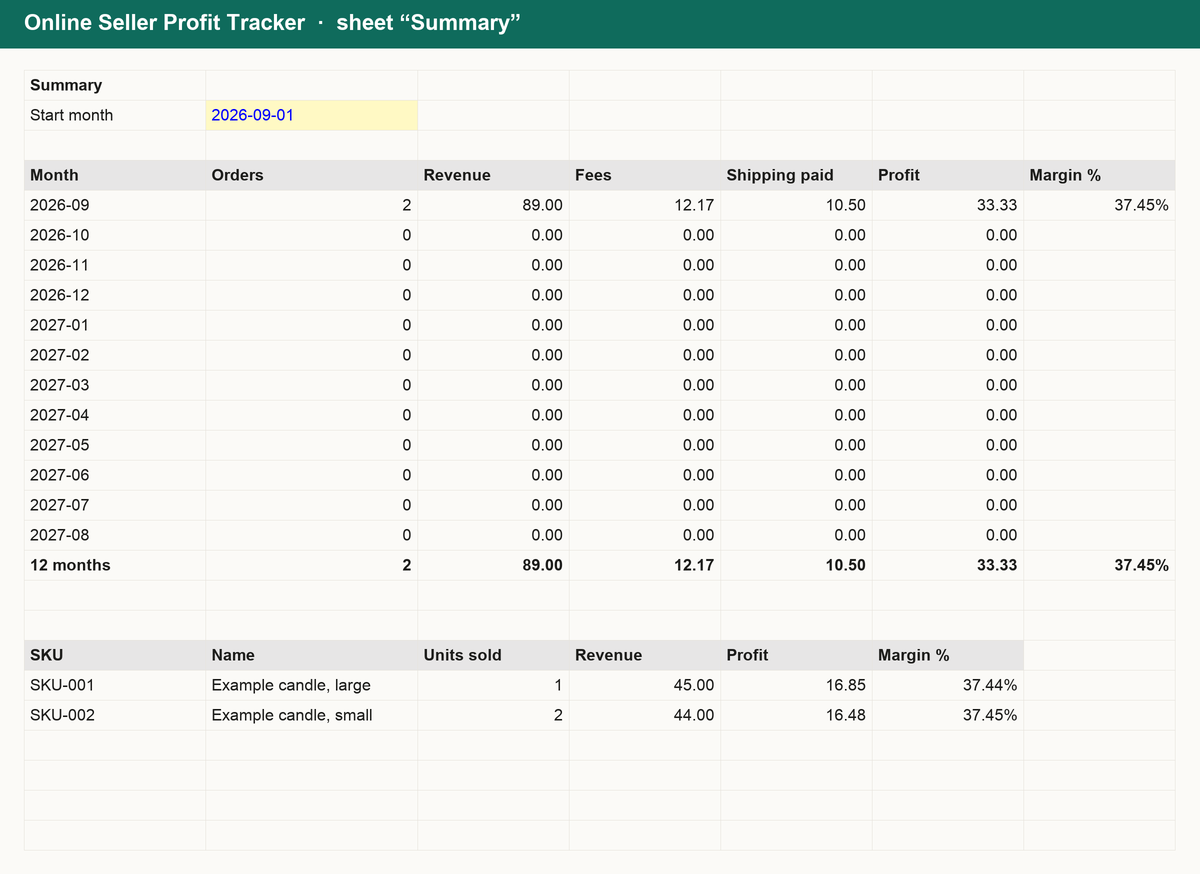
- Summary: revenue, fees, shipping, profit and margin by month, and profit by product.
- Ads: monthly ad spend against revenue and the break-even ROAS from your real margin.
Works in Excel, Google Sheets and Numbers. No macros, no sign-up, yours forever.
Get it for $12
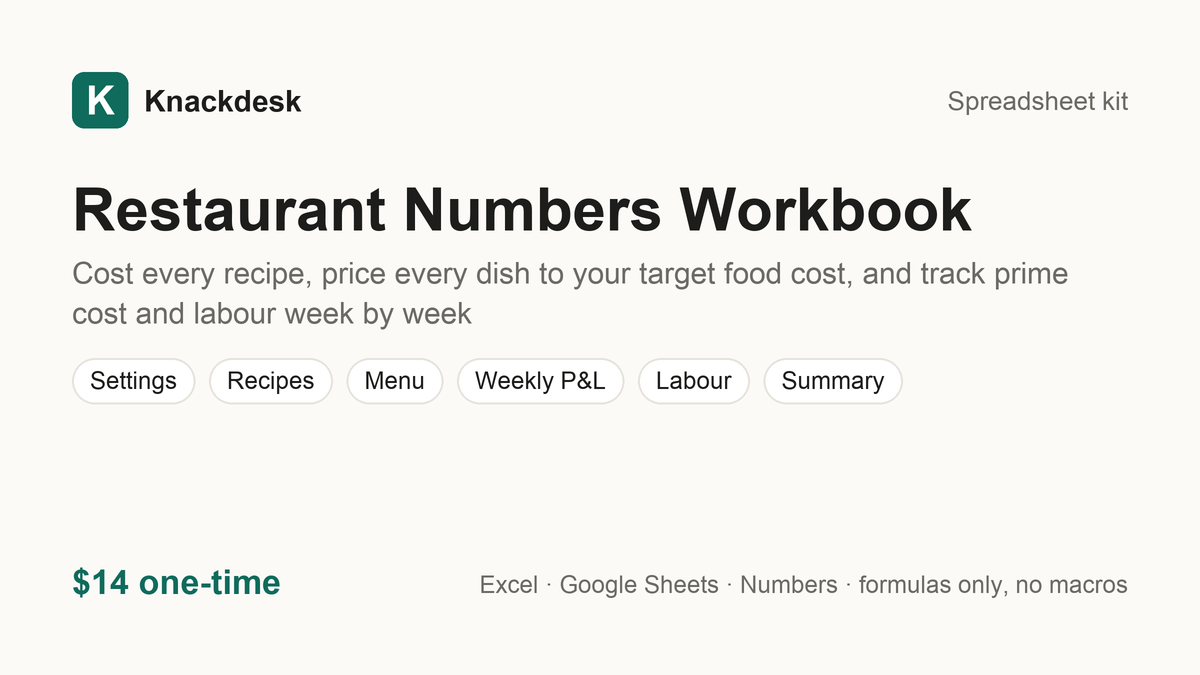
Restaurant Numbers Workbook $14
Cost every recipe, price every dish to your target food cost, and track prime cost and labour week by week
What is inside
Know what every plate earns. The Restaurant Numbers Workbook connects your recipes, menu prices, weekly sales and staff hours in one file:
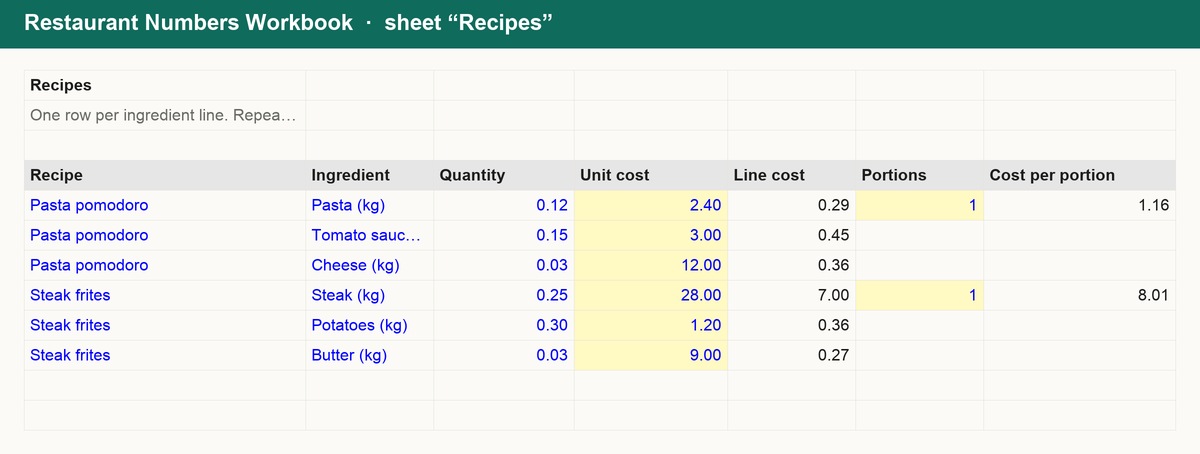
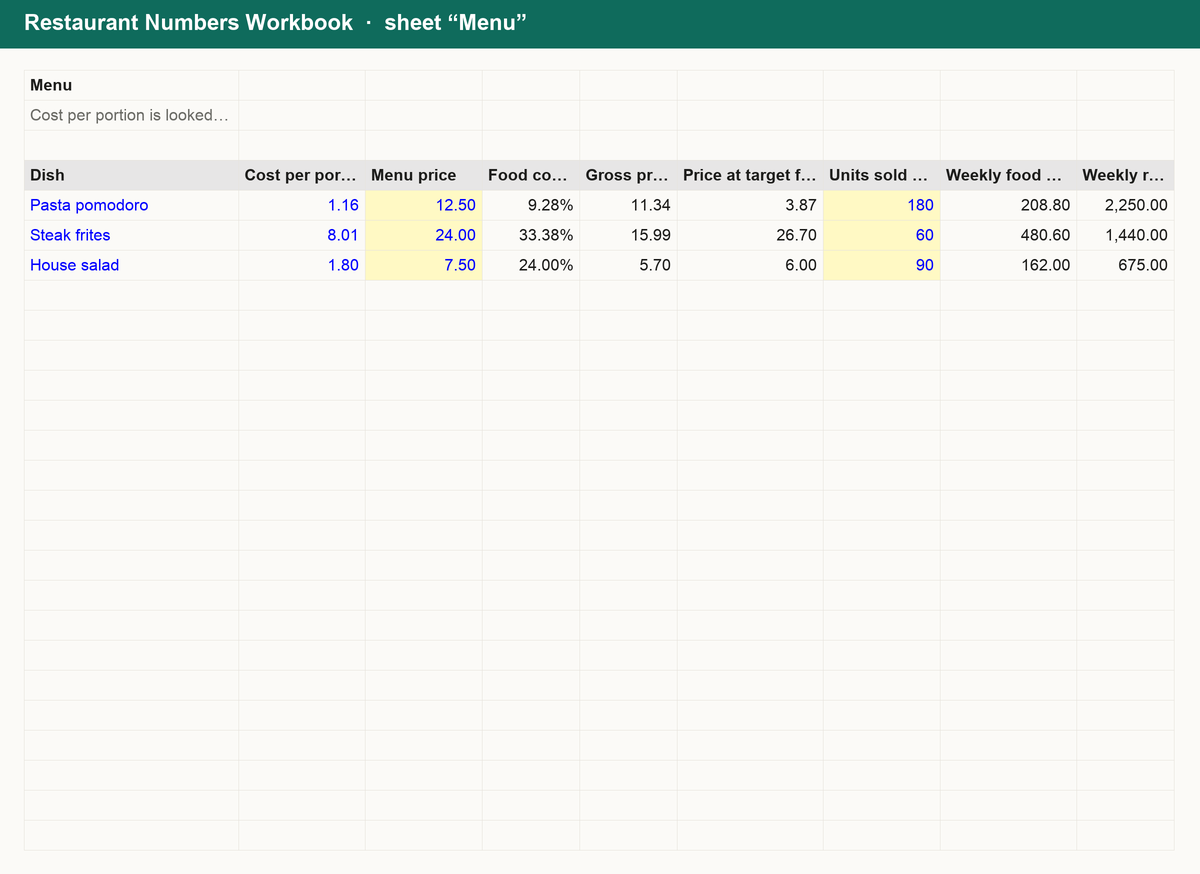
- Recipes and menu: cost each recipe line by line with your waste allowance, then see each dish's food cost %, gross profit and the price that hits your target food cost.
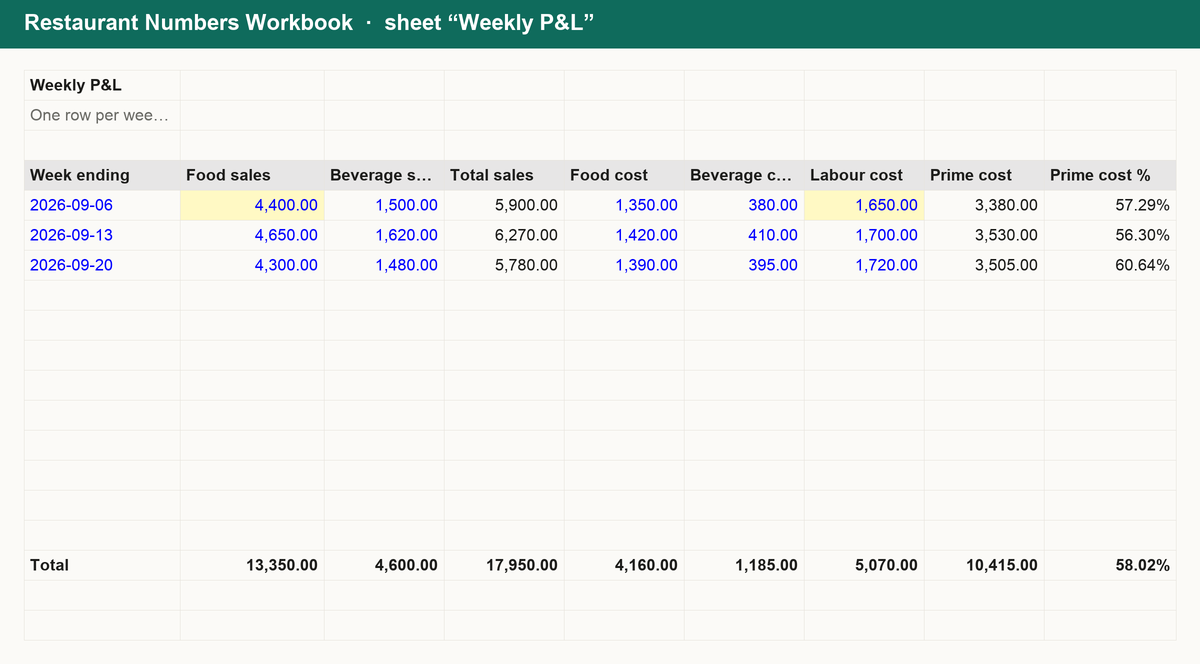
- Weekly P&L: log sales, food, beverage and labour cost each week to get prime cost %, food cost %, labour % and operating margin, with running totals.
- Labour: staff hours and wages with payroll taxes added, labour % against projected sales and how many hours you are over or under your target.
- Summary: blended food cost %, best margin dish, the dish to re-price first, latest prime cost % and covers per week from your seats and turns.
Works in Excel, Google Sheets and Numbers. No macros, no sign-up, yours forever.
Get it for $14
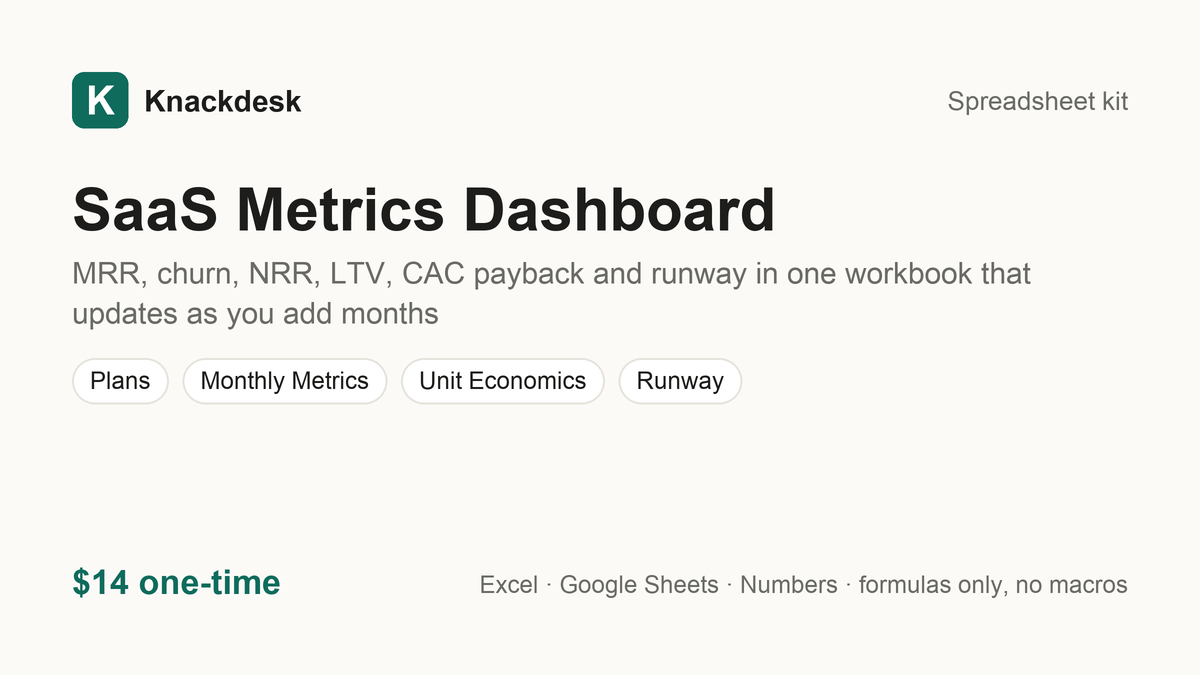
SaaS Metrics Dashboard $14
MRR, churn, NRR, LTV, CAC payback and runway in one workbook that updates as you add months
What is inside
Report the numbers investors ask for without rebuilding the spreadsheet every month. The SaaS Metrics Dashboard is a single workbook:
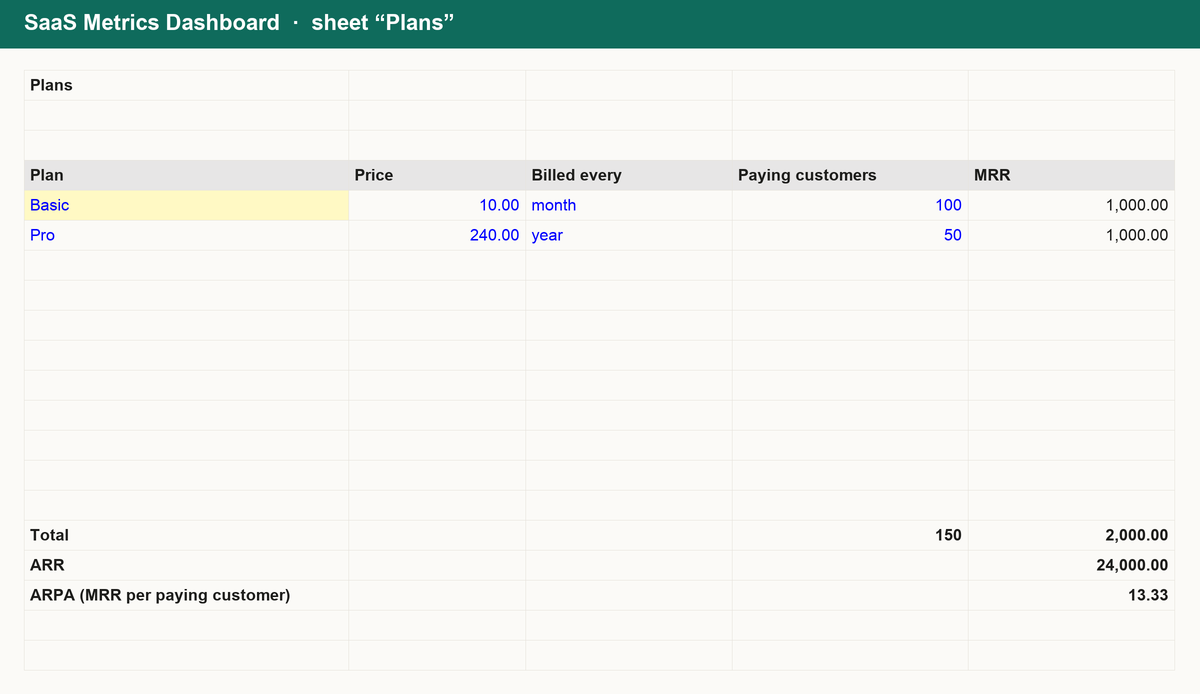
- Plans: price, billing period and customers per plan; MRR, ARR and ARPA follow automatically.
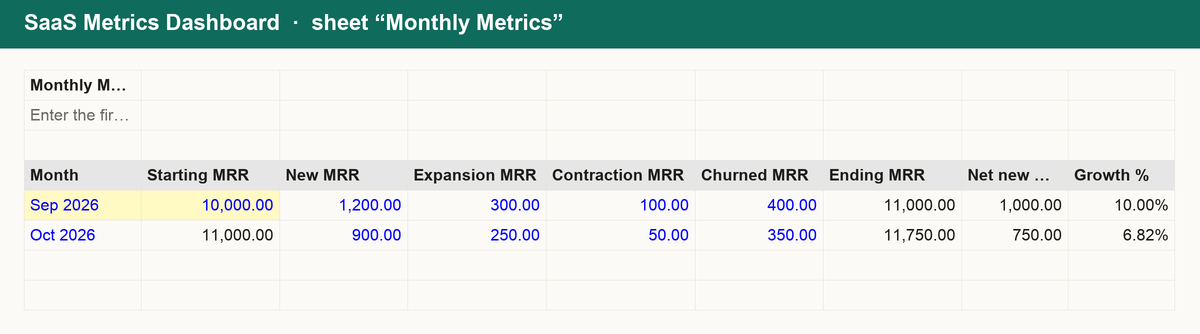
- Monthly metrics: one row per month for new, expansion, contraction and churned MRR; ending MRR, growth, gross and net revenue churn and NRR are calculated.
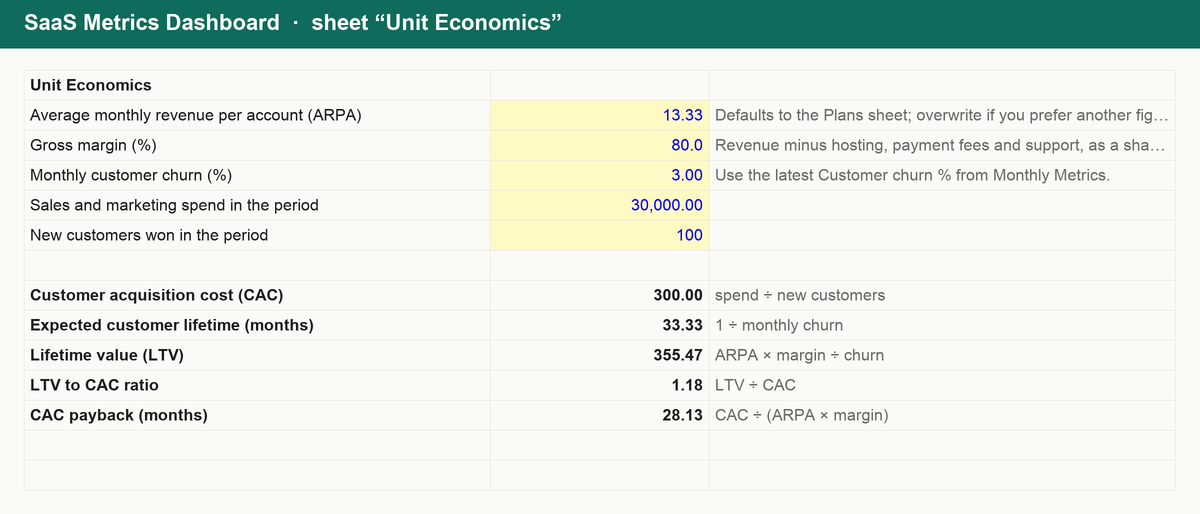
- Unit economics: lifetime value, LTV to CAC and CAC payback from ARPA, gross margin, churn and acquisition spend.
- Runway: months of cash left from your balance, costs and MRR, and the costs you would need to reach a target runway.
Works in Excel, Google Sheets and Numbers. No macros, no sign-up, yours forever.
Get it for $14
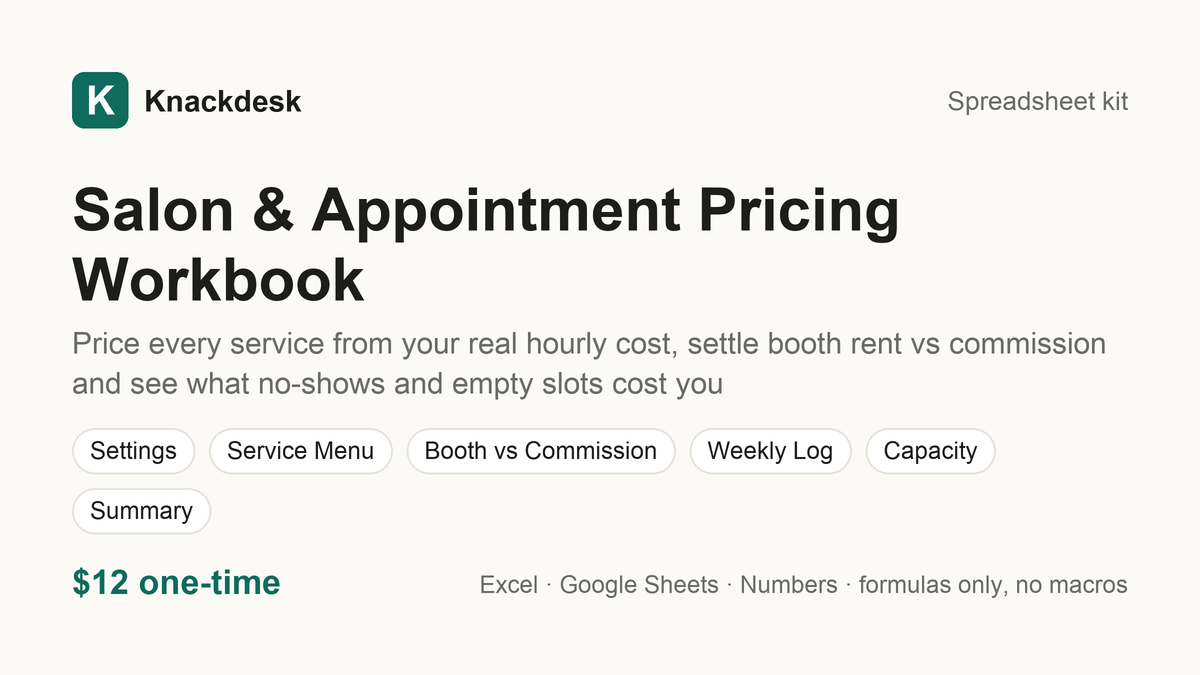
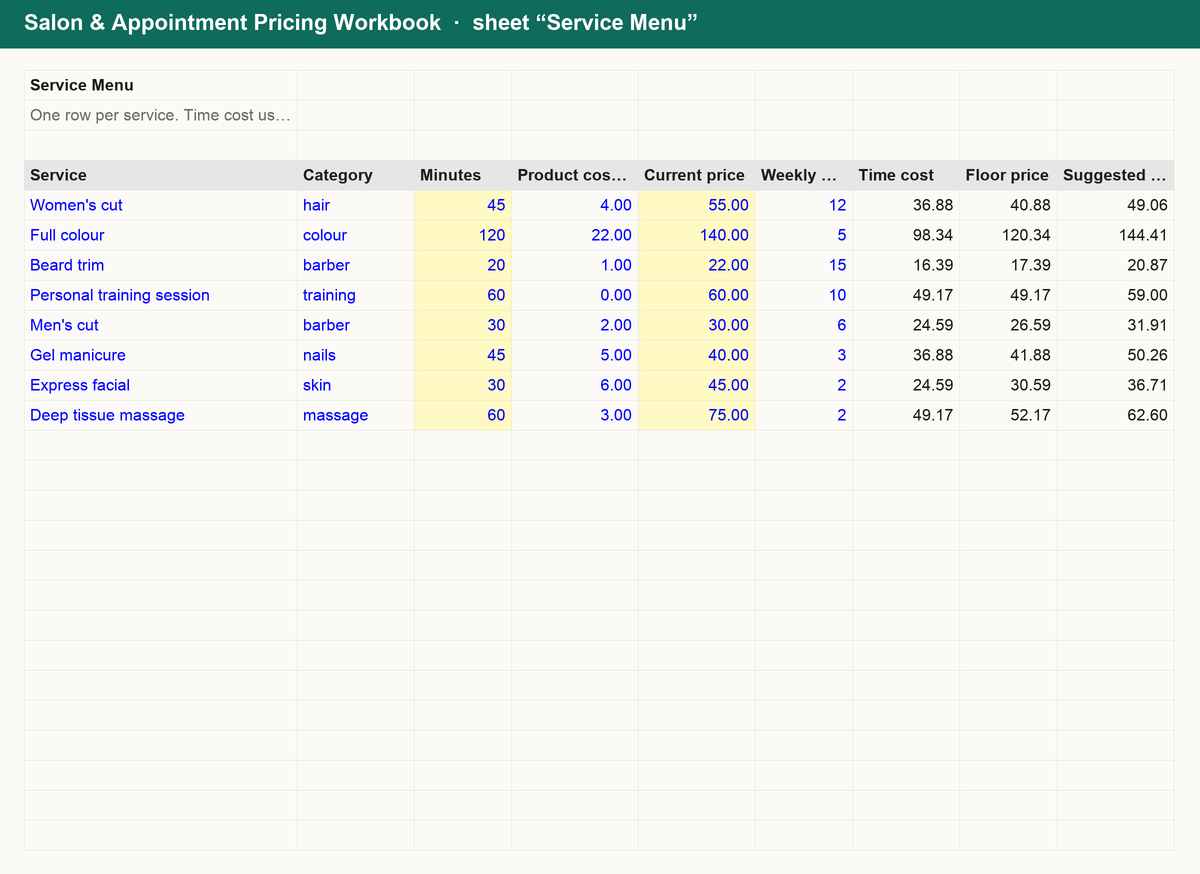
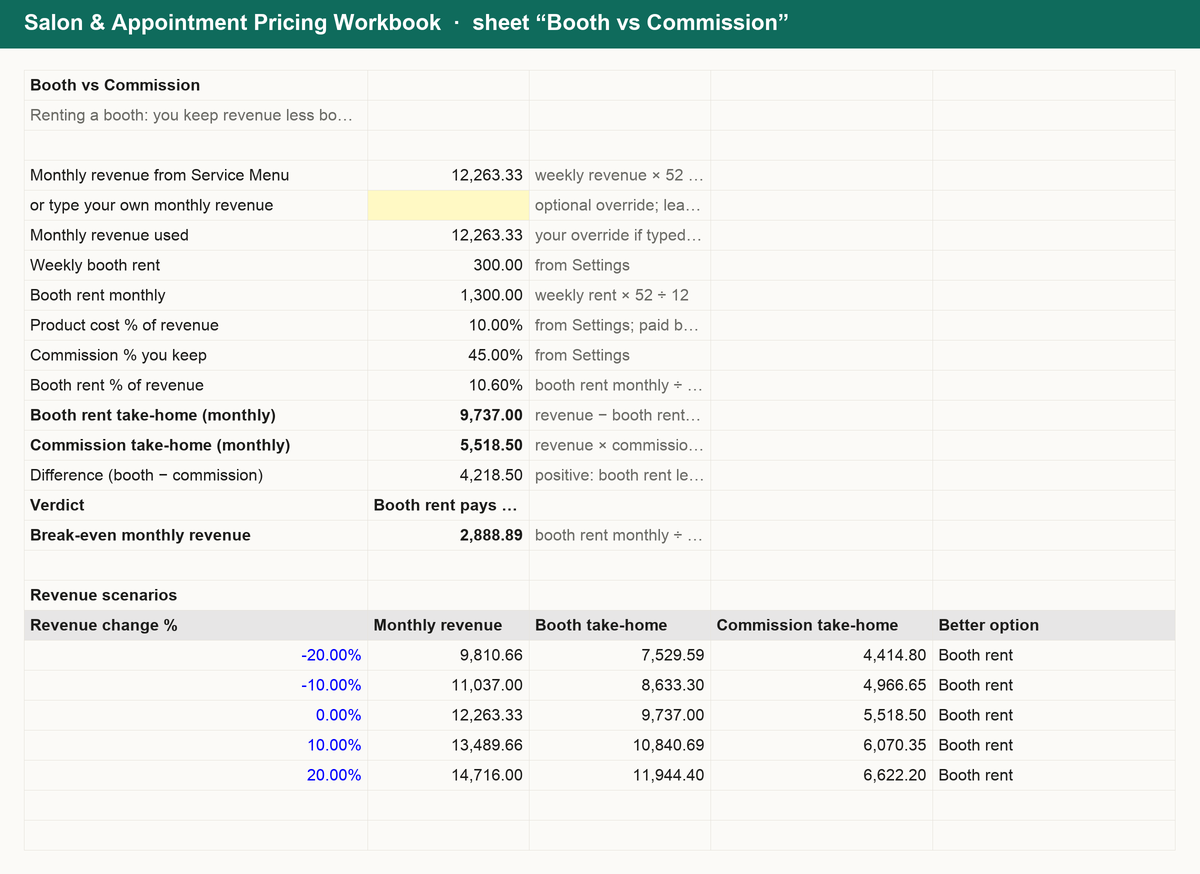
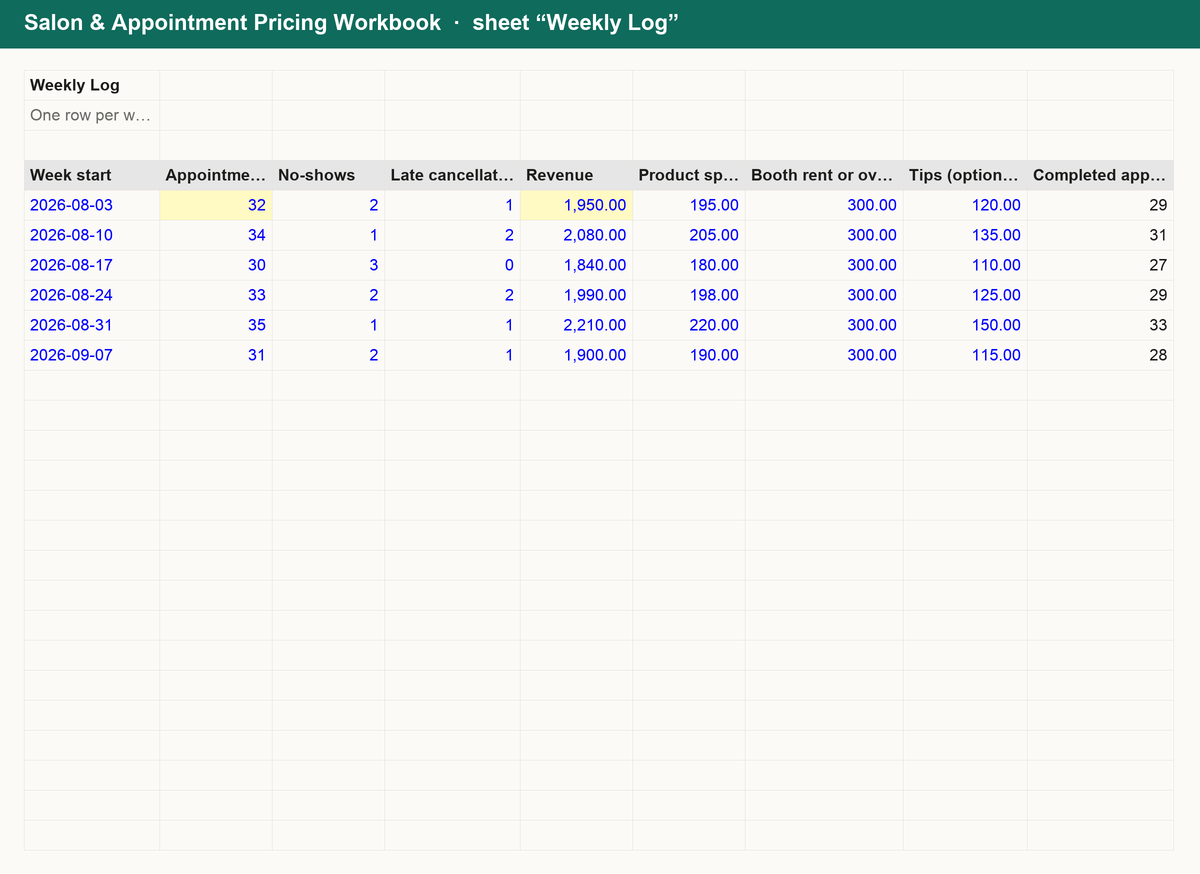
Salon & Appointment Pricing Workbook $12
Price every service from your real hourly cost, settle booth rent vs commission and see what no-shows and empty slots cost you
What is inside
Know what every appointment has to earn. The Salon & Appointment Pricing Workbook turns your overhead, income goal and hours into prices you can defend:
- Service menu: a target hourly rate from your own overhead and income goal, then each service's time cost, floor price, suggested price and the gap to what you charge today.
- Booth vs commission: monthly take-home under each model at your revenue, a plain verdict, the break-even revenue and five what-if revenue scenarios.
- Weekly log: appointments, no-shows and late cancellations each week with no-show rate, lost revenue, fees recovered and net, plus totals and a 4-week average.
- Capacity and summary: how many appointments fit your week, your revenue ceiling, services priced below floor and your best and worst margin services.
Works in Excel, Google Sheets and Numbers. No macros, no sign-up, yours forever.
Get it for $12
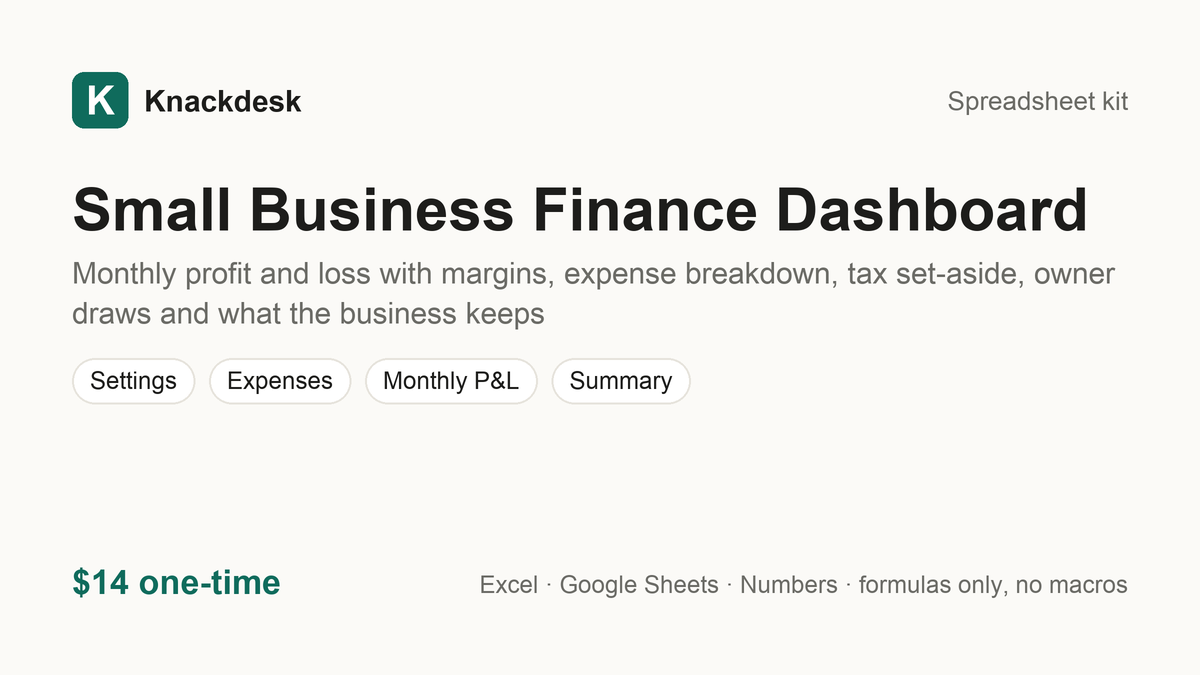
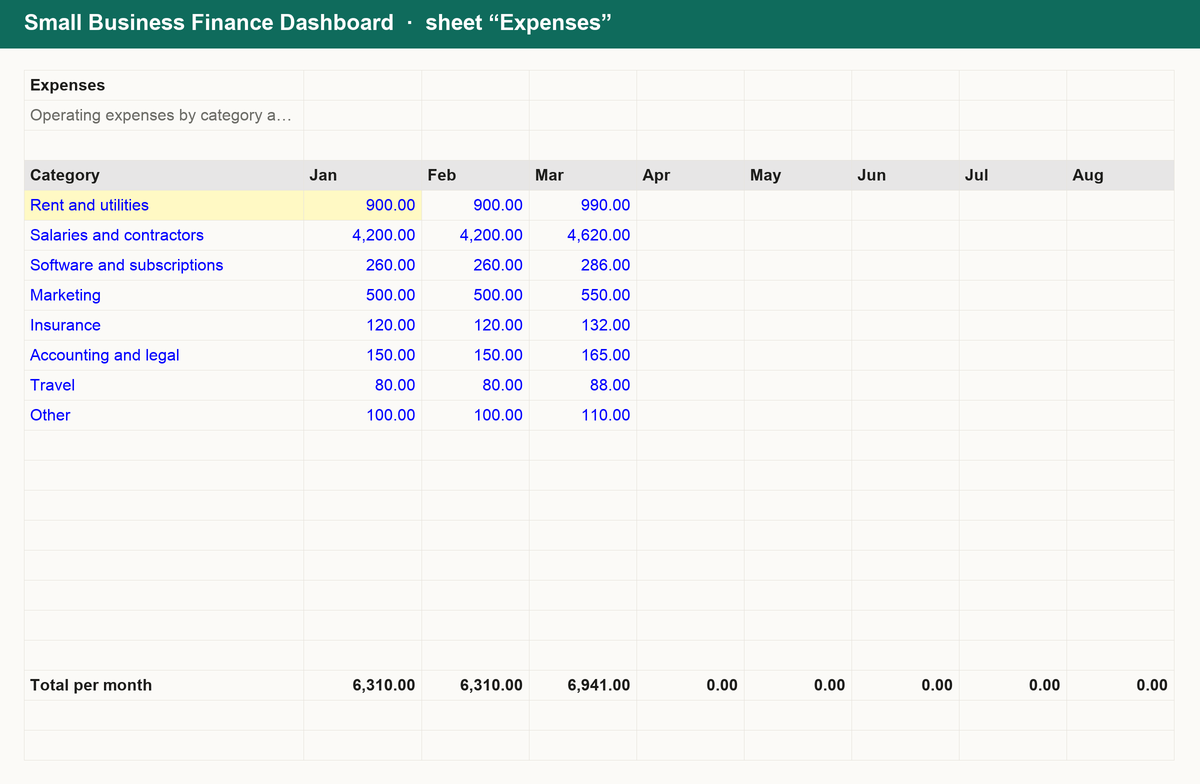
Small Business Finance Dashboard $14
Monthly profit and loss with margins, expense breakdown, tax set-aside, owner draws and what the business keeps
What is inside
See where every month's revenue went and what the business actually kept. The Small Business Finance Dashboard is a single workbook:
- Expenses: operating expenses by category and month, with yearly totals and each category's share.
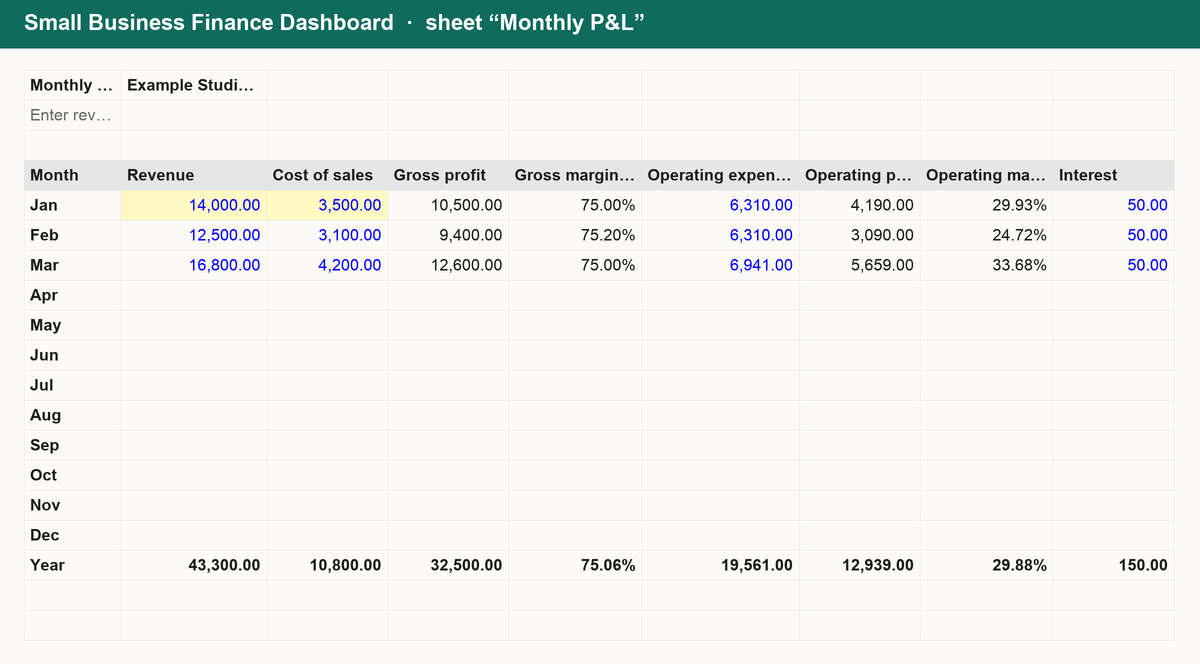
- Monthly P&L: revenue and cost of sales per month; gross profit, operating profit and pre-tax profit with margins, the tax set-aside at your percentage, owner draws, retained profit and the running total.
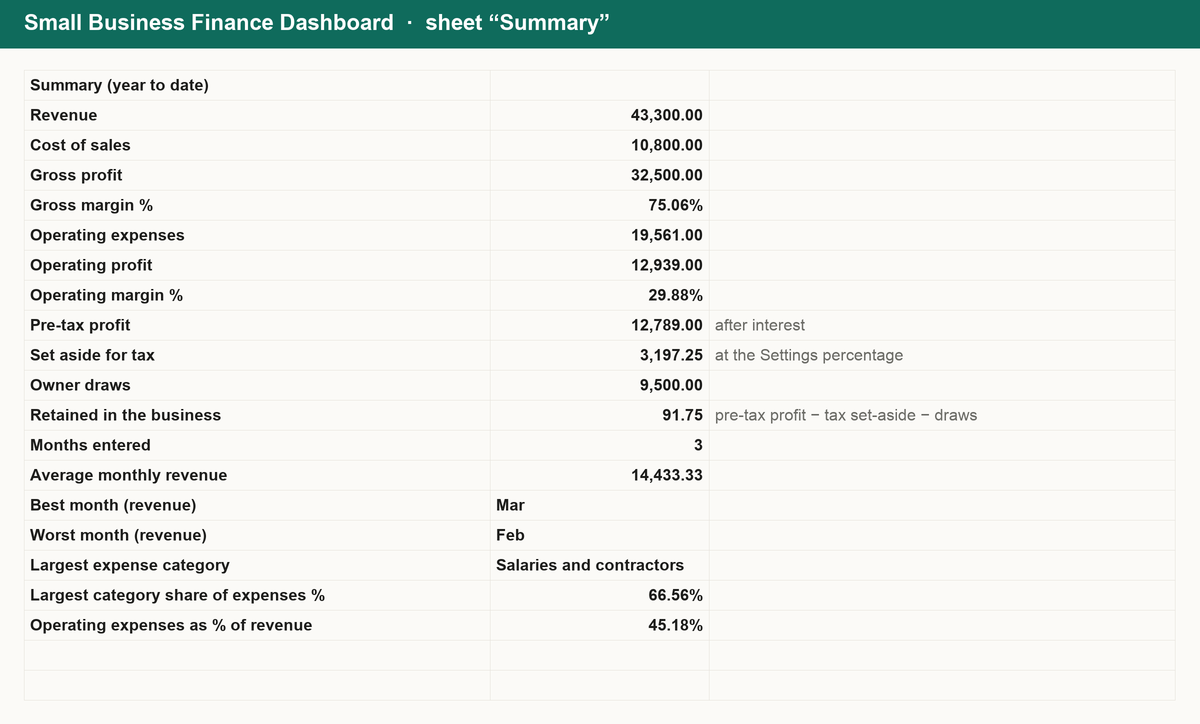
- Summary: year-to-date totals and margins, average monthly revenue, best and worst months, total set aside for tax, draws taken and the largest expense category.
- Settings: the tax set-aside percentage and year in one place.
Works in Excel, Google Sheets and Numbers. No macros, no sign-up, yours forever.
Get it for $14
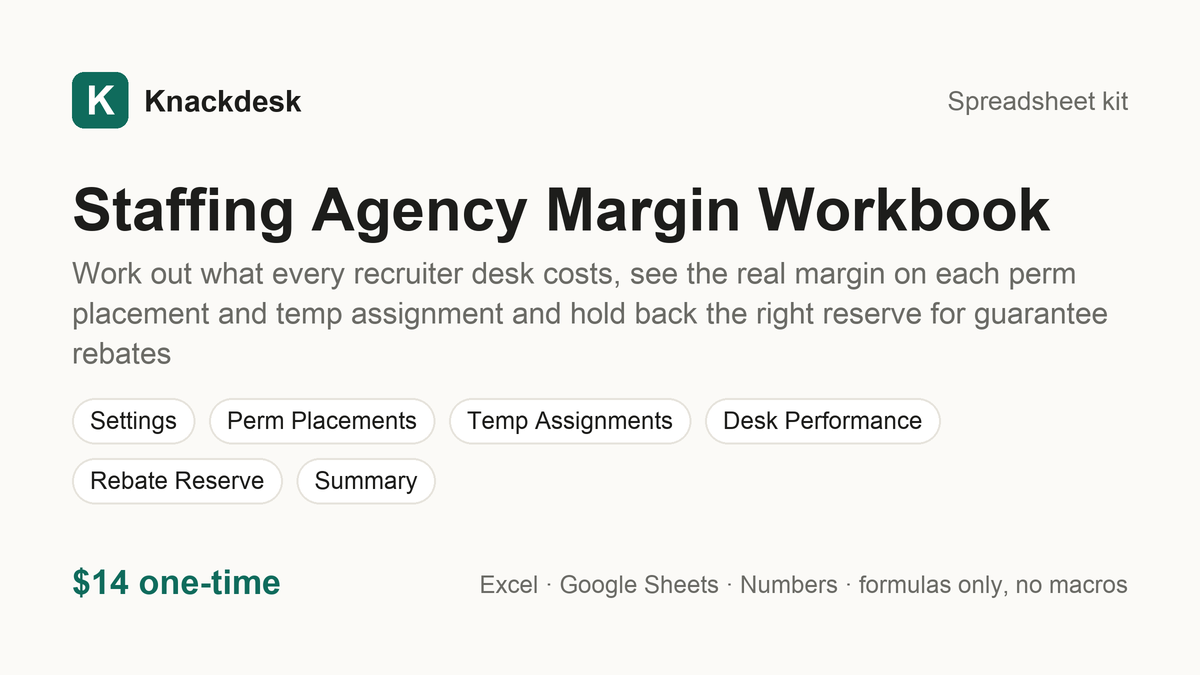
Staffing Agency Margin Workbook $14
Work out what every recruiter desk costs, see the real margin on each perm placement and temp assignment and hold back the right reserve for guarantee rebates
What is inside
Know what every desk, placement and temp hour has to earn. The Staffing Agency Margin Workbook turns your recruiters, overhead, placements and assignments into margins you can see:
- Desk cost per recruiter: salaries, benefits and payroll taxes, tools, job boards and overhead become a desk cost per recruiter and a cost per hour, with the break-even placements each recruiter needs a year.
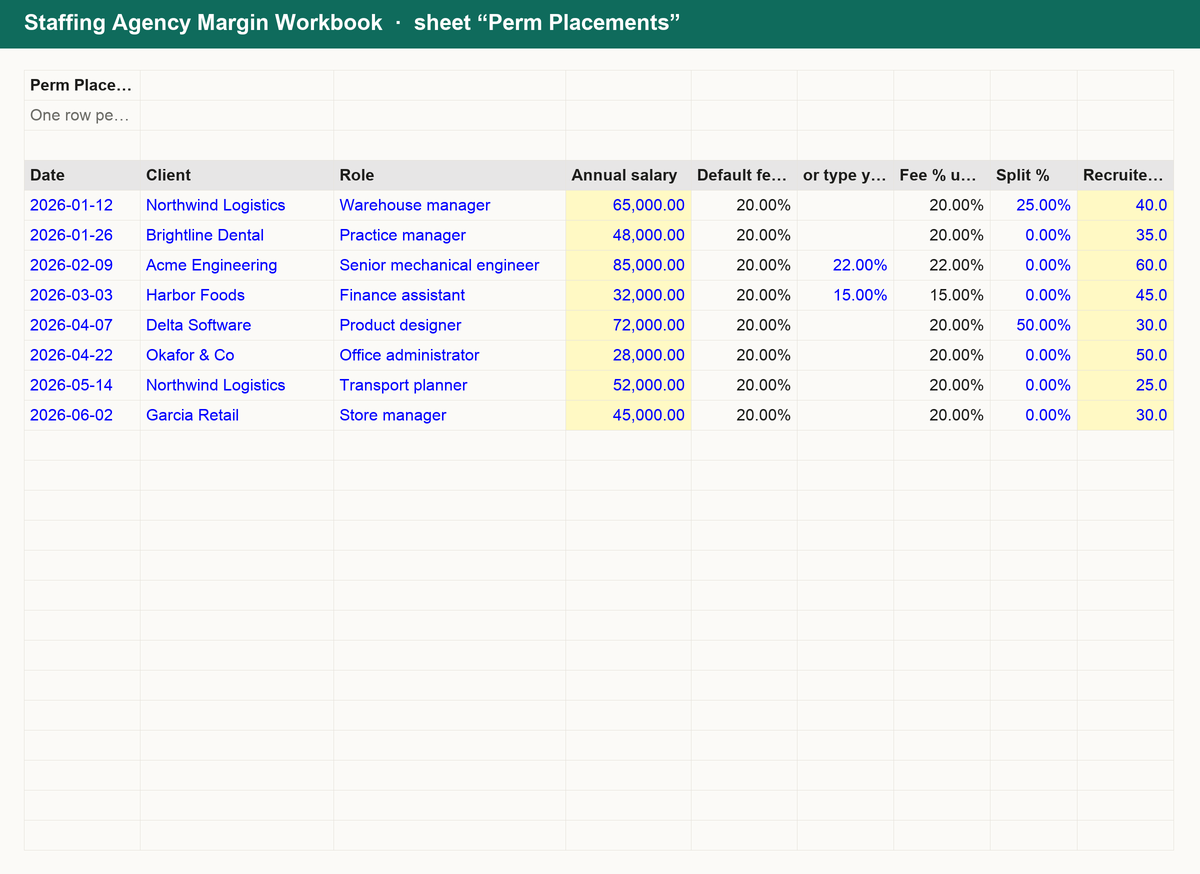
- Perm placements: fee % of salary, split fees, recruiter hours at your own cost per hour and advertising give the net fee, delivery cost, margin and margin % on every placement, with a flag for the ones below your own threshold.
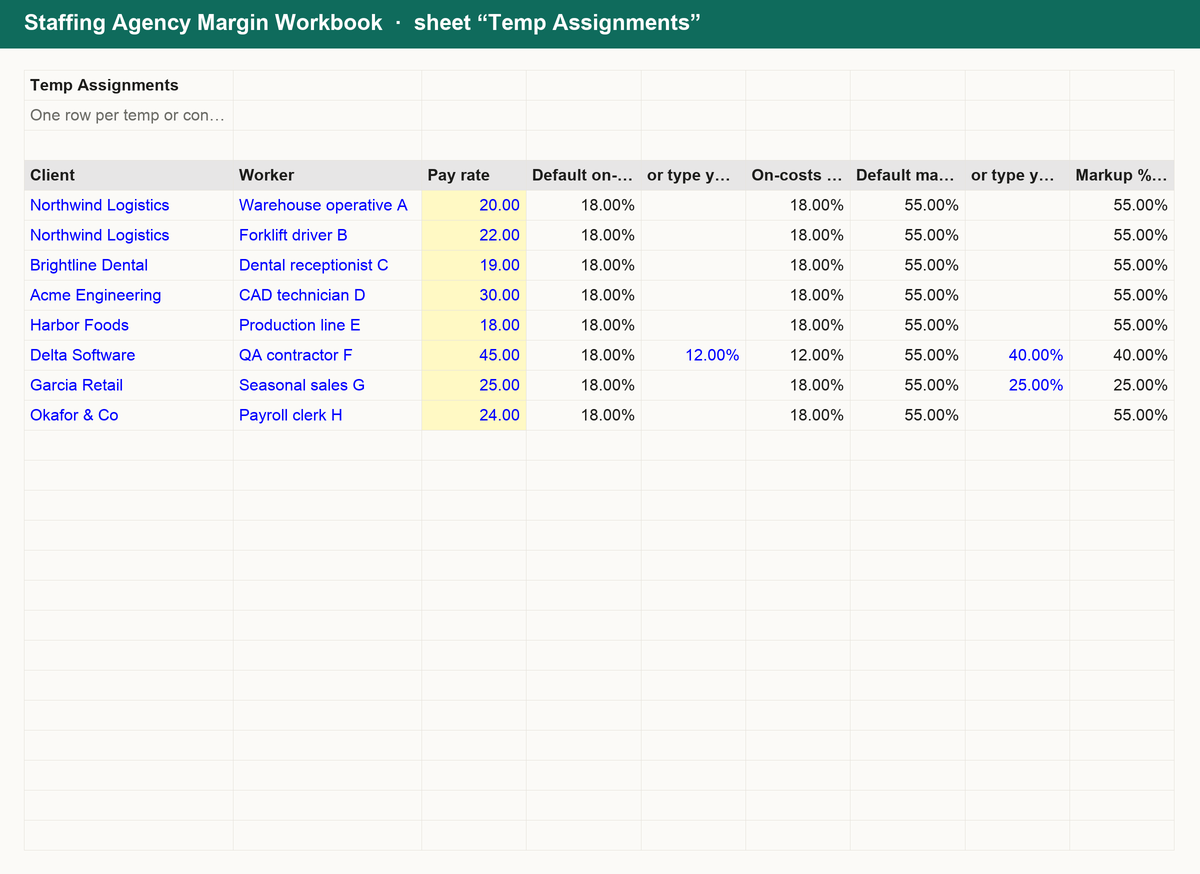
- Temp assignments: pay rate, on-costs and markup, or a bill rate you agreed, give the loaded cost, gross margin per hour, margin % on bill and the margin over the whole assignment, with the thinnest assignment picked out.
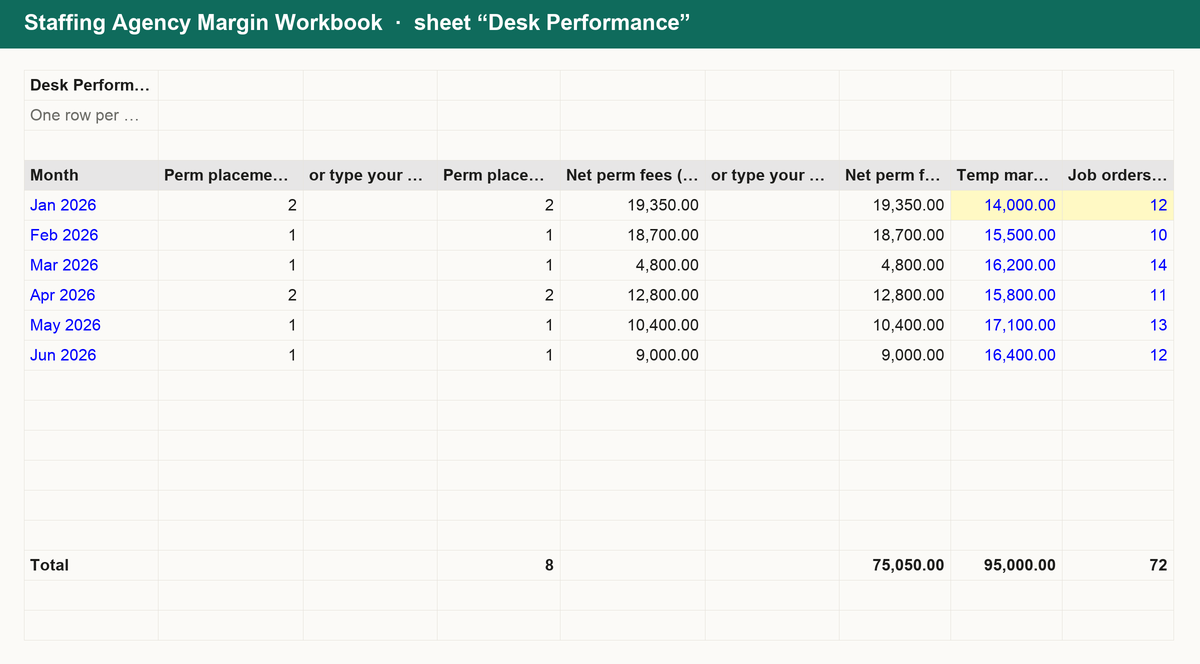
- Desk performance and rebate reserve: job orders, fill rate, days to fill, submittals per fill, gross margin and desk profit month by month; plus a reserve for each placement under guarantee with what is still held, released and paid back.
Works in Excel, Google Sheets and Numbers. No macros, no sign-up, yours forever.
Get it for $14
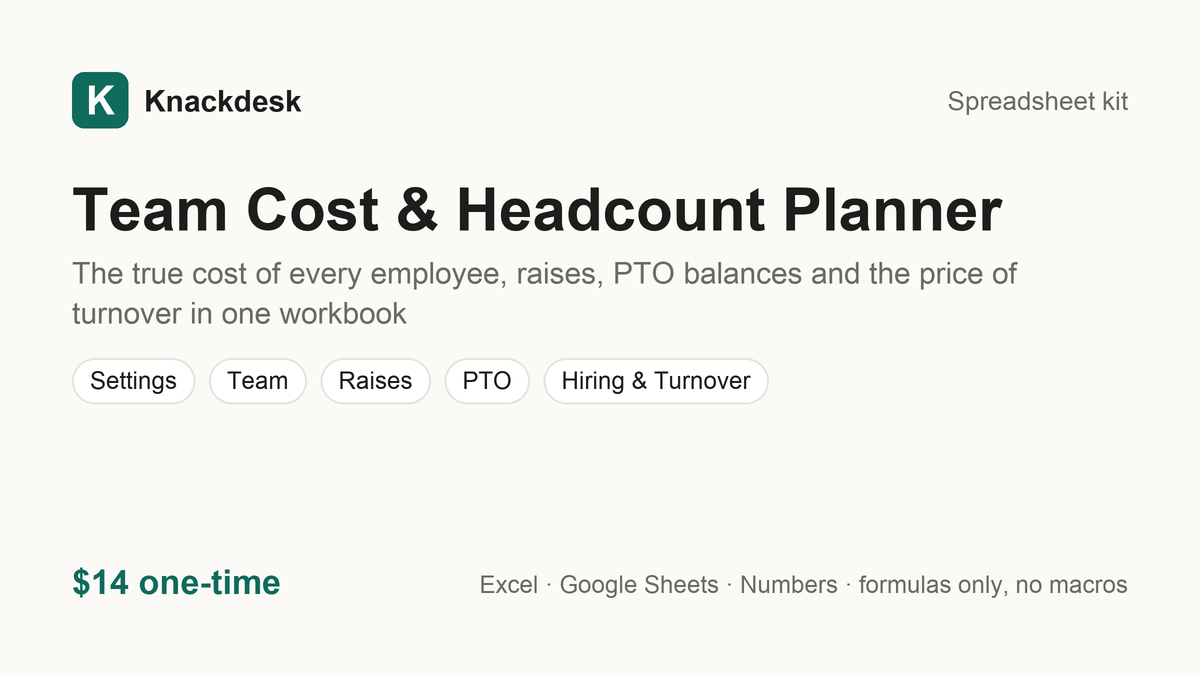
Team Cost & Headcount Planner $14
The true cost of every employee, raises, PTO balances and the price of turnover in one workbook
What is inside
Know what your team really costs before you hire, give a raise or lose someone. The Team Cost & Headcount Planner is a single workbook:
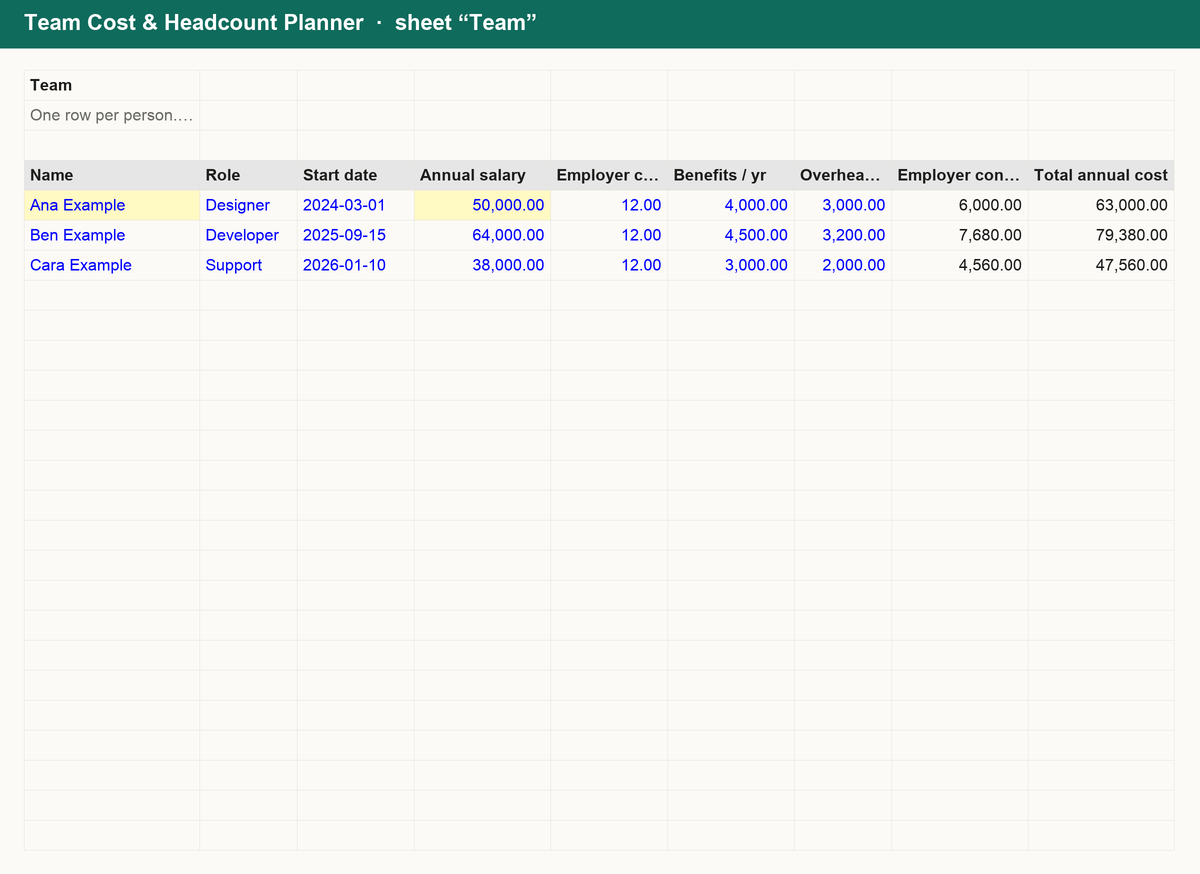
- Team: one row per person with salary, employer contributions, benefits and overheads; total annual and monthly cost, cost per productive hour and the cost multiplier are calculated, with team totals.
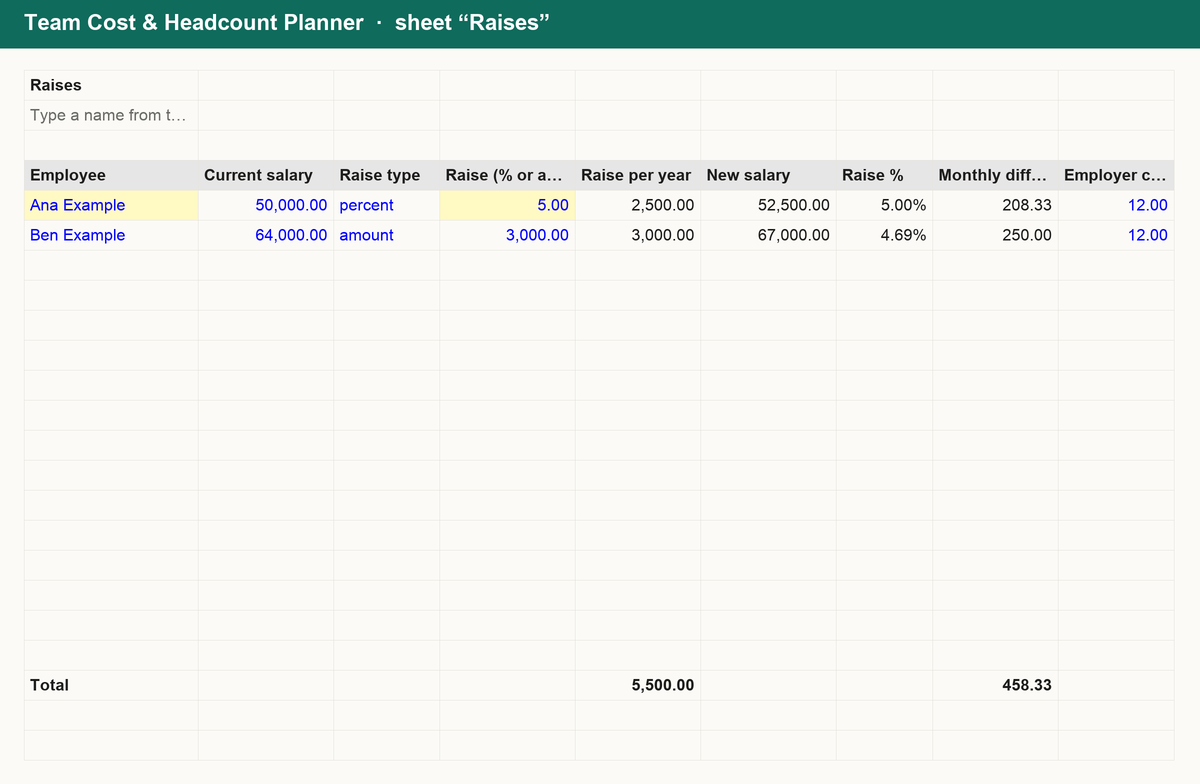
- Raises: model a raise as a percentage or an amount per person and see the new salary, the monthly difference, and what it costs the business once contributions are included.
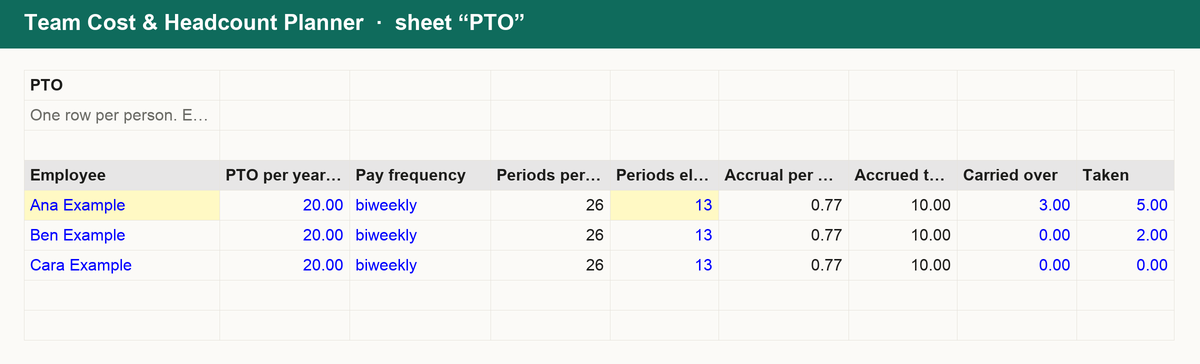
- PTO: paid-time-off accrual per pay period, accrued to date, balance and days still to earn for every employee.
- Hiring and turnover: planned hires with their cost this year, and the cost of turnover per leaver and per year from vacancy, recruiting, onboarding and ramp-up.
Works in Excel, Google Sheets and Numbers. No macros, no sign-up, yours forever.
Get it for $14
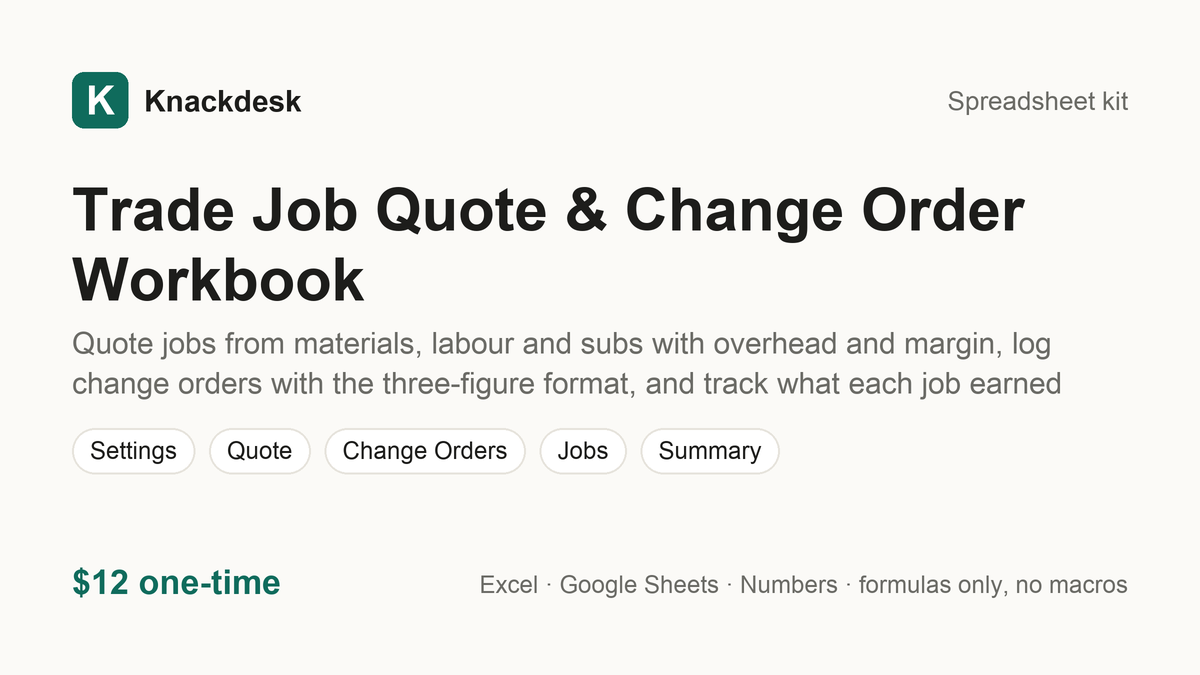
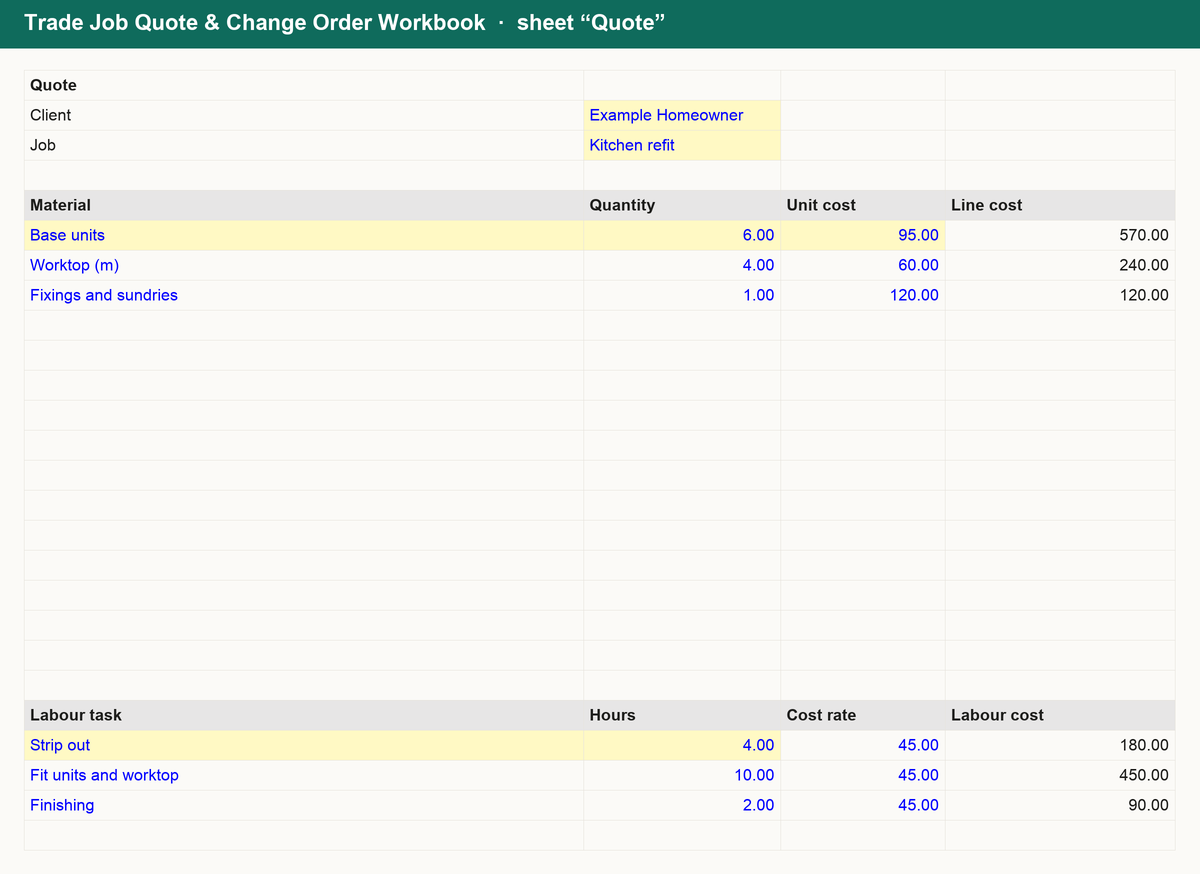
Trade Job Quote & Change Order Workbook $12
Quote jobs from materials, labour and subs with overhead and margin, log change orders with the three-figure format, and track what each job earned
What is inside
Quote it right, price every extra, and know what each job made. The Trade Job Quote & Change Order Workbook is a single workbook:
- Quote builder: materials by line with quantity and unit cost, labour tasks with hours at your cost rate, subcontractors; overhead and your profit margin roll up into the quote price, profit, markup and deposit.
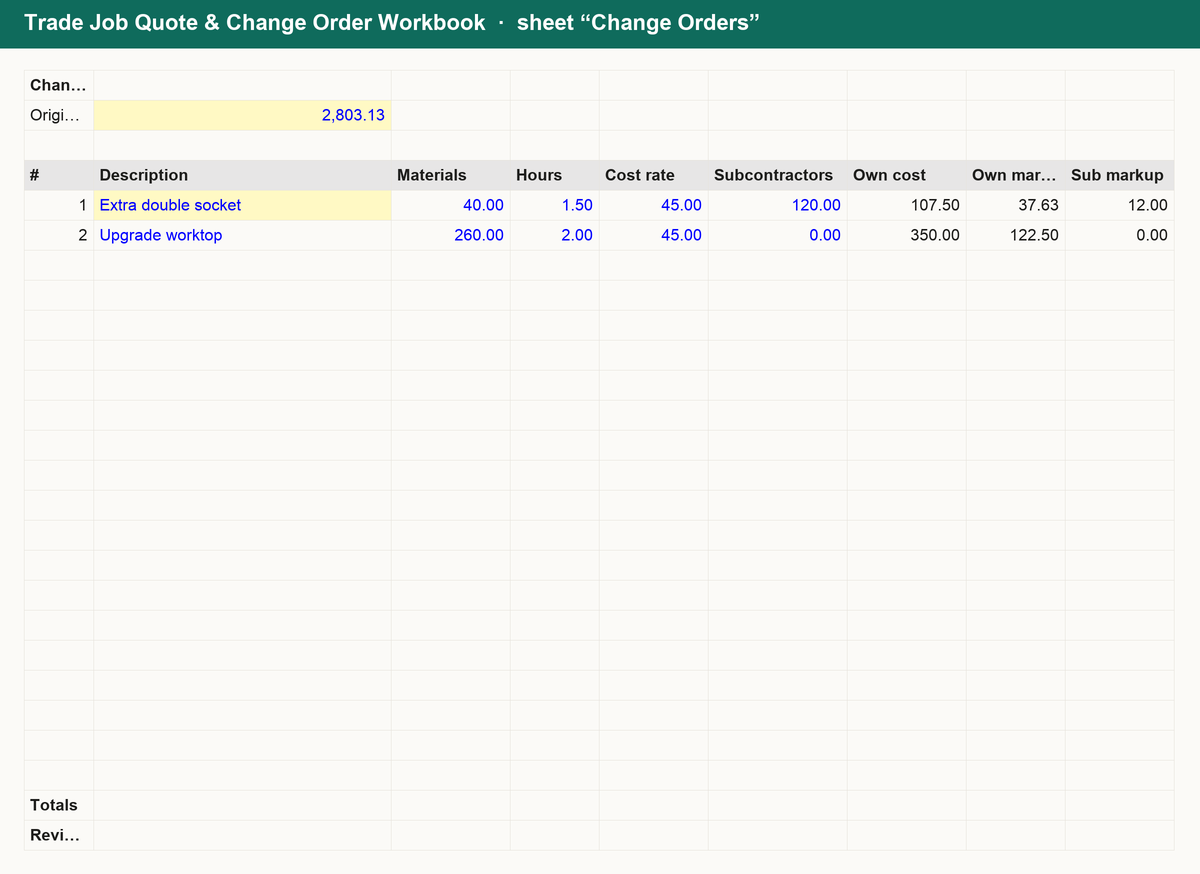
- Change orders: one row per change with materials, hours and subs; your markup on own work and on subs gives the change price, the revised contract total after each change and the change as a share of the original.
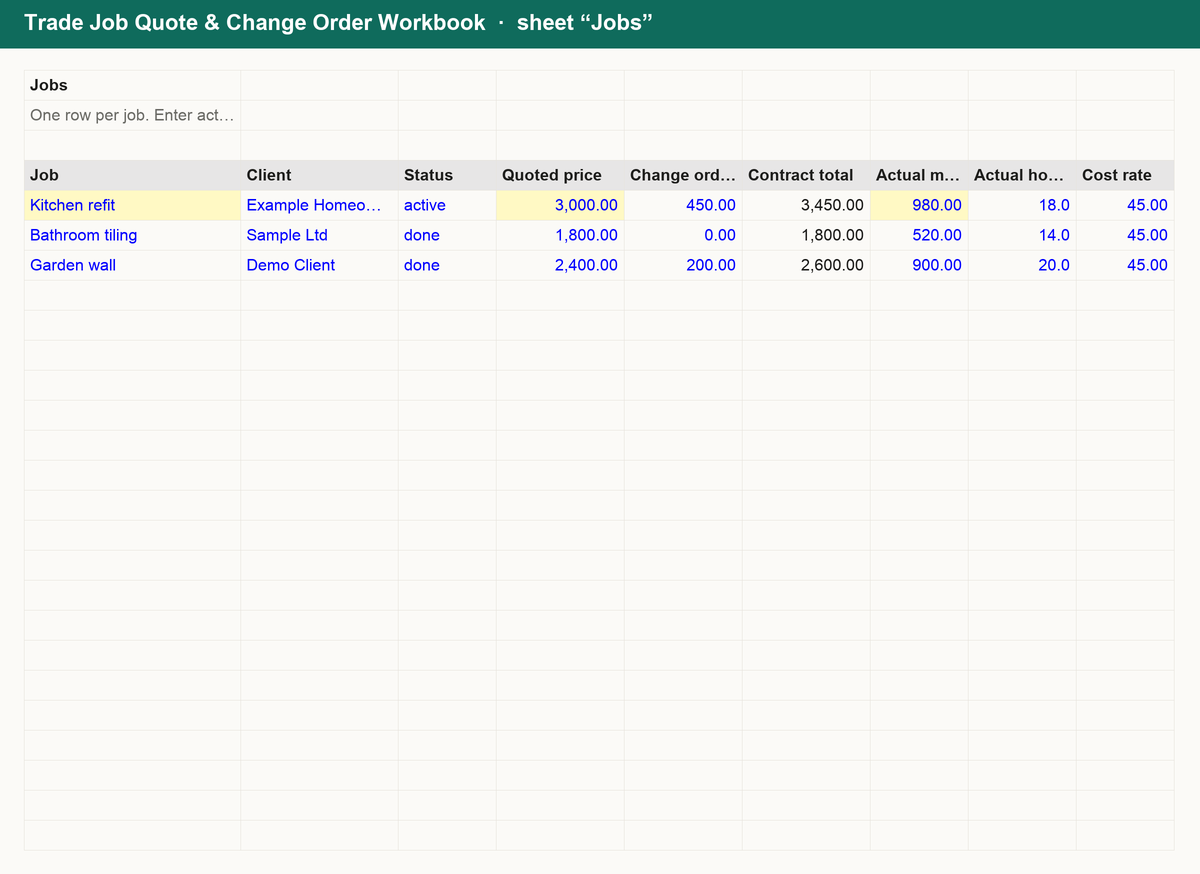
- Jobs: quoted price plus change orders against actual materials, hours and subs; cost, overhead, profit, margin, invoiced, paid and outstanding per job.
- Summary: contract value, cost, profit and margin across jobs, outstanding balances, and how many jobs fell below your target margin.
Works in Excel, Google Sheets and Numbers. No macros, no sign-up, yours forever.
Get it for $12
Payment is handled by Polar, the merchant of record. After checkout you land on a confirmation page and receive an email with a download link for the zip (the workbook plus a short README). The link stays valid, so you can download it again later.
Microsoft Excel 2010 or later, Google Sheets (File > Import) and Apple Numbers. There are no macros, so nothing needs enabling.
Yes. Refunds are handled by Polar under its refund policy; write to hello@knackdesk.com with the email you used at checkout and we will sort it out.
Polar adds the tax that applies in your country at checkout and issues the receipt, so the price shown is before any tax that applies to you.
Each kit is licensed for personal or single-business use. Use it for your own business and clients; please do not resell or redistribute the file itself.